Arc0 for individuals
Connect your own apps to your own agents, with one guardrail on anything destructive, no team or billing required.
Personal Arc0 is the same product, scoped to one person. There's no org, no customer id, and no bill — the plan label reads "Free". Reach it from the user menu's Personal Arc0, and come back to your team with Back to Acme.
Everything lives under /personal: My apps, My agents and Activity.
My apps
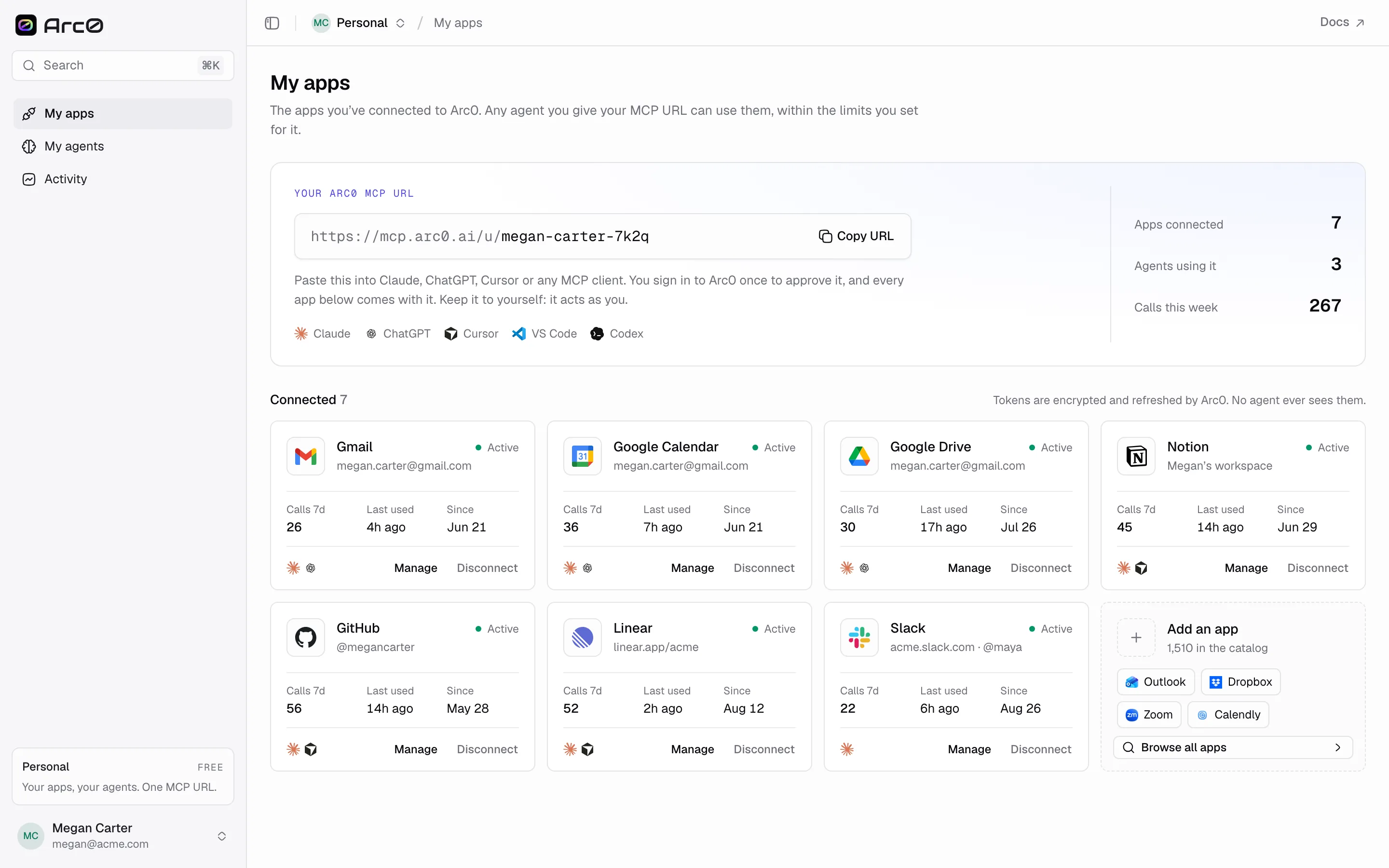
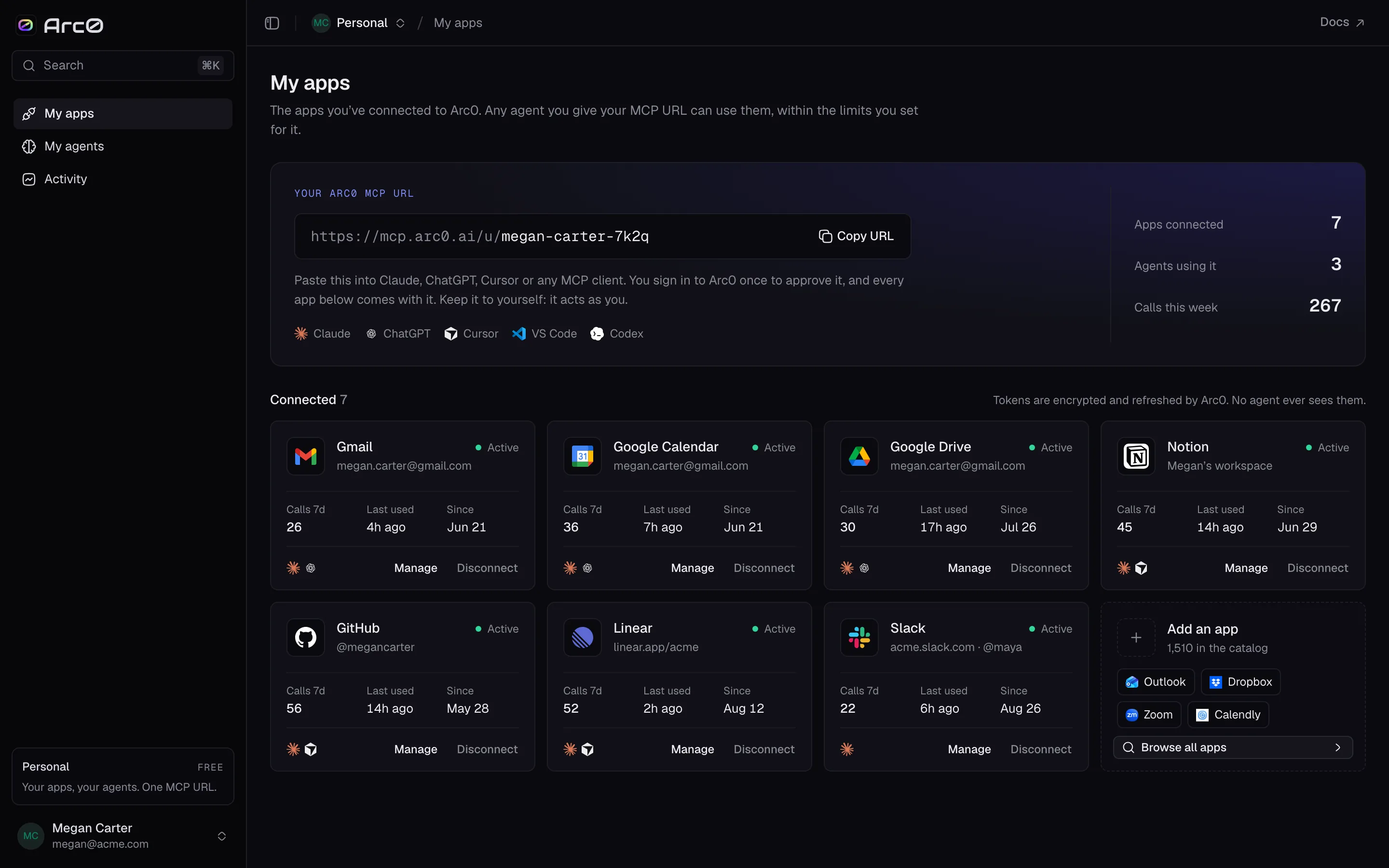
My apps shows the apps you've connected and your personal Arc0 MCP URL, something like
https://mcp.arc0.ai/u/megan-carter-7k2q. Three numbers sit at the top: apps connected, agents
using it, and calls this week.
Each connected app has Manage and Disconnect. Add an app takes you to the same catalog a project uses, so anything with a public MCP server or an OAuth flow is fair game — Gmail, Slack, Notion, whatever your agents need.
My agents
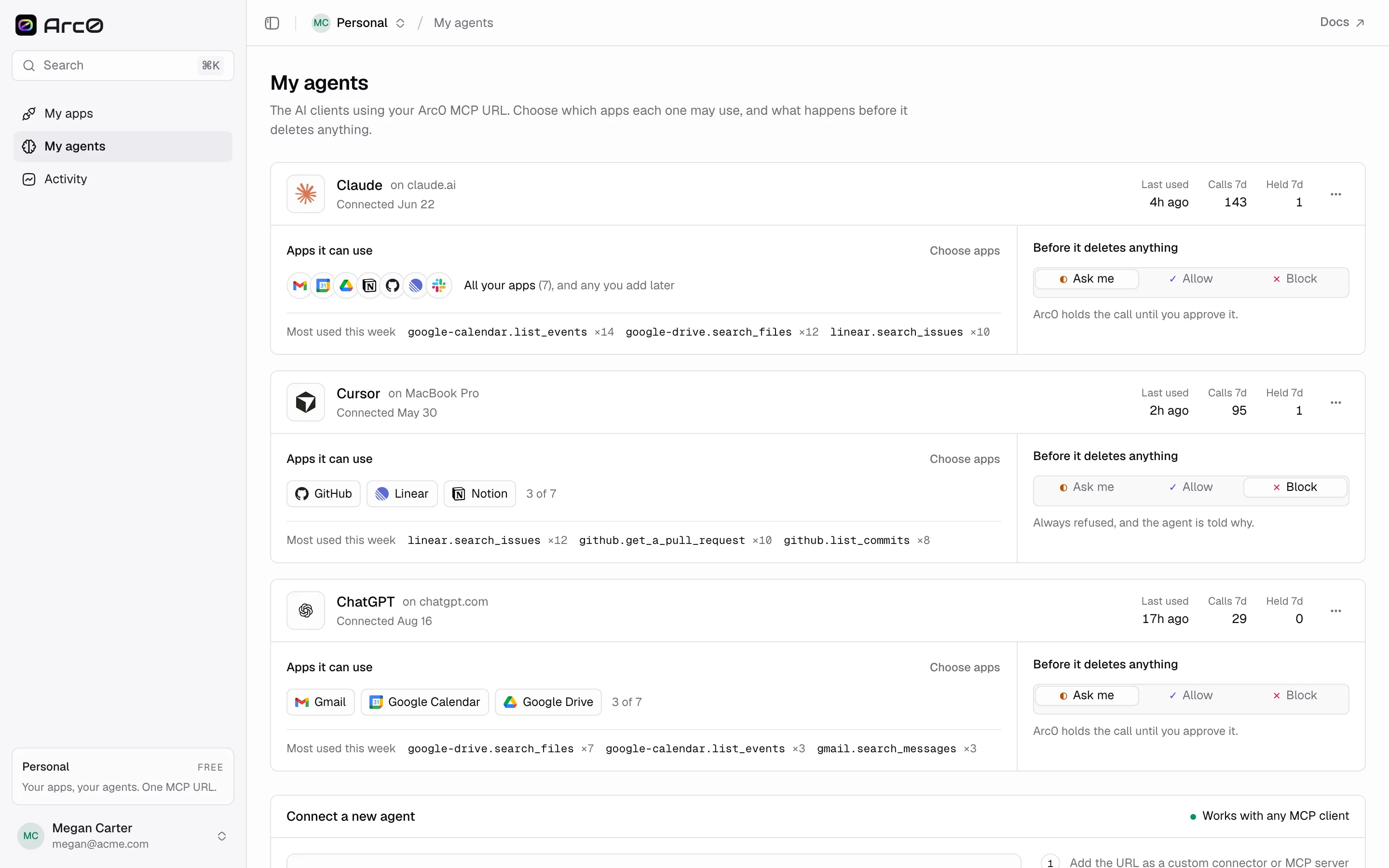
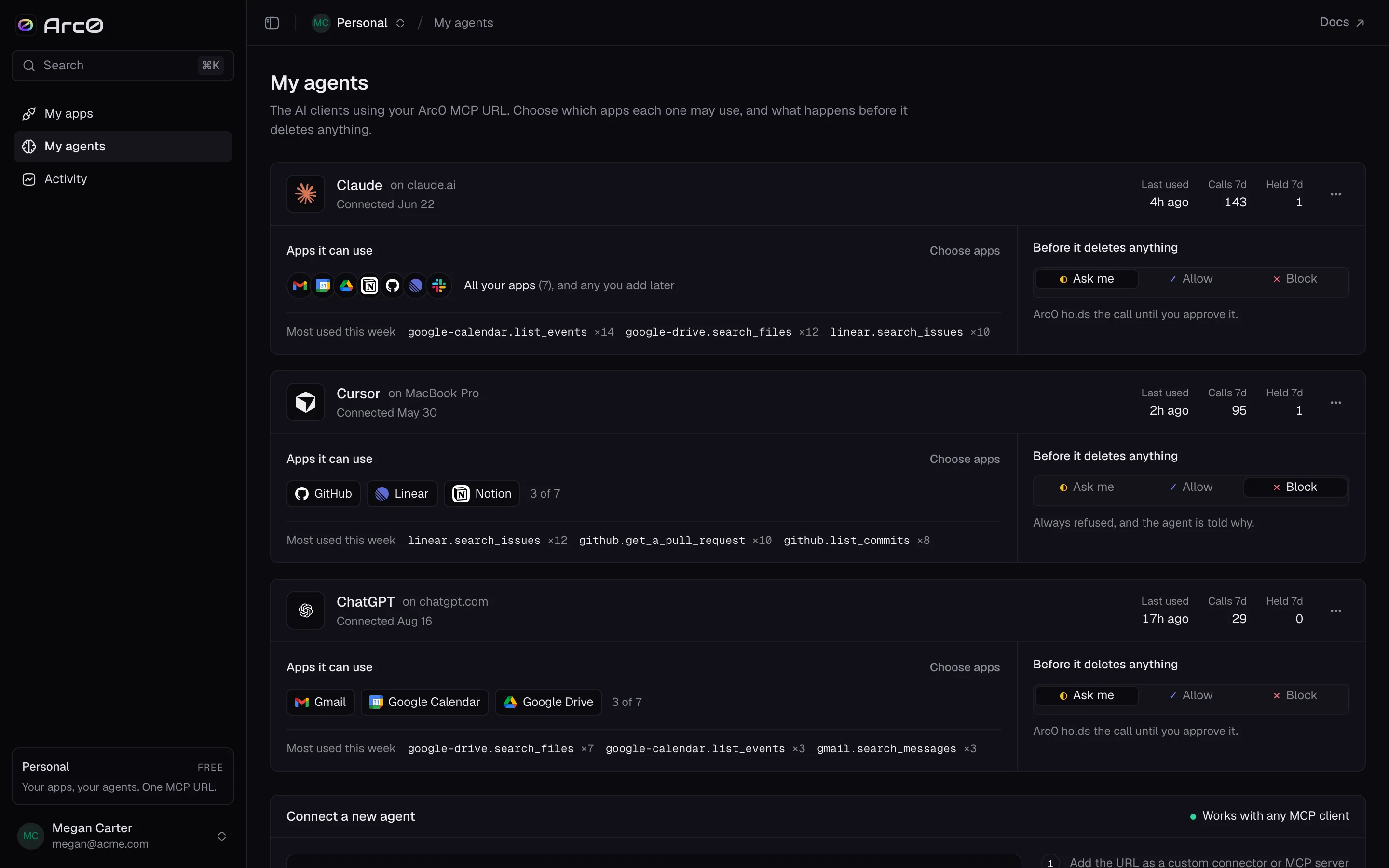
Every client that has called your MCP URL shows up here as a card, with calls and held calls over the last 7 days and when it was last used. Apps it can use lists what that agent can reach, with a Choose apps button to narrow it — an agent that only needs your calendar doesn't need your email too.
Before it deletes anything
Each agent has one guardrail, applied to destructive actions specifically — deleting a record, removing a file, revoking access:
| Setting | Rule | What happens |
|---|---|---|
| Ask me | ask | Arc0 holds the call until you approve it |
| Allow | allow | The call goes through automatically |
| Block | deny | The call never goes through |
"Ask me" is the setting most people leave in place. It doesn't slow down anything read-only or even most writes — it only stops the agent the moment it's about to delete something, until you say yes.
Connect a new agent walks through three steps: copy your MCP URL, paste it into the client's settings, then send it something to do so it shows up here.
Activity
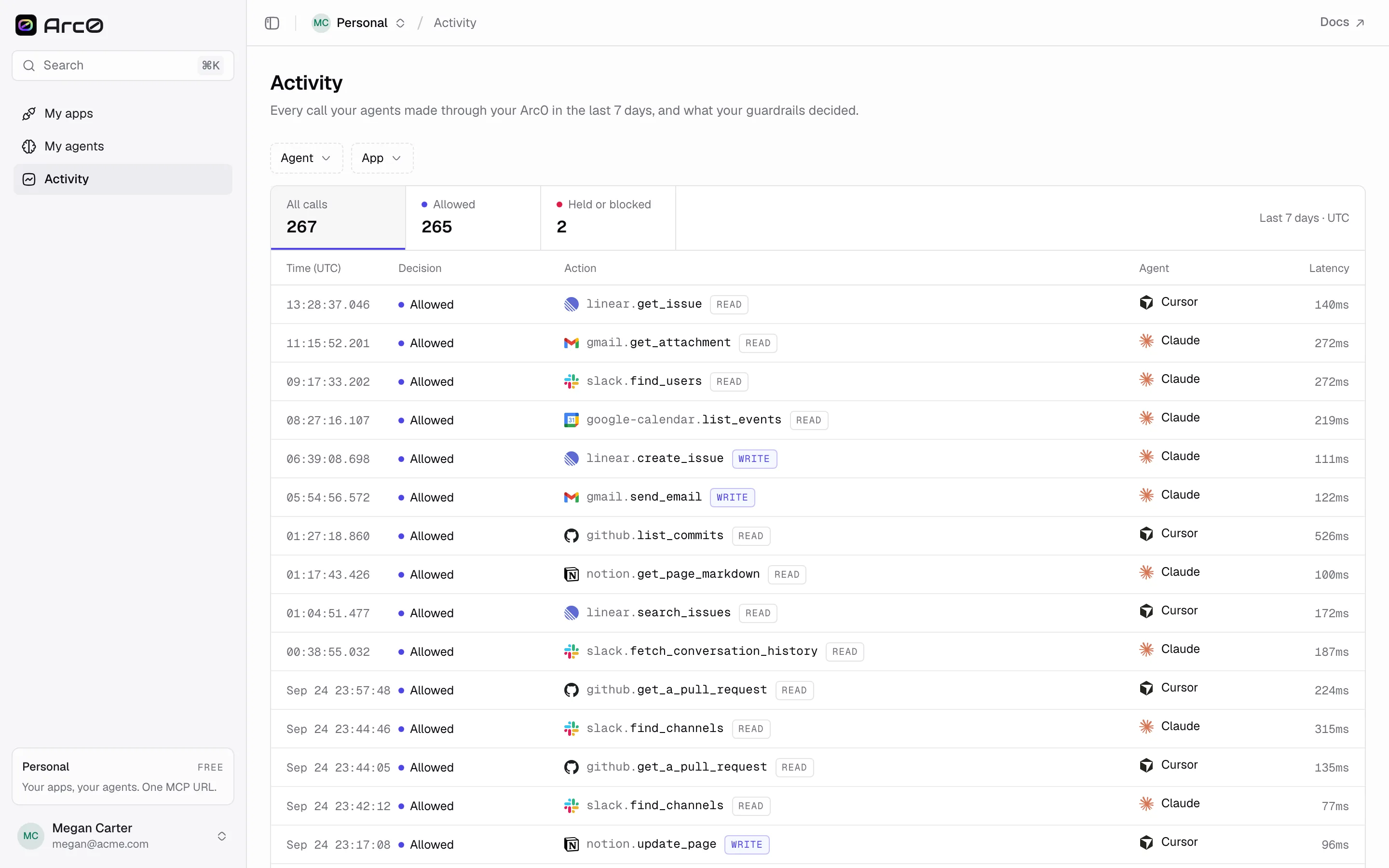
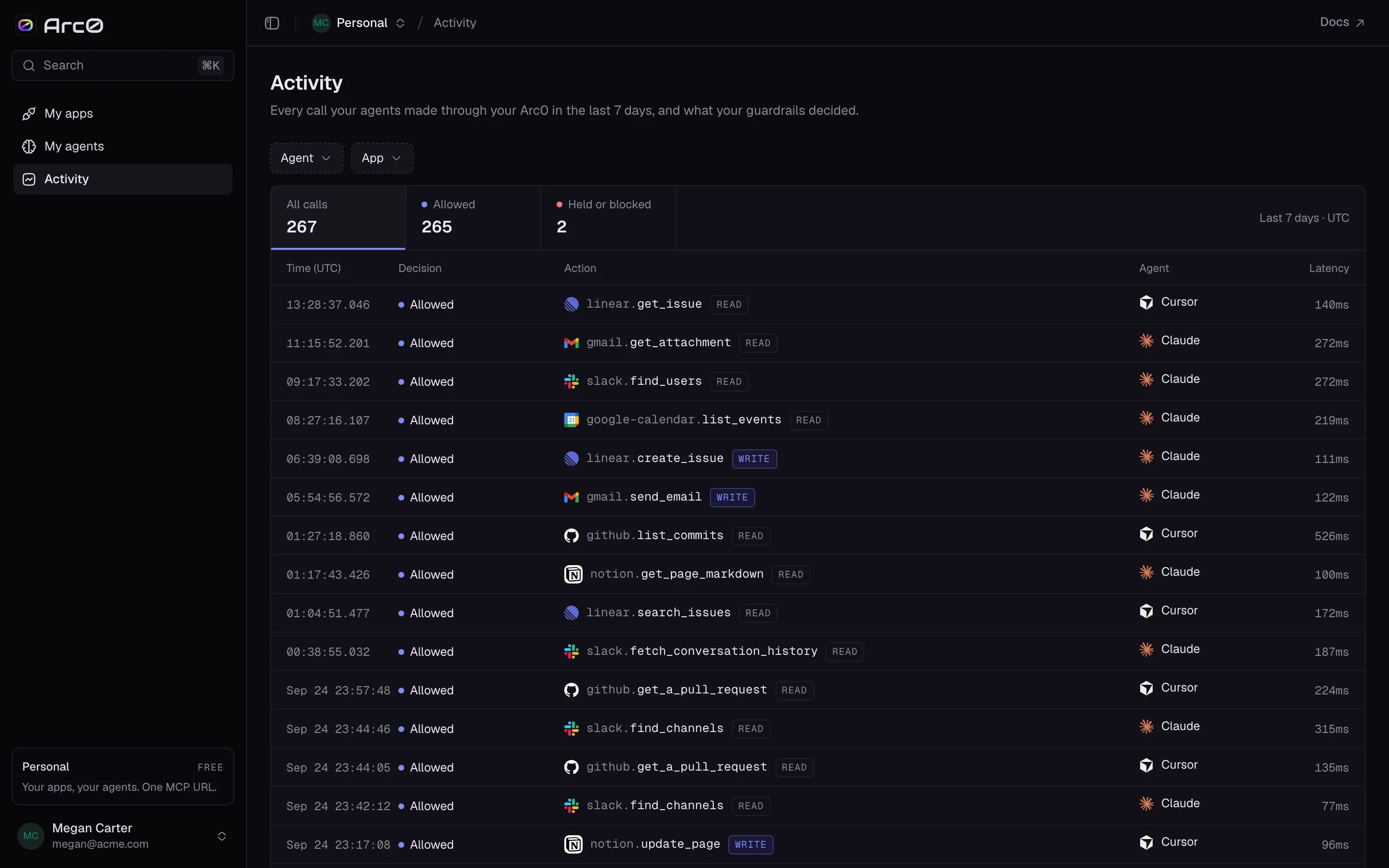
Activity is your own audit log: tabs for All calls, Allowed, and Held or
blocked, filterable by agent and app. A blocked or held call shows why — "Denied by your
settings" for a deny guardrail, "Waiting for you to approve" for one sitting on ask.
Setting up a client
Any MCP client works the same way: point it at your personal URL.
Settings → Connectors → Add custom connector, then paste your MCP URL.
The full client list, including ChatGPT, VS Code and Codex, is on MCP clients — personal and project MCP URLs are set up the same way.