Custom domains
Serve Arc0 Connect on your own hostname, verify it with DNS records, and see which projects use it.
Launch and Scale
A custom domain puts Arc0 Connect on your own hostname instead of connect.arc0.ai, so the URL your users see is yours too.
Add a domain
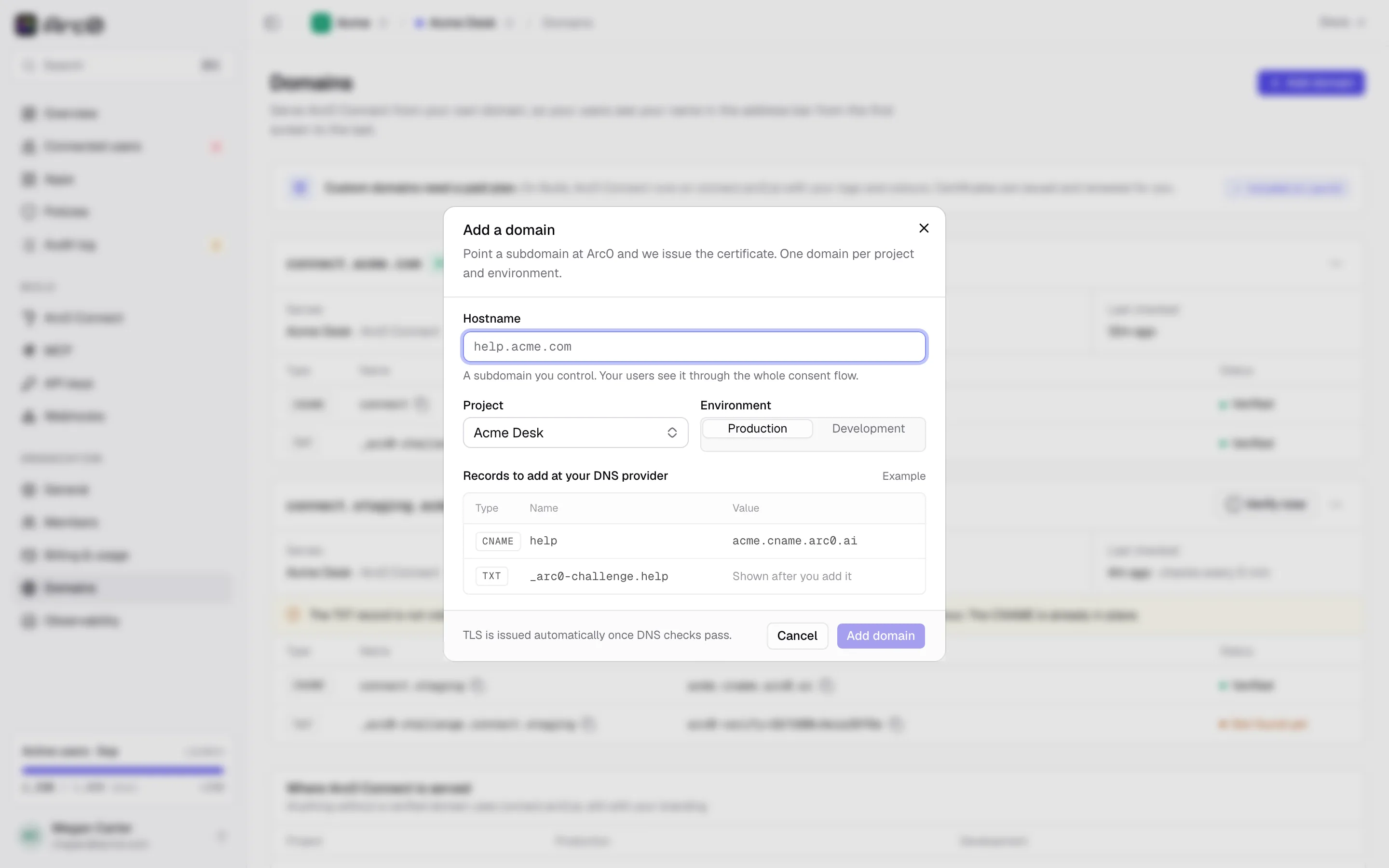
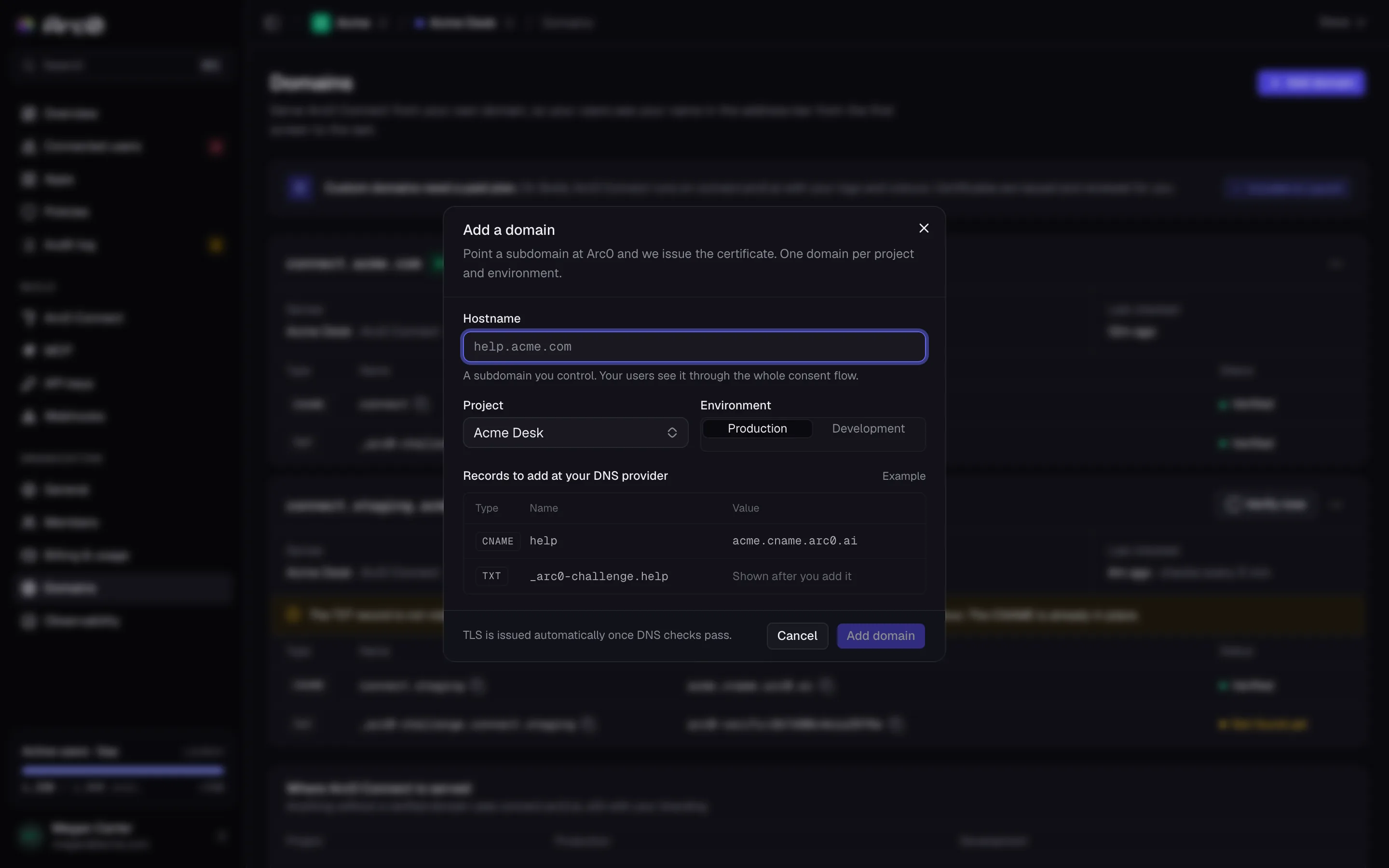
From Settings → Domains, Add a domain opens a dialog with three fields: Hostname (for example help.acme.com), Project, and Environment. A domain belongs to one project and one environment — add it again for development if you want a separate test hostname. The subdomain is yours to choose: connect.acme.com, auth.acme.com, whatever fits your setup.
DNS records
Point the hostname at Arc0 with a CNAME, then prove you own it with a TXT record:
CNAME connect → acme.cname.arc0.ai
TXT _arc0-challenge.connect → arc0-verify=9f1c2e7a4b6d8f03
Add both in your DNS provider, then come back and check status.
Verification
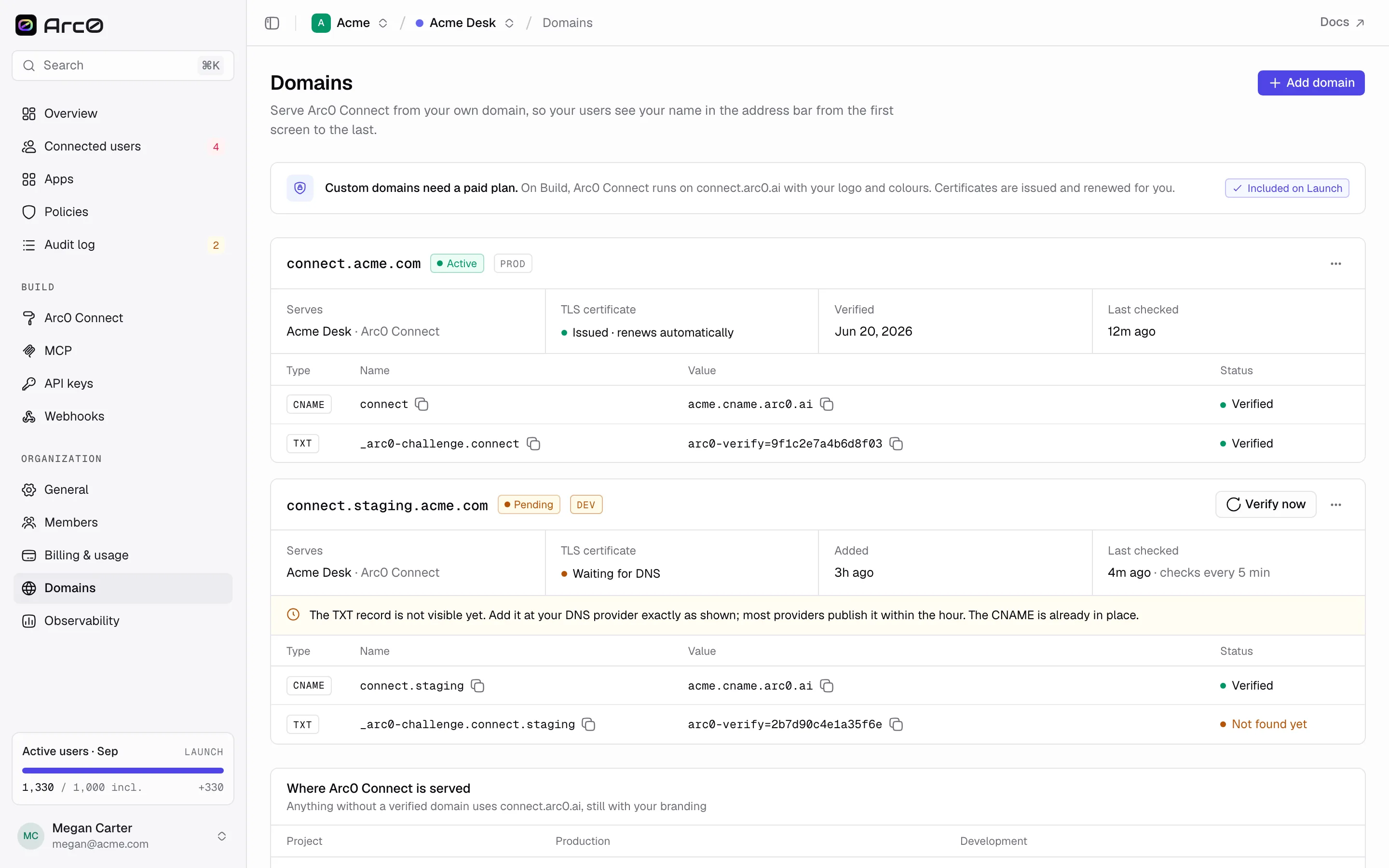
Each record shows one of three states: Verified, Not found yet, or Wrong value. Arc0 checks every 5 minutes on its own, or click Verify now to check immediately. DNS changes can take a few minutes to propagate, so a fresh record often shows Not found yet before flipping to Verified. The domain itself is active, pending, or failed, and only becomes active once both records are verified.
TLS
Once verification passes, Arc0 issues a certificate automatically. The status reads Issued · renews automatically, or Waiting for DNS if verification hasn't completed yet. There's nothing to renew yourself.
Which projects use it
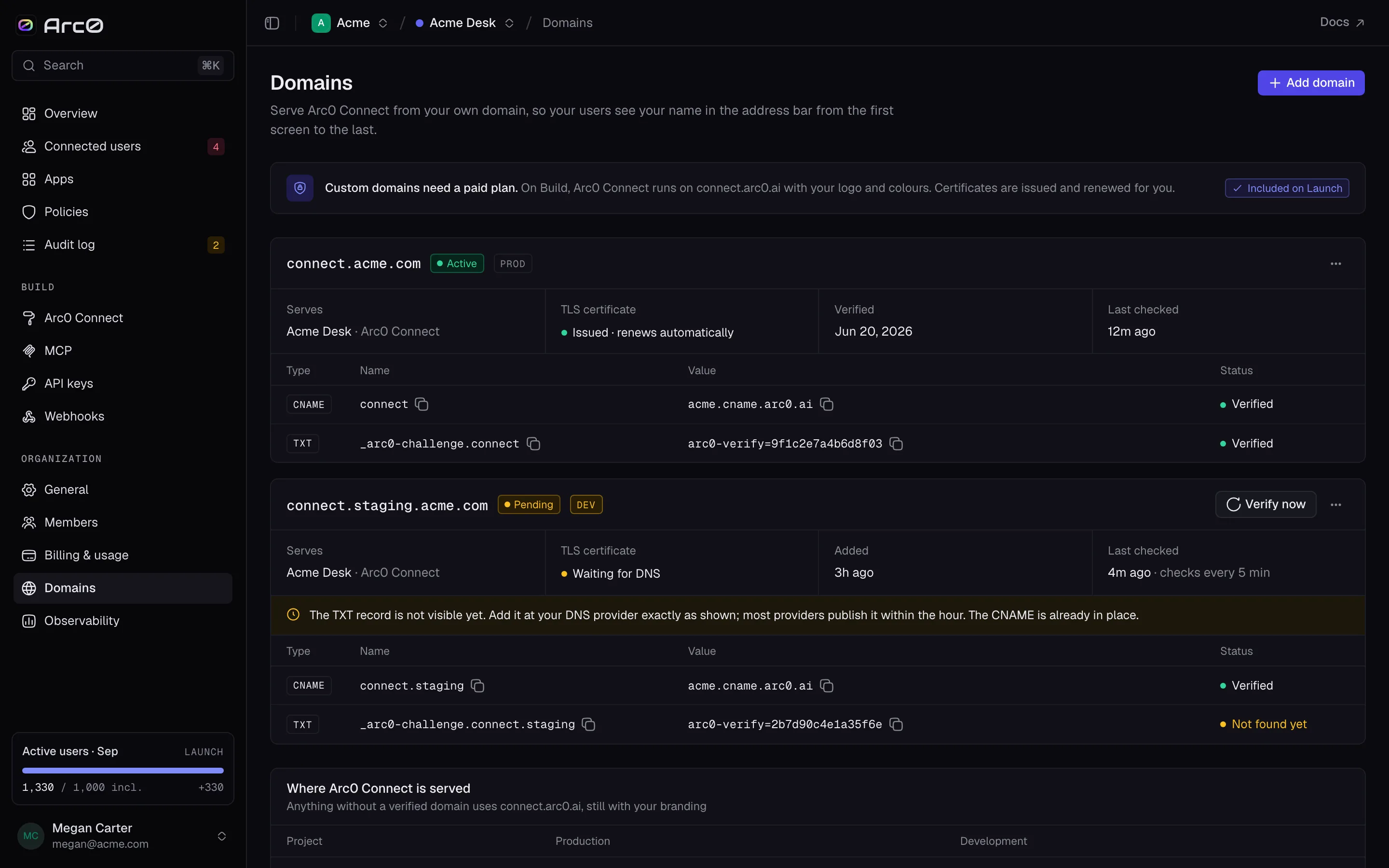
The domains list shows every hostname next to the project and environment it's scoped to, so a team running several products can tell at a glance which domain serves which one. Once a domain is active, set it as the Custom domain in that project's Branding editor to actually put connect links on it.