Members and roles
How Arc0's four roles govern who can manage apps and billing, invite teammates, and control org-wide settings.
Everyone in your org has one role, set when they're invited and changeable later from Settings → Members. Roles are the same across every project in the org.
Roles
| Capability | Owner | Admin | Developer | Viewer |
|---|---|---|---|---|
| View apps, policies, audit log and usage | ✓ | ✓ | ✓ | ✓ |
| Enable apps, edit policies, create API keys and webhooks | ✓ | ✓ | ✓ | — |
| Invite and remove members | ✓ | ✓ | — | — |
| Change the plan and payment method | ✓ | ✓ | — | — |
| Export connection tokens | ✓ | — | — | — |
| Delete the organization | ✓ | — | — | — |
A Developer can do the work of running a project — turn on apps, write policies, mint API keys — without touching who's on the team or what it costs. A Viewer can look at anything but change nothing, which is enough for someone who needs to check the audit log or a policy without being able to break it. Only an Owner can export tokens or delete the org; an Admin can run the team day to day but stops there.
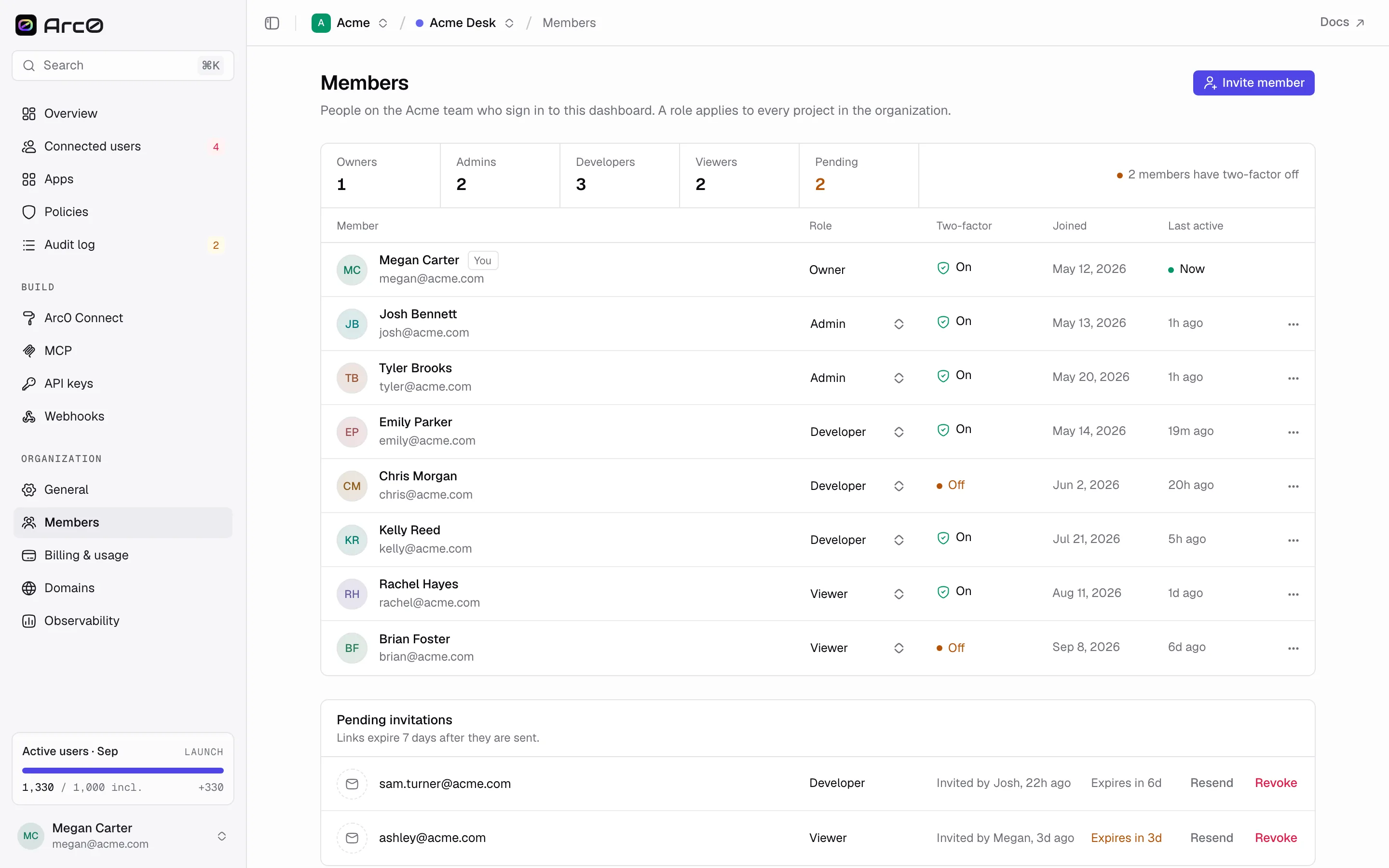
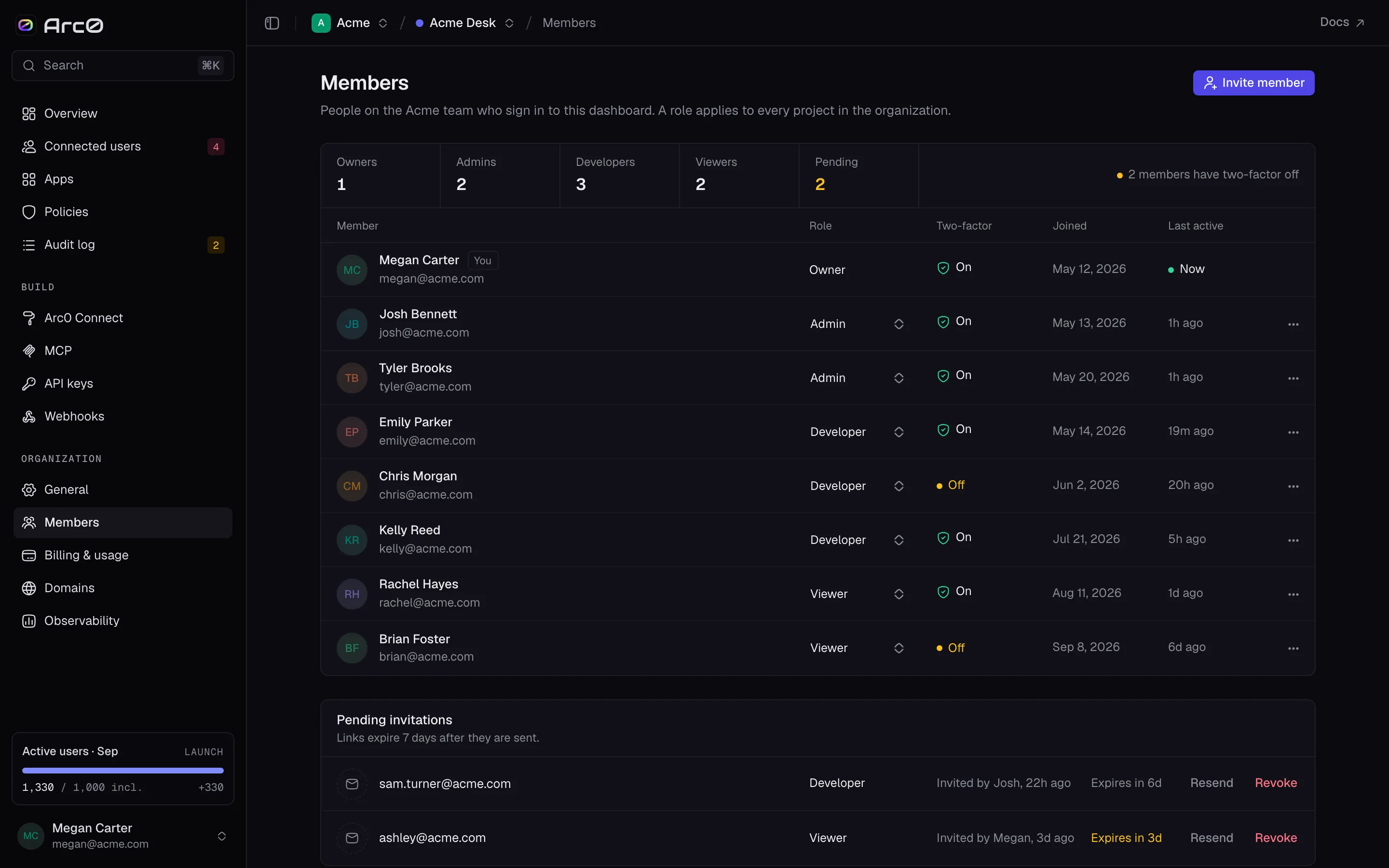
The Members table also shows Two-factor, so you can see at a glance who has it turned on. There's no separate policy for it today — it's a status you check, not a rule you set — but it's worth turning on for anyone with Owner or Admin access, since those roles can change billing and export tokens.
Inviting a teammate
Open the invite dialog
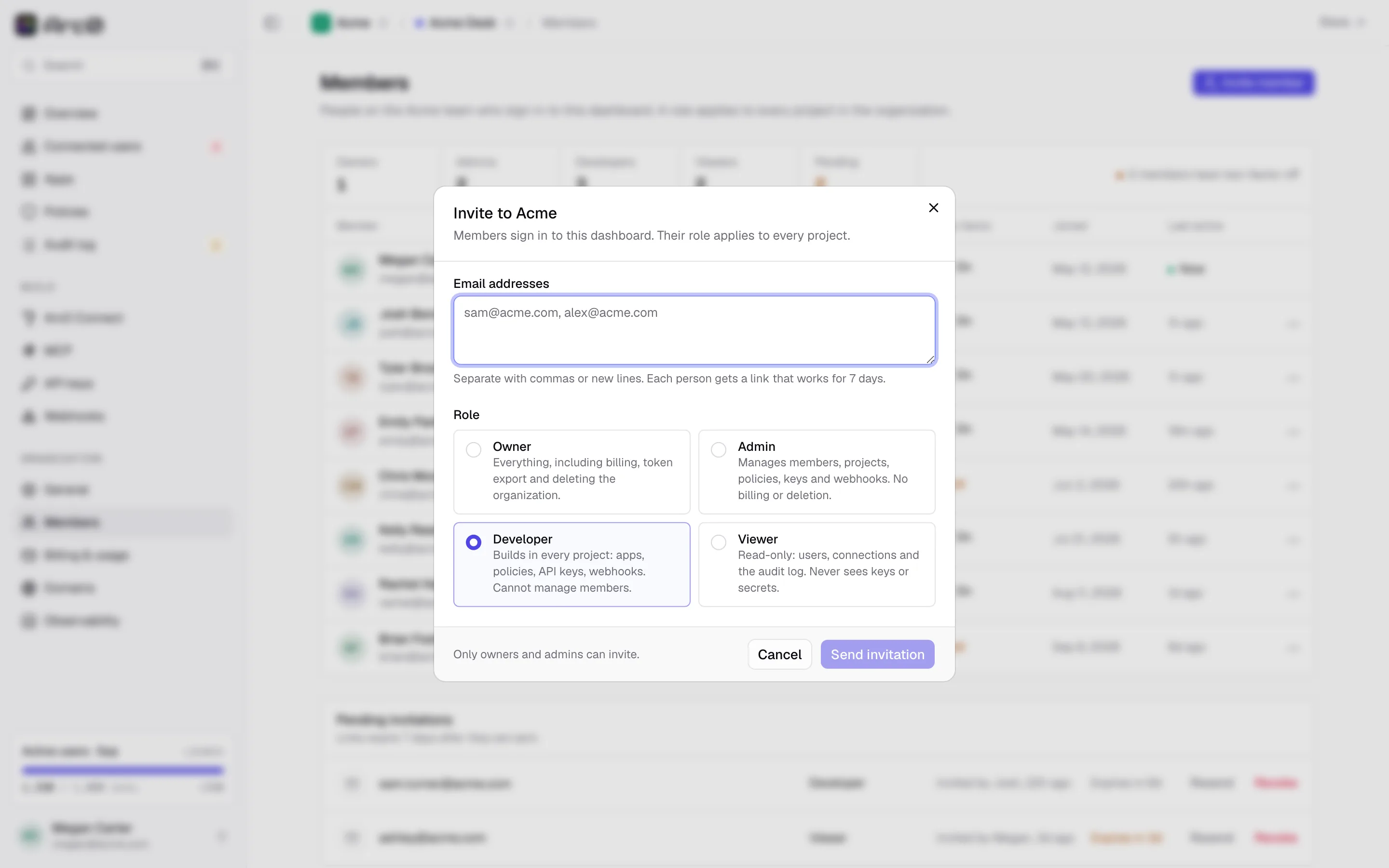
From Settings → Members, click Invite to Acme.
Add emails and a role
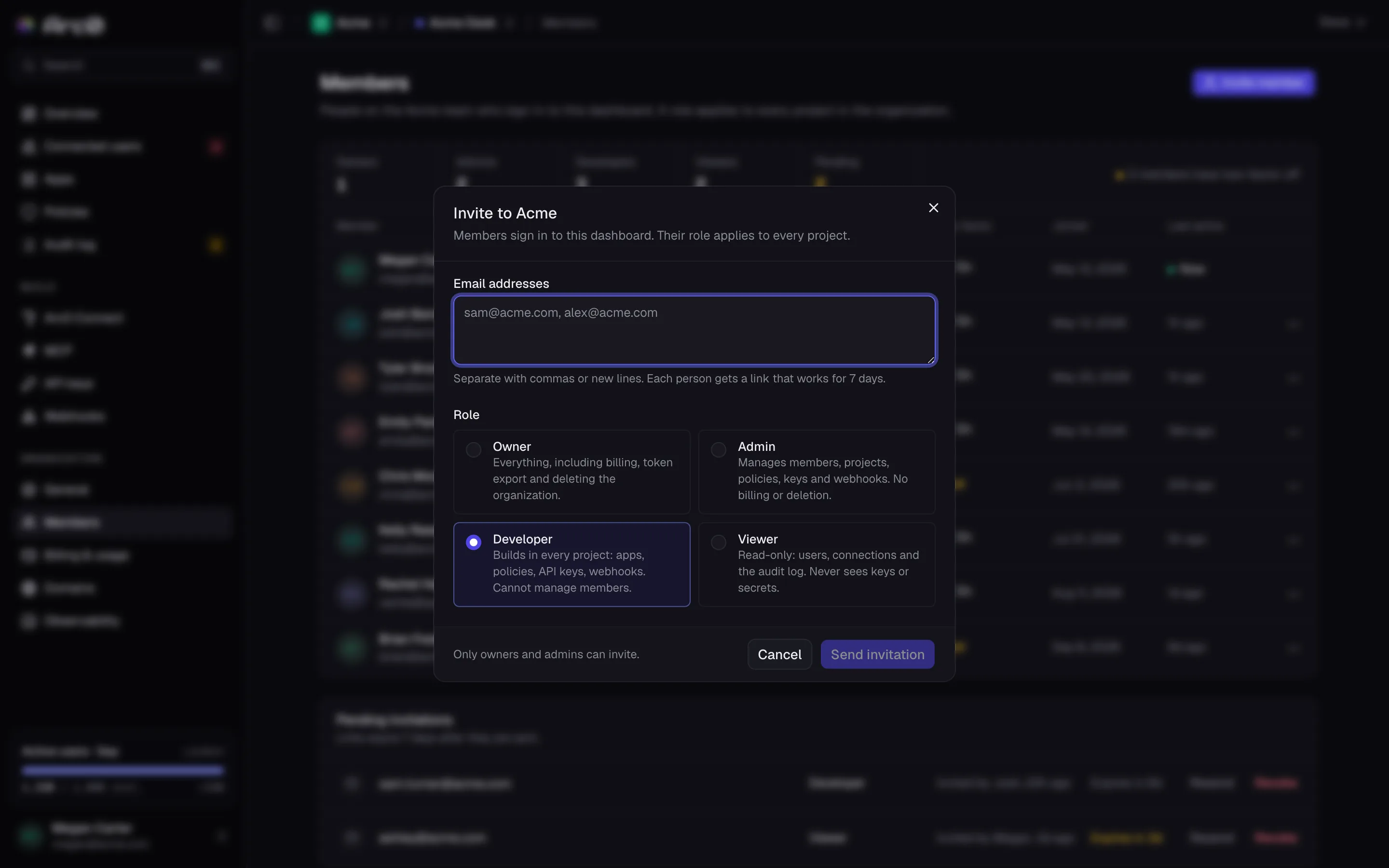
Enter one or more Email addresses and pick a Role. Everyone on the invite gets the same role — send a second invite if you need to mix roles.
Send it
Send invitation adds each address to Pending invitations. The link in the email expires after 7 days; from that list you can Resend it or Revoke it before it's used.
Organization settings
Settings → General holds the org-wide fields that don't belong to any one project.
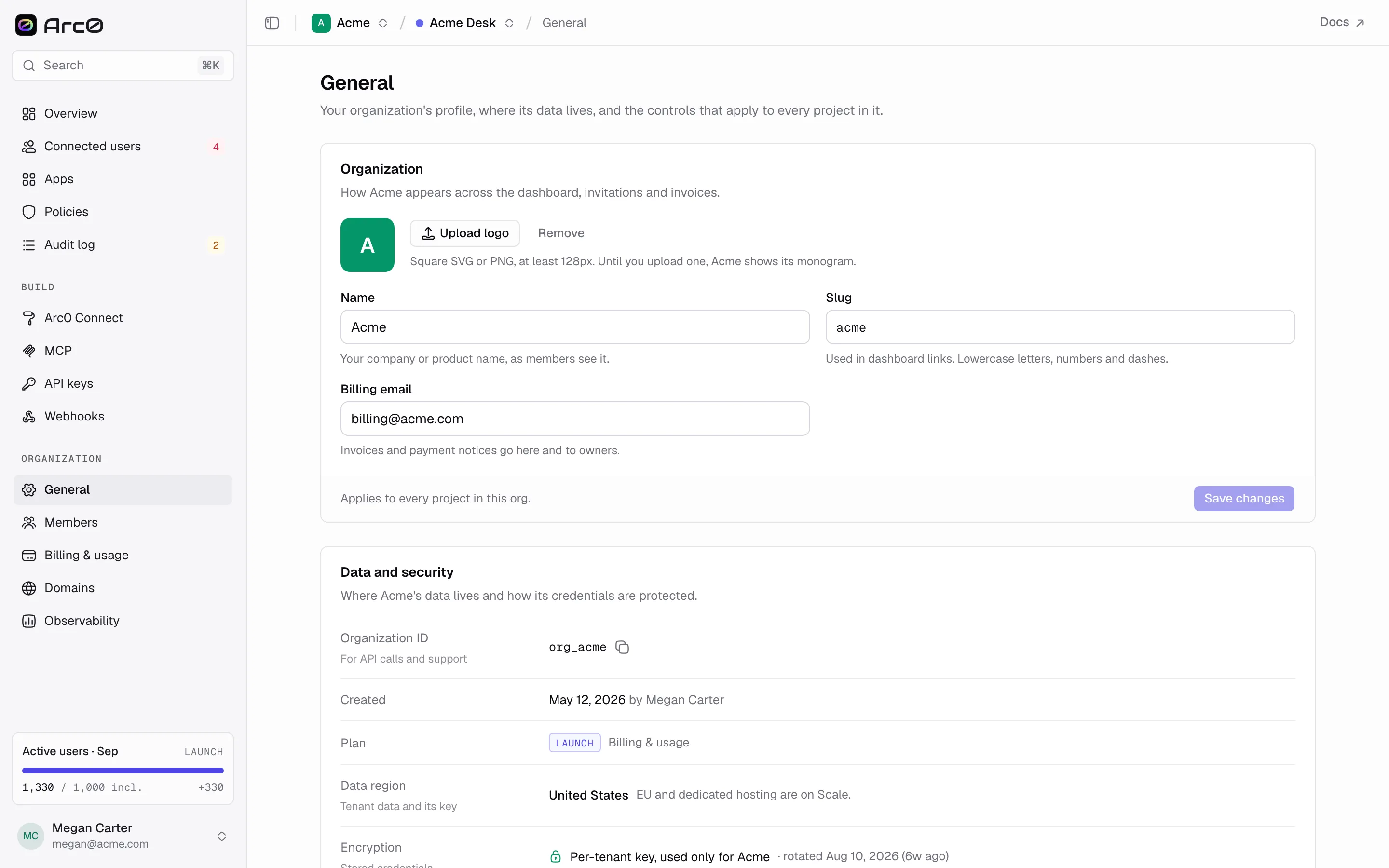
Organization covers the name, slug, billing email and logo shown across the dashboard and in Arc0 Connect.
Data and security is read-only: the org id, when it was created, the current plan, the data region (United States or European Union), and that data is encrypted with a per-tenant key.
Token export lets an Owner pull every connection token for the org in one request — everyone else can still export a single connection's tokens through the API if their key allows it, but only an Owner can export all of them at once. See Token export.
Danger zone holds Delete organization, which removes the org, its projects, and every connection in them. There's no undo.