API keys
Create scoped keys per project and environment, see the secret once, and roll or revoke them later.
An API key authenticates the REST API and the SDK. Every key belongs to one project and one environment, and carries one access level.
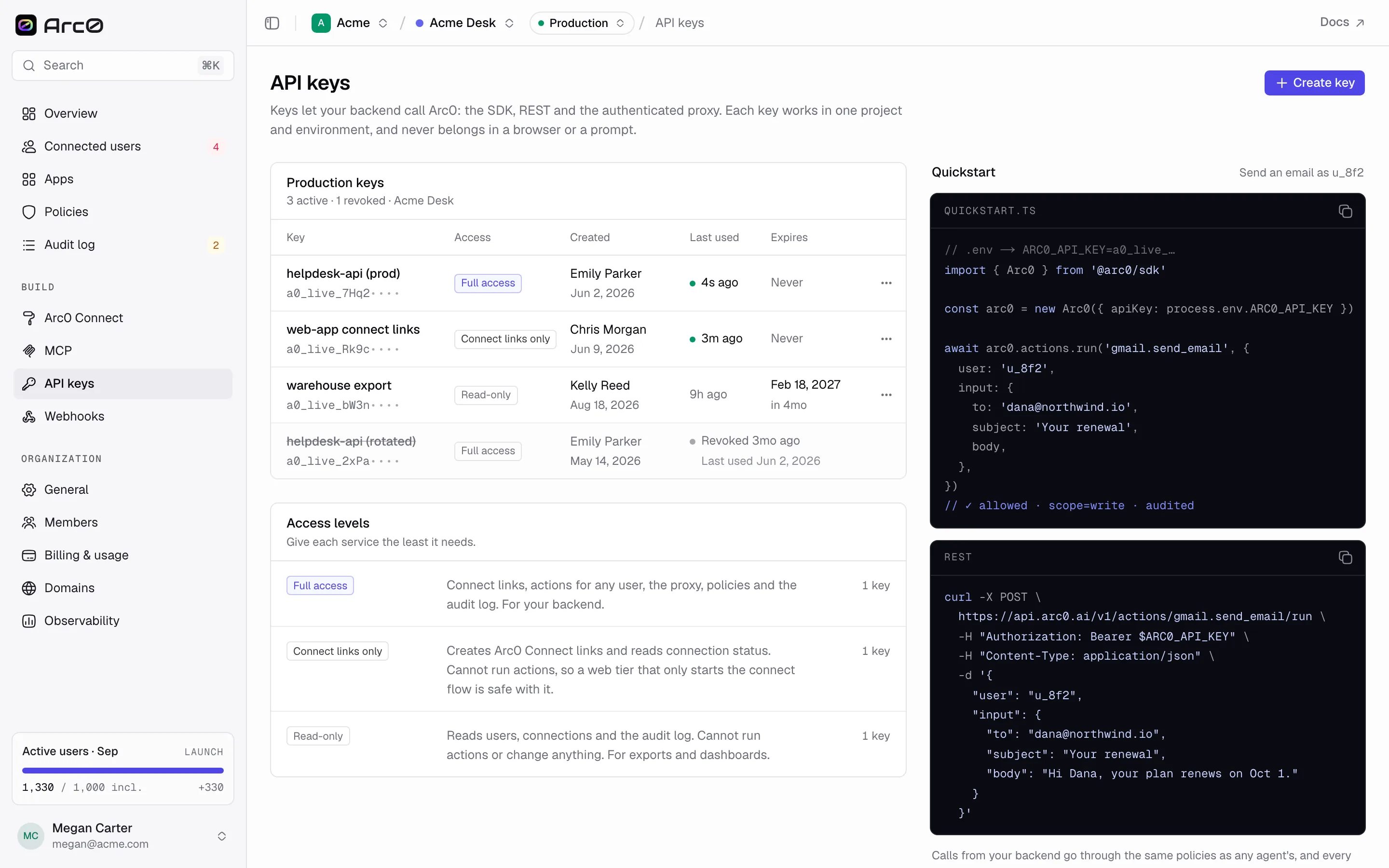
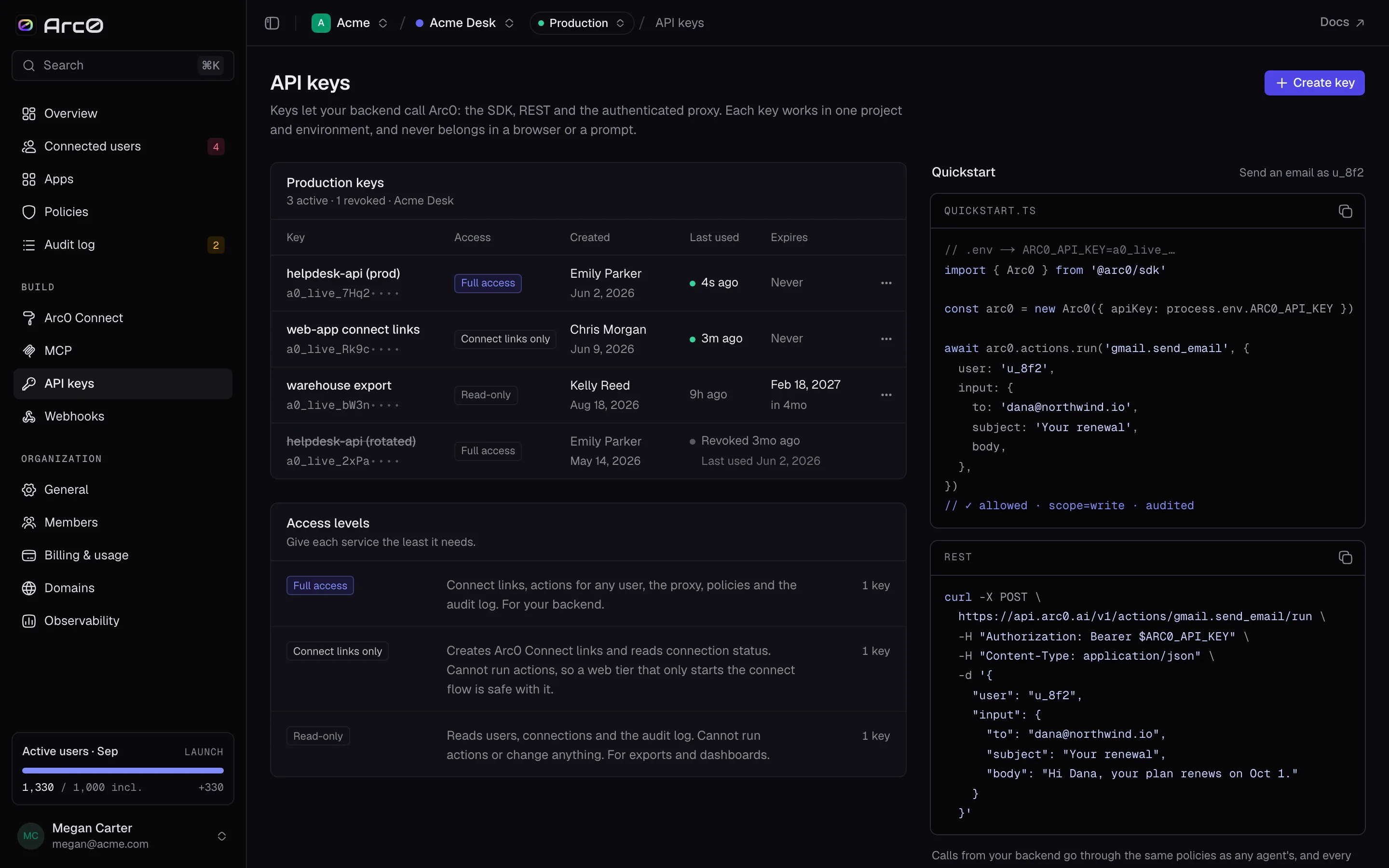
Access levels
| Level | Can do |
|---|---|
| Full access | Everything, including arc0.connections.export |
| Connect links only | arc0.connect.createLink and nothing else |
| Read-only | List and get calls — no runs, no writes |
Give a key the narrowest level that does the job. A key you paste into a script that only generates connect links for new signups should carry Connect links only, not Full access.
Environments and prefixes
A key is a production key or a development key, never both, and the prefix tells you which at a glance:
a0_live_— productiona0_test_— development
The secret is the prefix plus 32 characters. The table only ever shows the prefix and the
first few characters, like a0_live_7Hq2•••• — the rest is never shown again after
creation.
Creating a key
Open the create dialog
From API keys, click Create key. Give it a name that says what it's for —
billing-worker, not key-3.
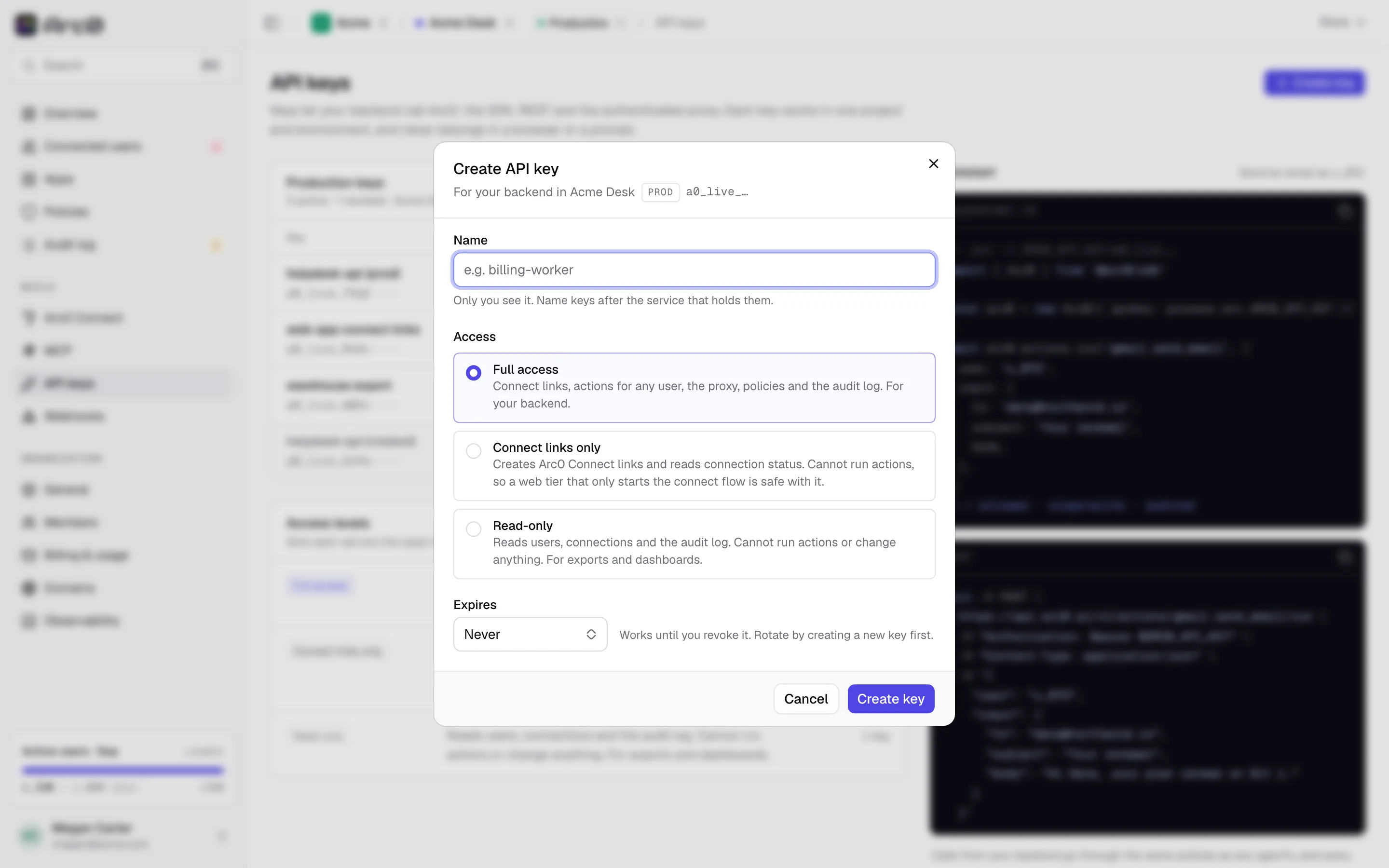
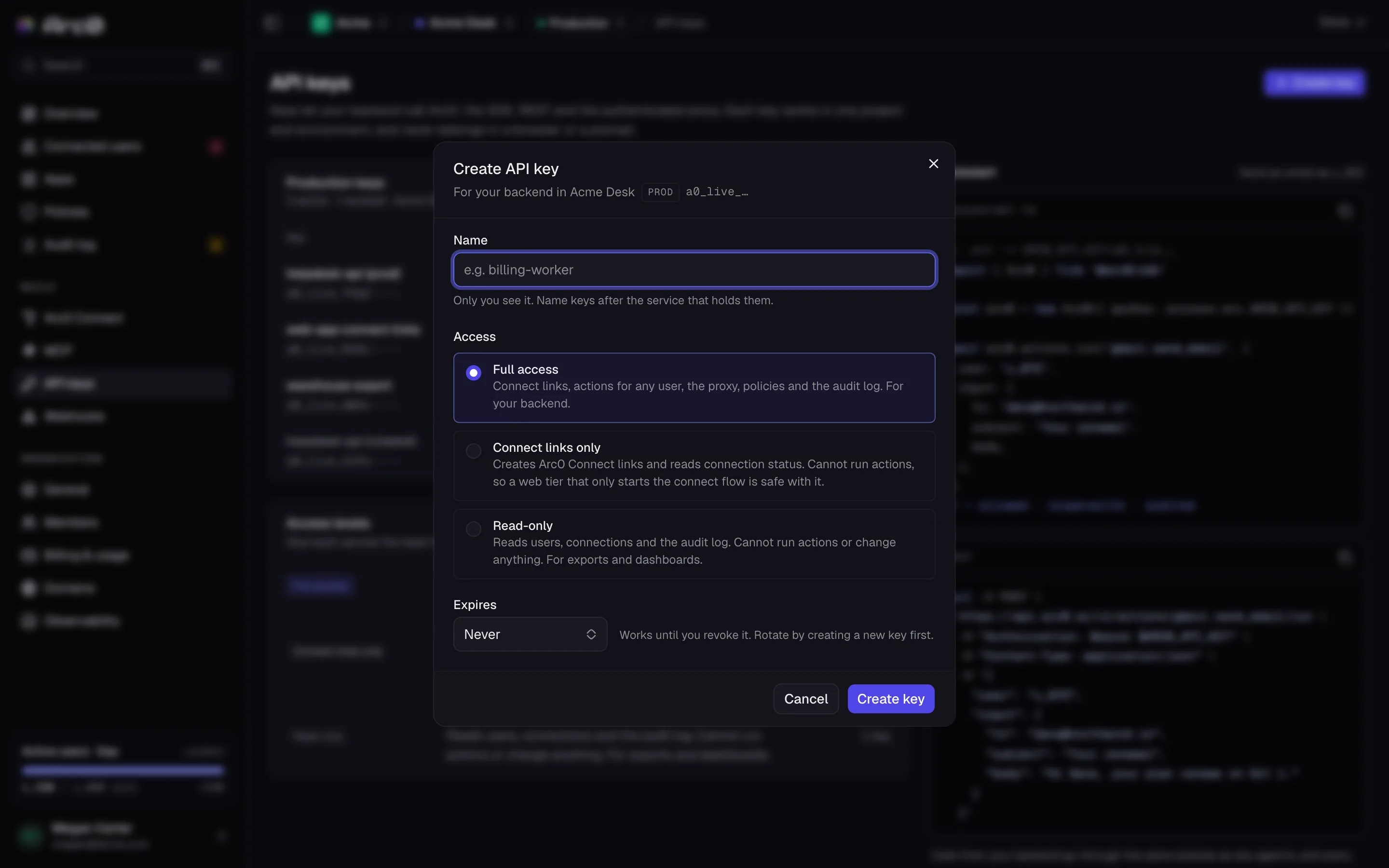
Set the access level and expiry
Pick Full access, Connect links only or Read-only, and an expiry: Never, 30 days, 90 days or 1 year. An expiring key is a good default for anything short-lived, like a migration script.
Click Create key.
Copy the secret
The full secret is shown exactly once.
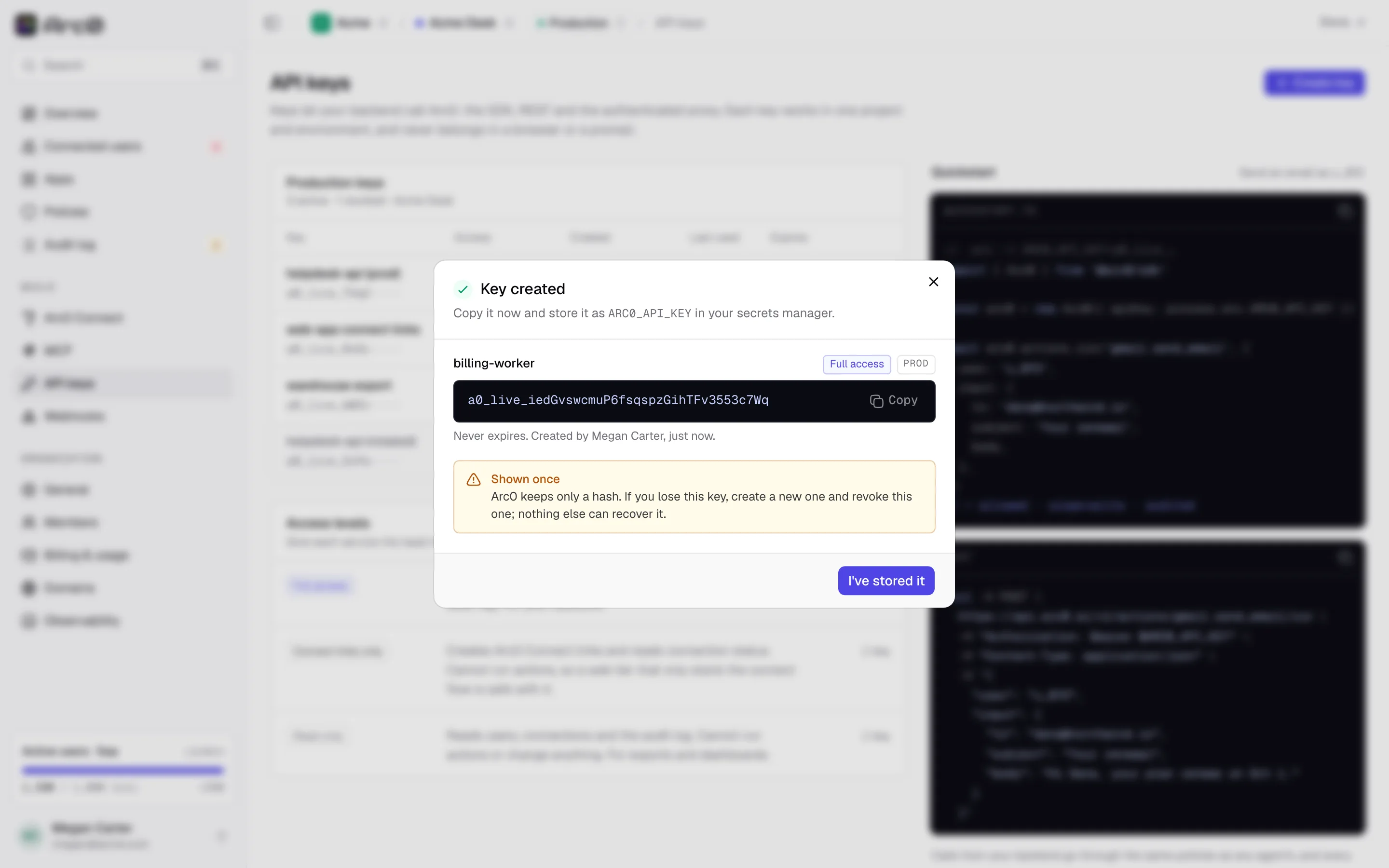
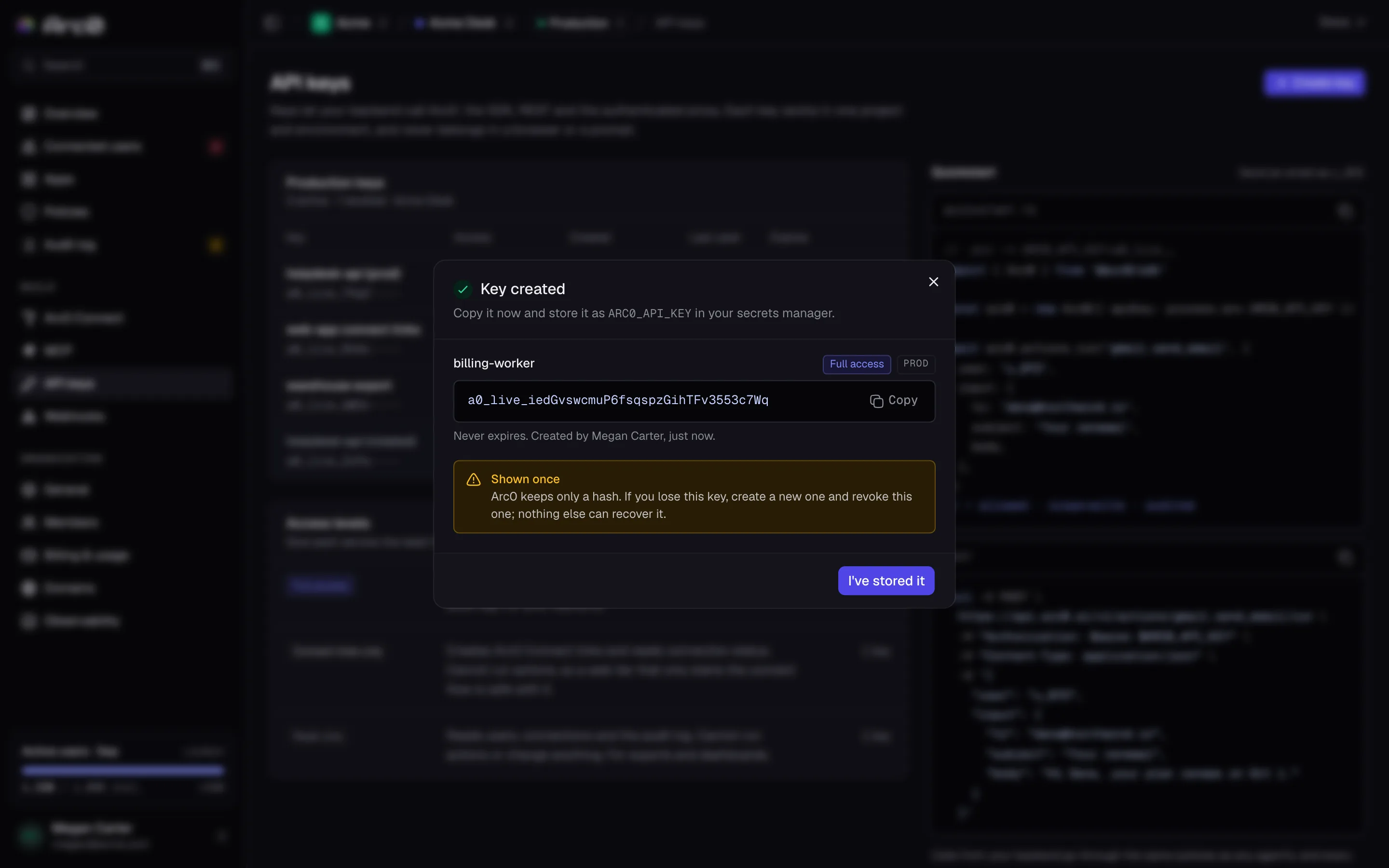
Store it as ARC0_API_KEY before you close this dialog. Arc0 keeps only a hash, so there's
no way to recover it later — you'd have to roll the key and update every caller.
Click I've stored it once it's saved somewhere real.
Rolling and revoking
Each key's row menu has three actions:
- Rename — changes the label, not the secret.
- Roll key — issues a new secret under the same name, access level and environment, and invalidates the old one. Use this if a key may have leaked but callers still need to keep working once you update it.
- Revoke key — invalidates the secret immediately, with no replacement. A revoked key
shows
Revoked {time}and can't be un-revoked.