GitHub
Connect a GitHub account, search and list repositories, and create issues with Arc0 policies and an audit trail.
Arc0 connects to GitHub using OAuth. Repository search uses GitHub's official MCP server; profile reads, repository listing and issue creation currently use GitHub's REST API. Every action passes through Arc0's connection selection and policy checks.
This guide describes the implemented local runtime. Real-provider OAuth, reads, issue creation, two-account isolation and credential cleanup have passed locally. Hosted connection setup has not been deployed. The examples use fictional accounts and repositories. A catalog listing alone does not establish a working connection.
Connect an account
Enable GitHub for the project, choose the end user who will own the connection, and create a connection link. Open that link and select Authorize connection. Check the GitHub account shown on the consent screen before authorizing. Organization resources may require organization approval or SSO authorization in GitHub.
The current fixed OAuth request includes read:user and repo. The repo scope grants broad
repository permissions; it is not limited to the repository named in a call. Arc0 policies
limit which action categories can execute. Per-repository consent controls and configurable
OAuth scopes are not implemented.
After consent, Account connected confirms activation. If you cancel, Arc0 consumes that authorization attempt and shows Connection cancelled. Create a new connection link to try again. Connection links expire after ten minutes, and authorization attempts after five.
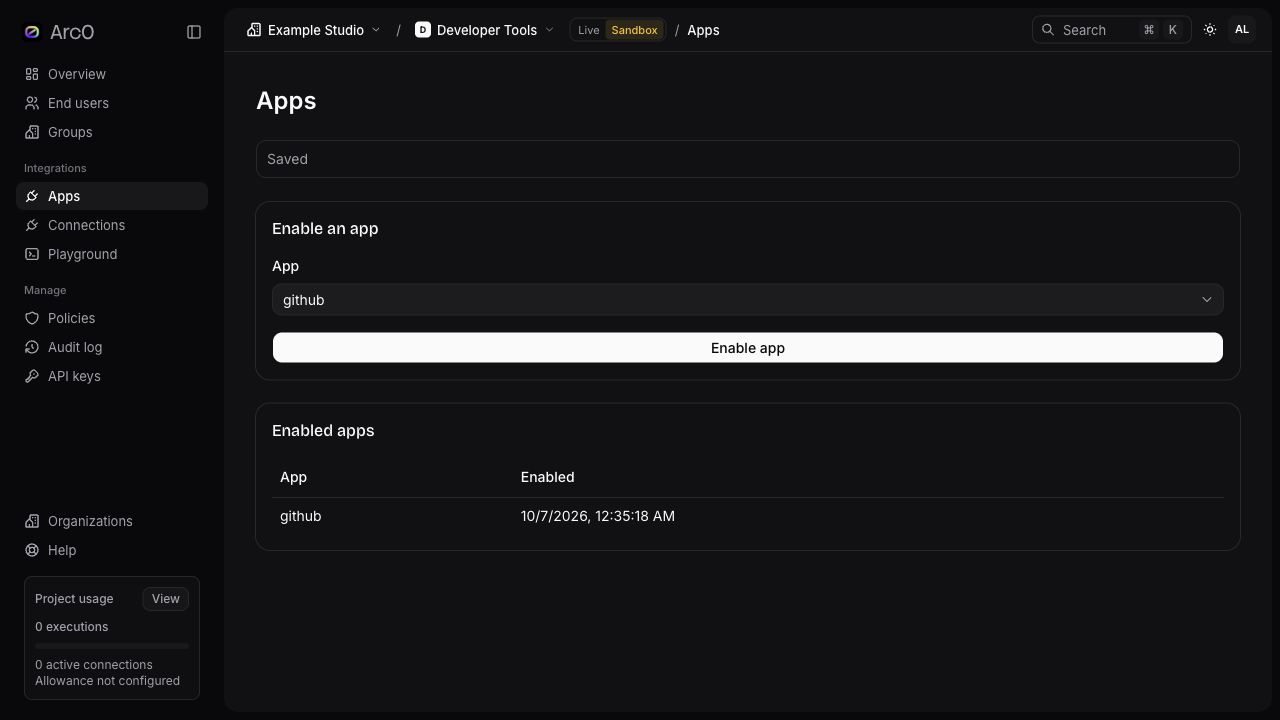
The local setup above uses fictional organization and project names.
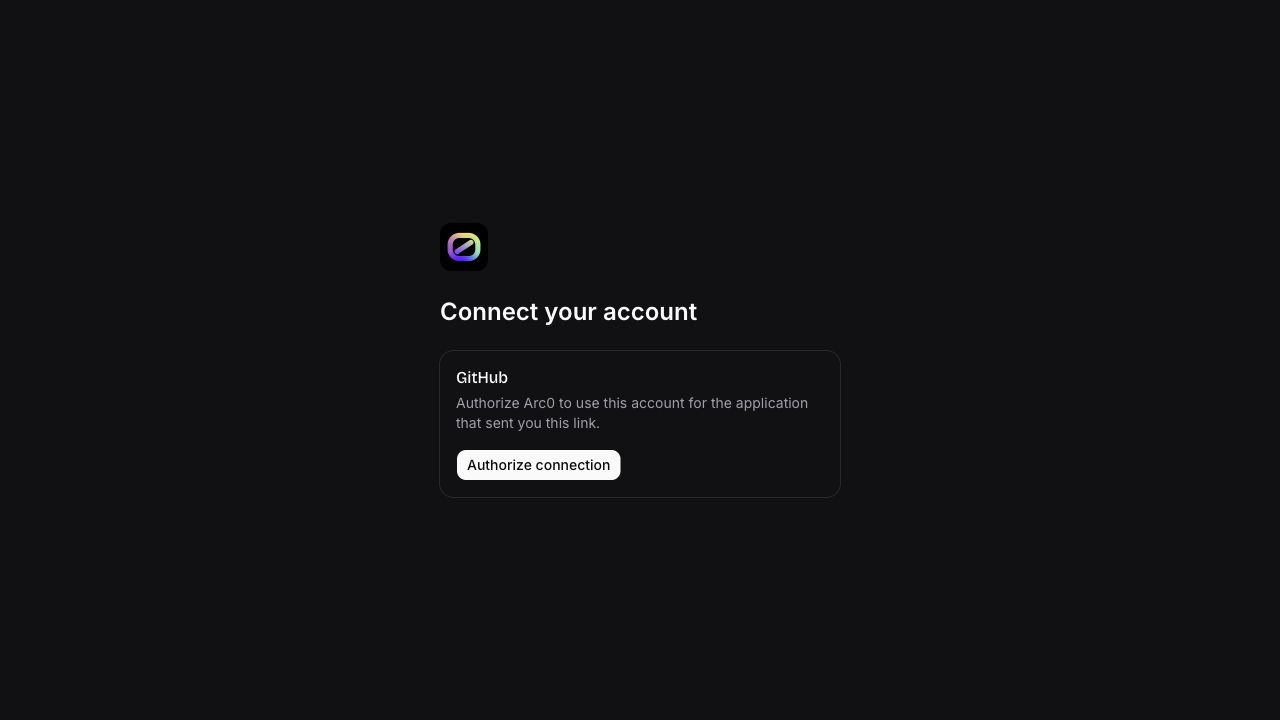
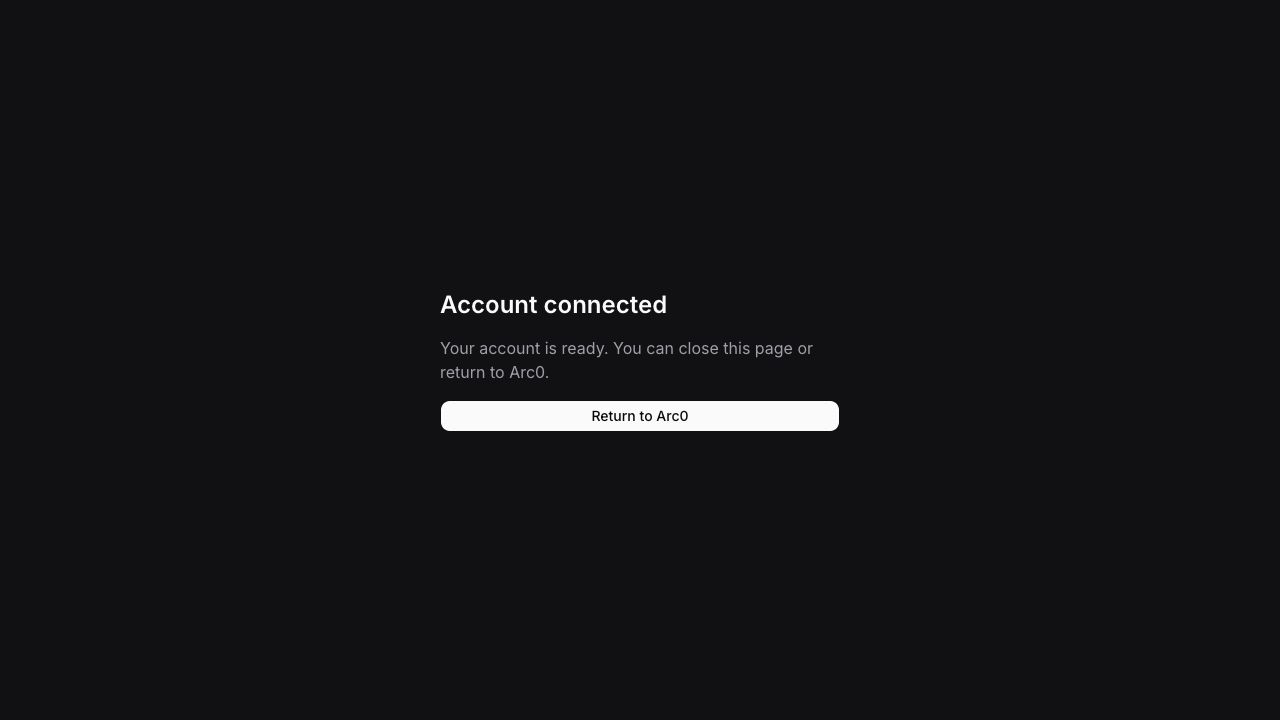
These captures show the tested Arc0 connection flow. GitHub's consent page is omitted to keep personal account information out of this guide.
Supported actions
| Action | Category | Result |
|---|---|---|
github.get_profile | Read | Authenticated GitHub profile |
github.search_repositories | Read | Official MCP repository search, with explicit page continuation |
github.list_repositories_page | Read | One page of repositories visible to the account, with explicit continuation |
github.list_repositories | Read | Legacy array containing only the first 20 repositories |
github.create_issue | Write | Created issue from GitHub |
Search and account listing answer different questions. Search results are limited to the first 1,000 matches and may be incomplete. They are not a complete inventory of every repository accessible to the account. Results can change between page requests.
Search repositories
{
  "endUserId": "11111111-1111-4111-8111-111111111111",
  "connectionId": "22222222-2222-4222-8222-222222222222",
  "action": "github.search_repositories",
  "arguments": { "query": "org:example-team", "page": 1, "perPage": 20 },
  "idempotencyKey": "repository-search-page-1"
}
Send this body to POST /v1/execute with your Arc0 API key. Use the returned nextPage for
the next request, with a different idempotency key. Inspect incomplete_results and
searchLimitReached; neither an empty page nor a successful response promises completeness.
List account repositories
Use github.list_repositories_page with { "page": 1, "perPage": 20 }. The result contains
items, page, perPage, nextPage and safe gateway metadata. Stop when nextPage is
null. Page size is 1–100; the maximum accepted page is 10,000. Arc0 never follows arbitrary
provider-supplied URLs. The legacy github.list_repositories response remains an array;
use the paged action when you need continuation.
The catalog-bound proxy also accepts GET /user/repos?per_page=20&page=2 for GitHub.
It executes the same paged action through the same policy and connection checks.
Create an issue
{
  "action": "github.create_issue",
  "arguments": {
    "owner": "example-team",
    "repo": "integration-demo",
    "title": "Investigate the sample build failure",
    "body": "Created from synthetic demonstration data."
  }
}
Include the same end-user, connection and idempotency fields as in the search example. Writes are denied by default. Enable the appropriate write policy and ensure the connected GitHub account can create issues in the selected repository.
Reuse the original idempotency key when checking a repeated request. If the result is
outcome_unknown, inspect GitHub and the audit log before doing anything else. A new key
could create a duplicate issue. Arc0 does not automatically retry issue creation or expose
an issue-close action in this adapter.
Reconnect and disconnect
Reconnect an existing connection using the same GitHub account. Arc0 binds the connection to GitHub's stable account ID; another account is rejected. Use the original account means your existing connection was preserved. Return to Arc0, choose Reconnect, and select the original GitHub account.
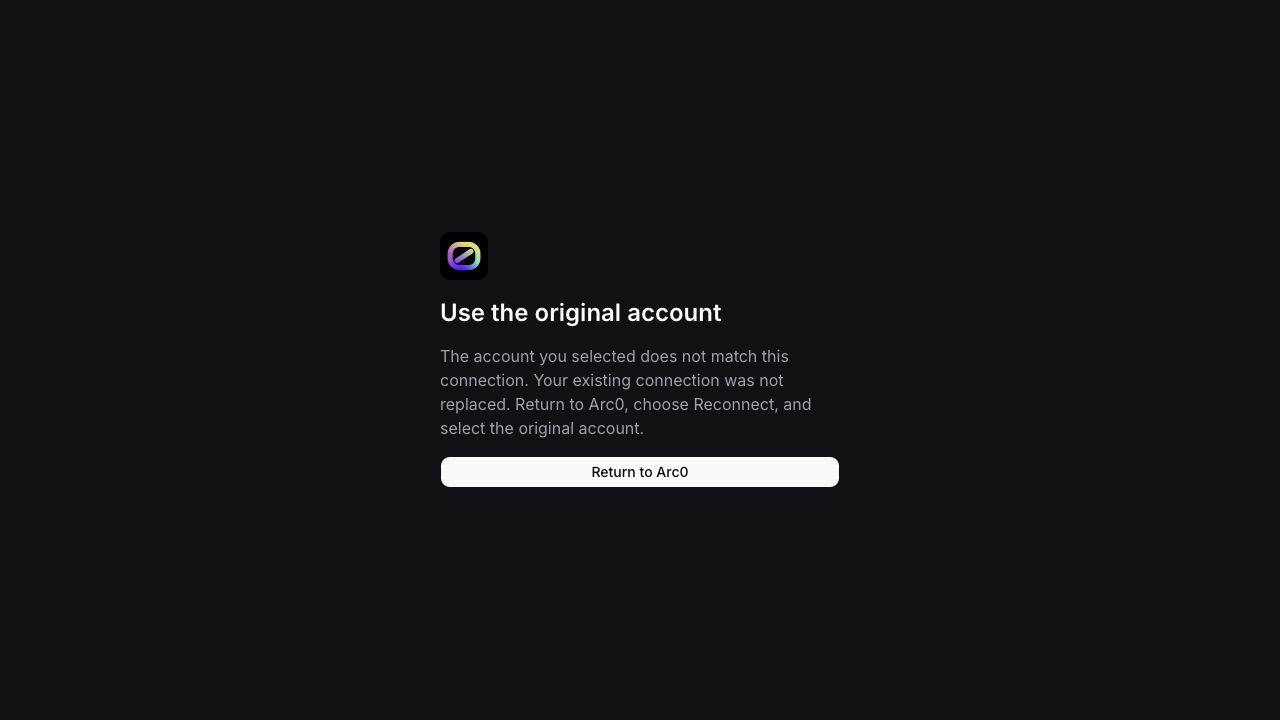
A confirmed authentication failure marks the connection as needing reconnection. A late failure from an older token cannot invalidate a more recently refreshed or reconnected credential.
When the OAuth app issues expiring tokens and a refresh token, Arc0 refreshes them. A failed or uncertain refresh may require reconnecting. Disconnect blocks new calls locally and schedules provider revocation and secret erasure. Provider-side revocation may remain unconfirmed after an outage; local disconnection does not promise that all GitHub grants have been removed. Review GitHub's authorized-app settings for account-wide grant removal.
Replaced credentials are tracked for token-specific cleanup. If GitHub returns a credential
already owned by a different connection, Arc0 rejects activation and avoids revoking a
potentially shared token. Contact support to reconcile a provider_credential_conflict.
Troubleshooting
- Permission denied: check GitHub repository access, organization approval and SSO. A 403 does not always mean an expired token.
- Rate limited: safe retry timing appears in the protected result where available.
Arc0 persists a cooldown for matching app/account connections within the project.
Subsequent calls are rejected with
provider_cooldownuntil it expires. Retry explicitly afterward; every new execution rechecks current authority. No automatic retries occur. - Connection required or ambiguous: select the intended active connection explicitly.
- Authorization failed: create a fresh connection link and complete consent again.
- Invalid provider response: keep the execution reference and contact help@arc0.ai. Provider error text and credentials are not included in client-facing errors.
See policies, audit logs, and connections.