Environments
Production and Development keep separate users, keys and policies, so testing never touches a bill or a real inbox.
Every project has two environments, Production and Development. They share the same project and the same apps, but nothing else carries over: users, connections, API keys, policies and audit history are all separate.
Switching
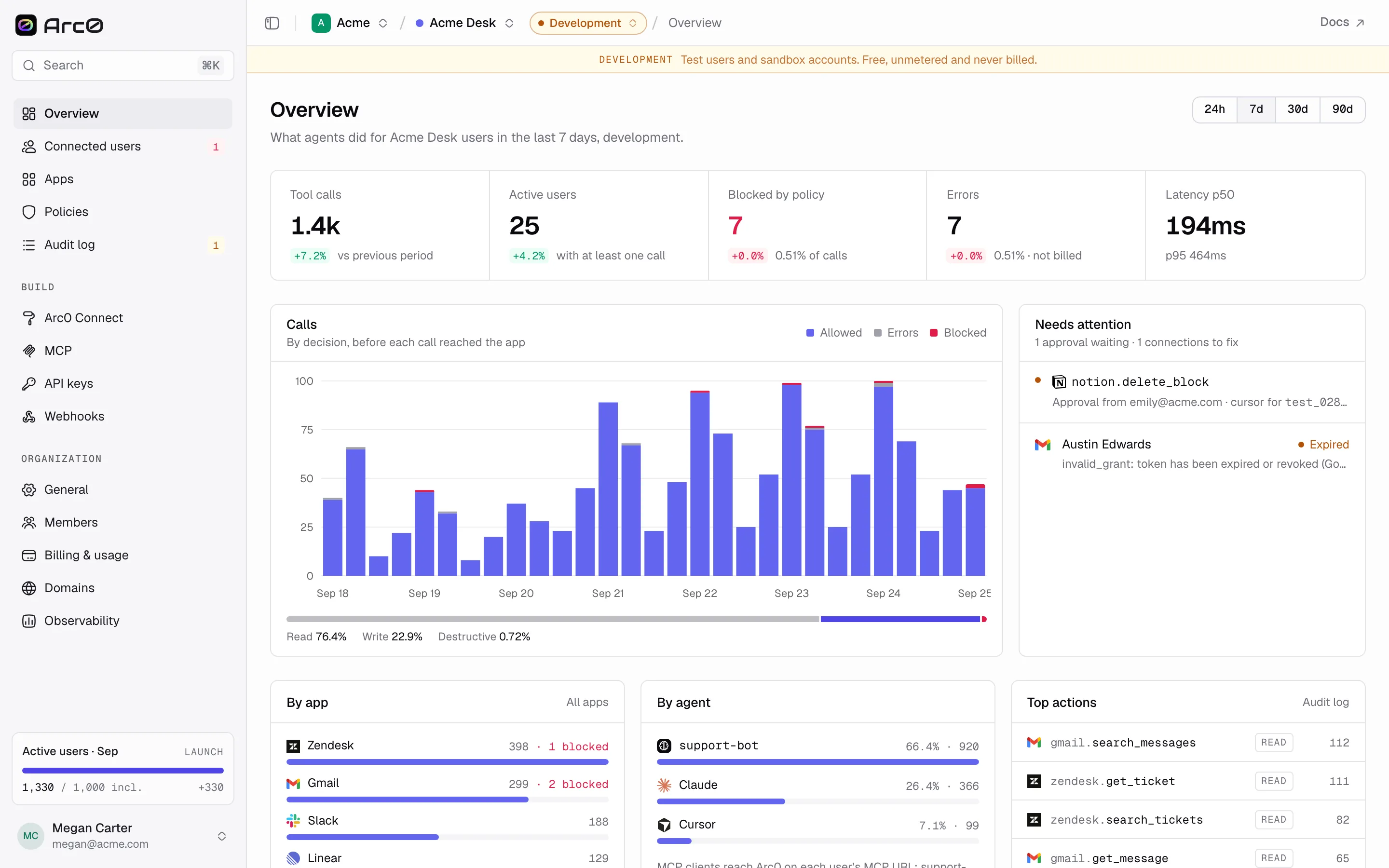
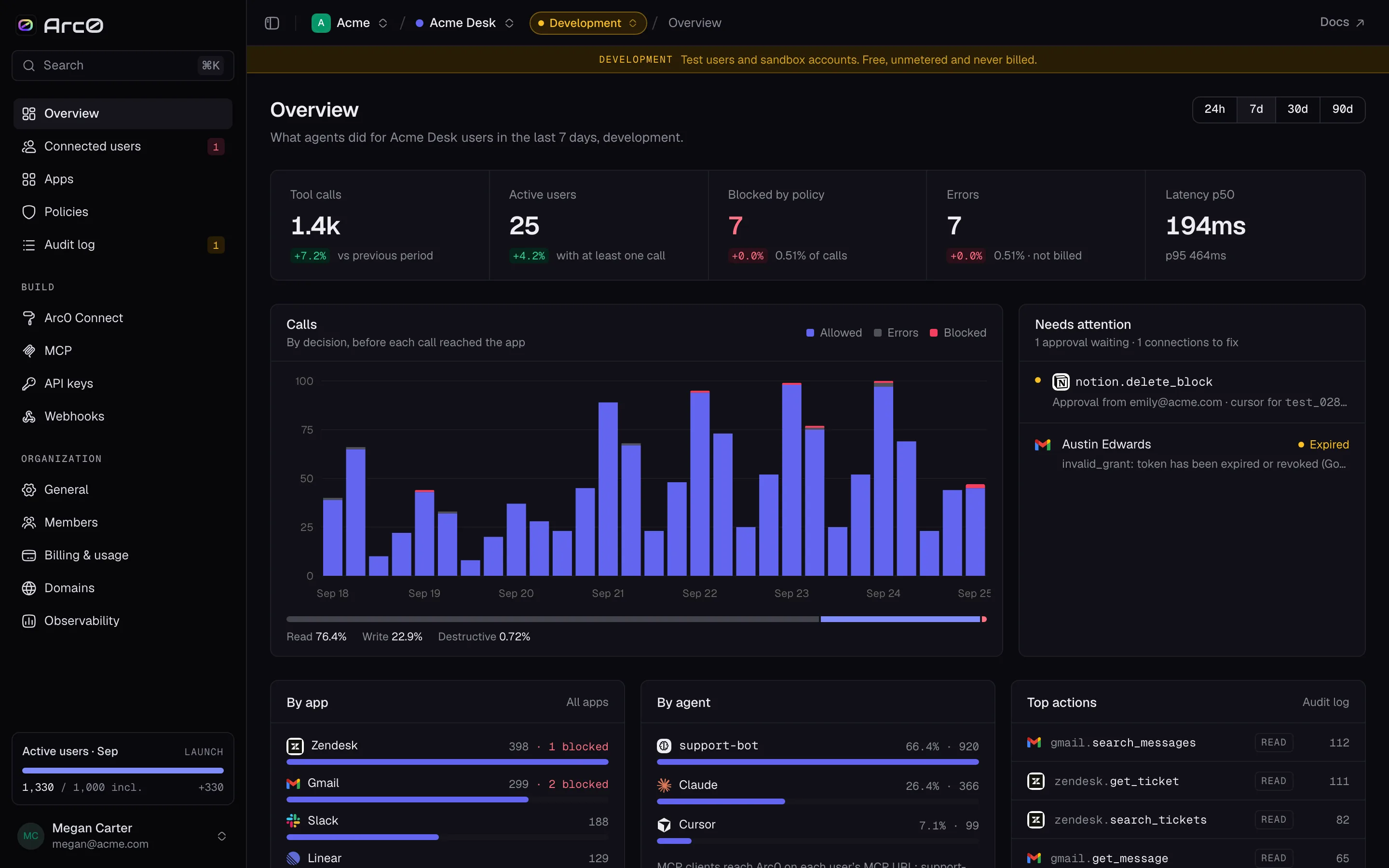
The environment is a query param on any dashboard URL: ?env=development. Leave it off and
you get Production. The switcher in the dashboard header does the same thing.
What differs
Production (prod) | Development (dev) | |
|---|---|---|
| Users | Live users, e.g. u_8f2 | Test users, e.g. test_001 |
| Default customer | Your own customer ids | acme-qa |
| Billing | Billed per active connected user | Free and unmetered, always |
| API keys | Prefixed a0_live_ | Prefixed a0_test_ |
| Approval timeout | 60 minutes by default | 15 minutes by default |
| Policies | Its own versions | Its own versions |
| Failed calls | Free | Free |
A banner on every Development page spells it out: "Test users and sandbox accounts. Free, unmetered and never billed."
Billing
Production is where the meter runs. An active connected user is anyone with at least one action in the month, counted in production only. Development calls, and any call that fails before it reaches the app, never count toward that number or toward a bill. See Billing for plans and rates.
Keys
An API key belongs to one project and one environment, so a a0_test_ key can't touch
production data even if it leaks, and vice versa. Most teams keep a Development key in local
.env files and a Production key in their deploy secrets. See API keys.
Policies
Policies are scoped per environment too. The fixtures show why that matters: acme-support
runs as pol_acme_support in production, fail-closed, while its development counterpart,
pol_acme_support_dev, runs fail-open — so a broken policy check blocks live calls but lets
development calls through. Edit and version each environment's rules independently; publishing
one never touches the other. See Policies.
Users
Connected users, their connections, and the audit log are all scoped to one environment. A
test_001 connection created while building against Gmail in Development has no bearing on
whether u_8f2 is connected in Production — your user has to go through Arc0 Connect again
once you point them at the real thing.
There's no environment-wide "promote to production" action. Production users connect the same way development ones did — through a connect link, in the production environment.