Billing and usage
How Arc0 prices active connected users, what fair use includes, and how to read your usage meters and change plans.
Arc0 bills per active connected user, not per call. An active user is anyone with at least one action in the month, counted in production only — development-mode users and failed calls are always free. See Environments for what separates the two.
Plans
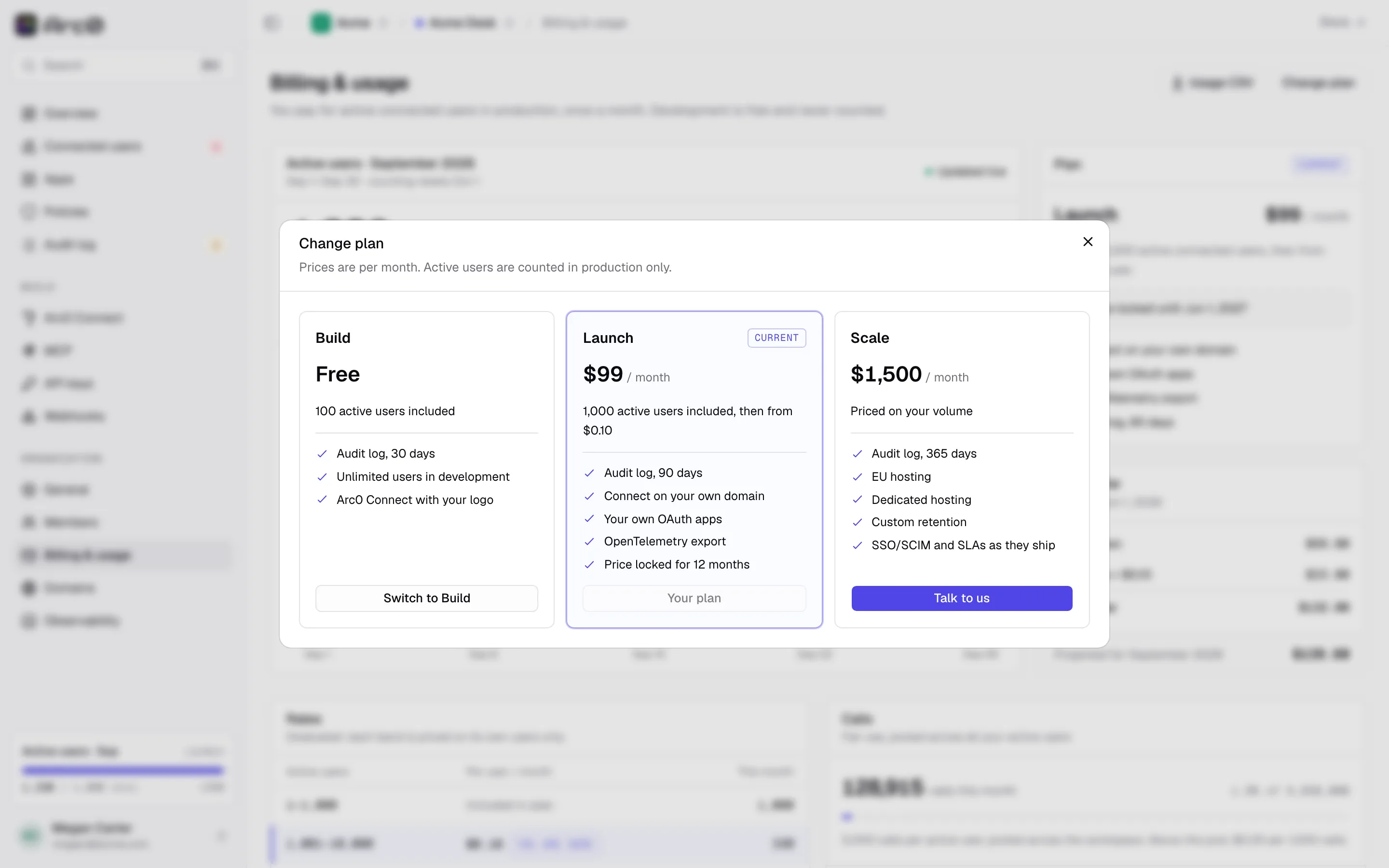
| Plan | Price | Included active users | Audit retention |
|---|---|---|---|
| Build | Free | 100 | 30 days |
| Launch | $99/mo | 1,000, then graduated | 90 days |
| Scale | From $1,500/mo, billed annually | Priced on your volume | 365 days |
There's also a free Personal plan for connecting your own apps to your own agents, with no org or billing involved — see Arc0 for individuals.
Graduated per-user rates
Launch includes 1,000 active users in the $99 base price. Past that, each band of users is billed at its own rate — it's graduated, not a cliff where every user jumps to the higher rate:
| Users | Rate |
|---|---|
| 1–1,000 | Included in the base price |
| 1,001–10,000 | $0.10 per user |
| 10,001–100,000 | $0.05 per user |
| 100,001+ | $0.03 per user |
Worked example: Acme Desk is on Launch and has 3,000 active users in September. The first 1,000 are covered by the $99 base price. The next 2,000 (users 1,001 through 3,000) fall in the $0.10 band: 2,000 × $0.10 = $200. The month's bill is $99 + $200 = $299.
When you move to Launch, this per-user rate is locked for 12 months, so a plan you agree to today doesn't change under you as your user count grows.
Fair use and call overage
Each active user brings 5,000 calls a month, and those calls are pooled across the whole workspace rather than capped per user — a quiet user's unused calls cover a busy one's. Calls past the pool cost $0.25 per 1,000.
Worked example: 3,000 active users give Acme Desk a pool of 3,000 × 5,000 = 15,000,000 calls. If agents make 15,200,000 calls that month, the 200,000 over the pool cost 200 × $0.25 = $50.
Failed calls and anything in development mode don't count toward active users, the call pool, or your bill at all.
Usage meters
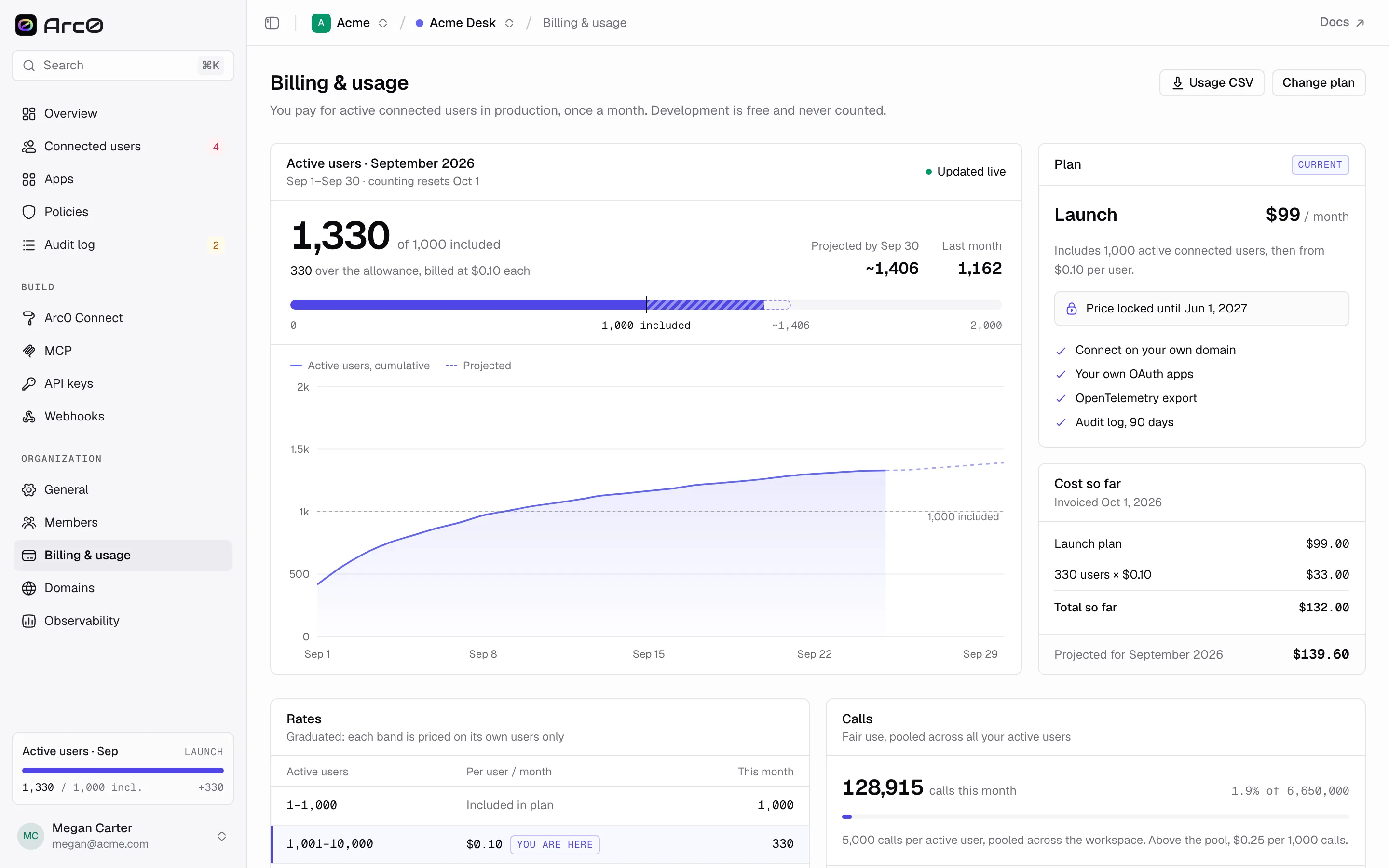
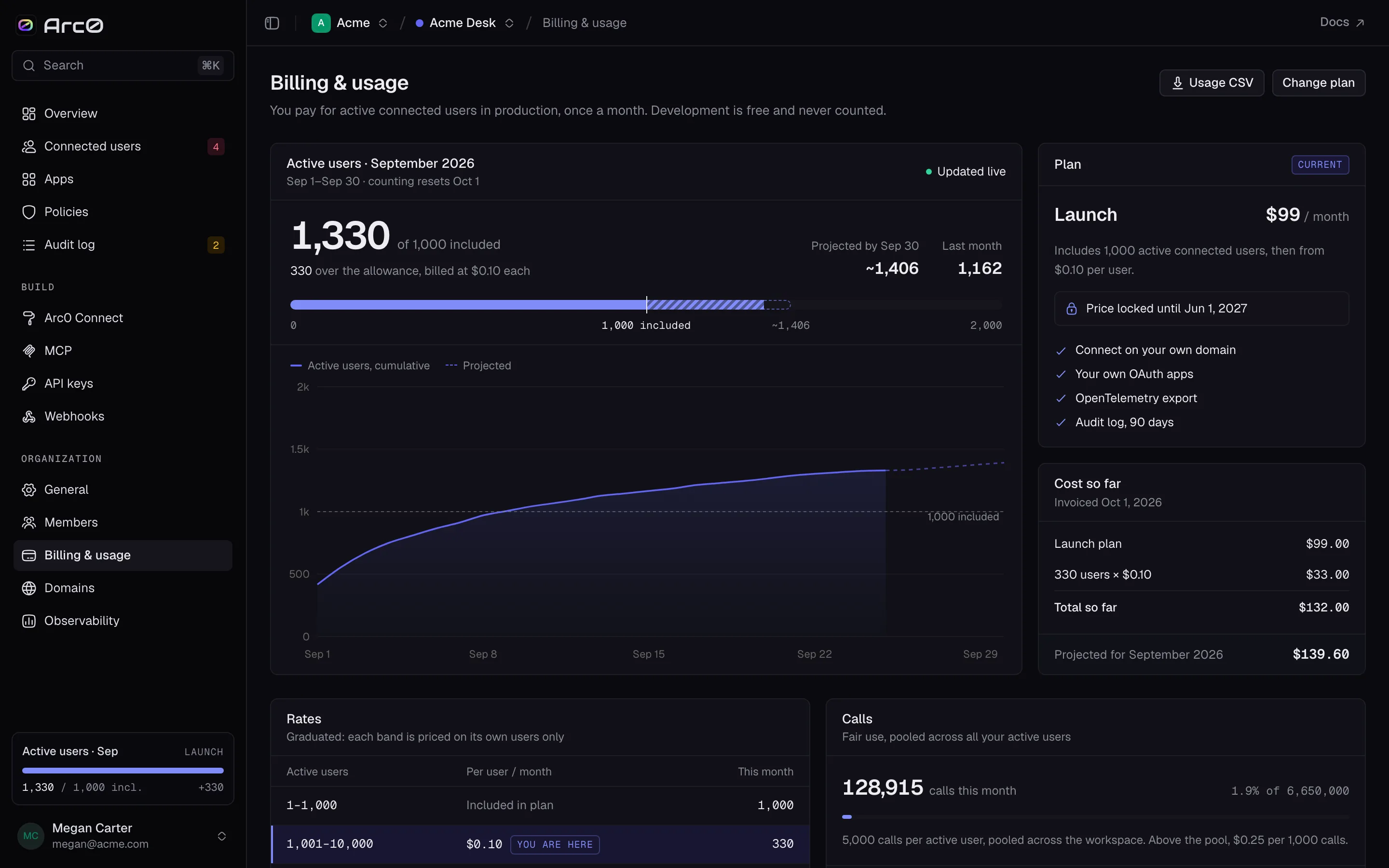
Settings → Billing shows the numbers behind your invoice:
- Active users, this month — how many you've used against the plan's included count, a projection for the rest of the month, and last month's total.
- Cost so far — the running total for the current billing period.
- Rates — the graduated per-user bands and the fair-use overage rate that apply to your plan.
- Calls — total calls against the fair-use pool.
- Invoices — past invoices, downloadable.
- Payment method — the card on file.
Changing plan
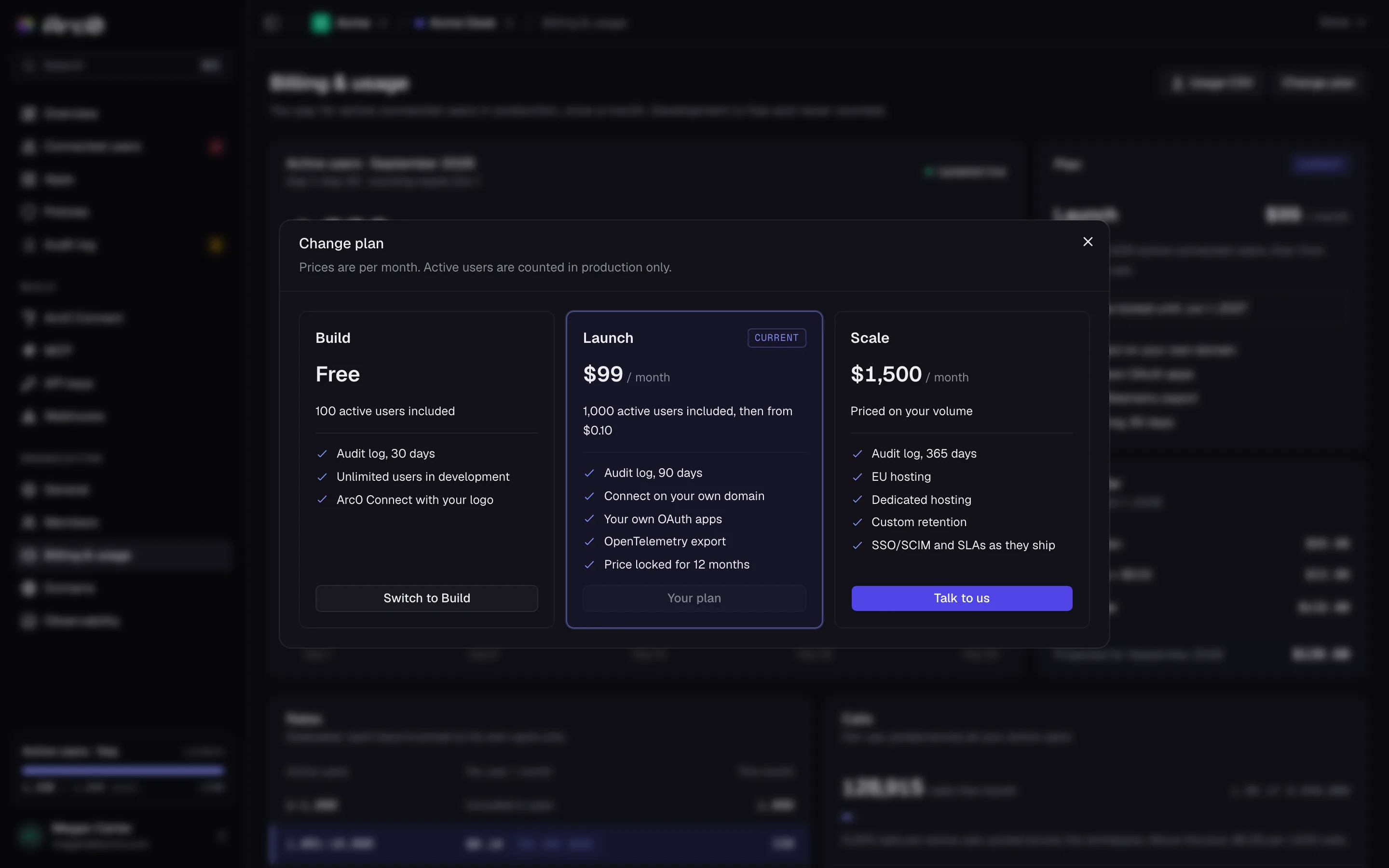
Change plan opens a dialog comparing Build, Launch and Scale side by side. Moving up takes effect immediately; the new plan's included users and rates apply from that point in the billing period.