Connections
Connection statuses, refreshing tokens, reconnecting a broken connection, and revoking one for good.
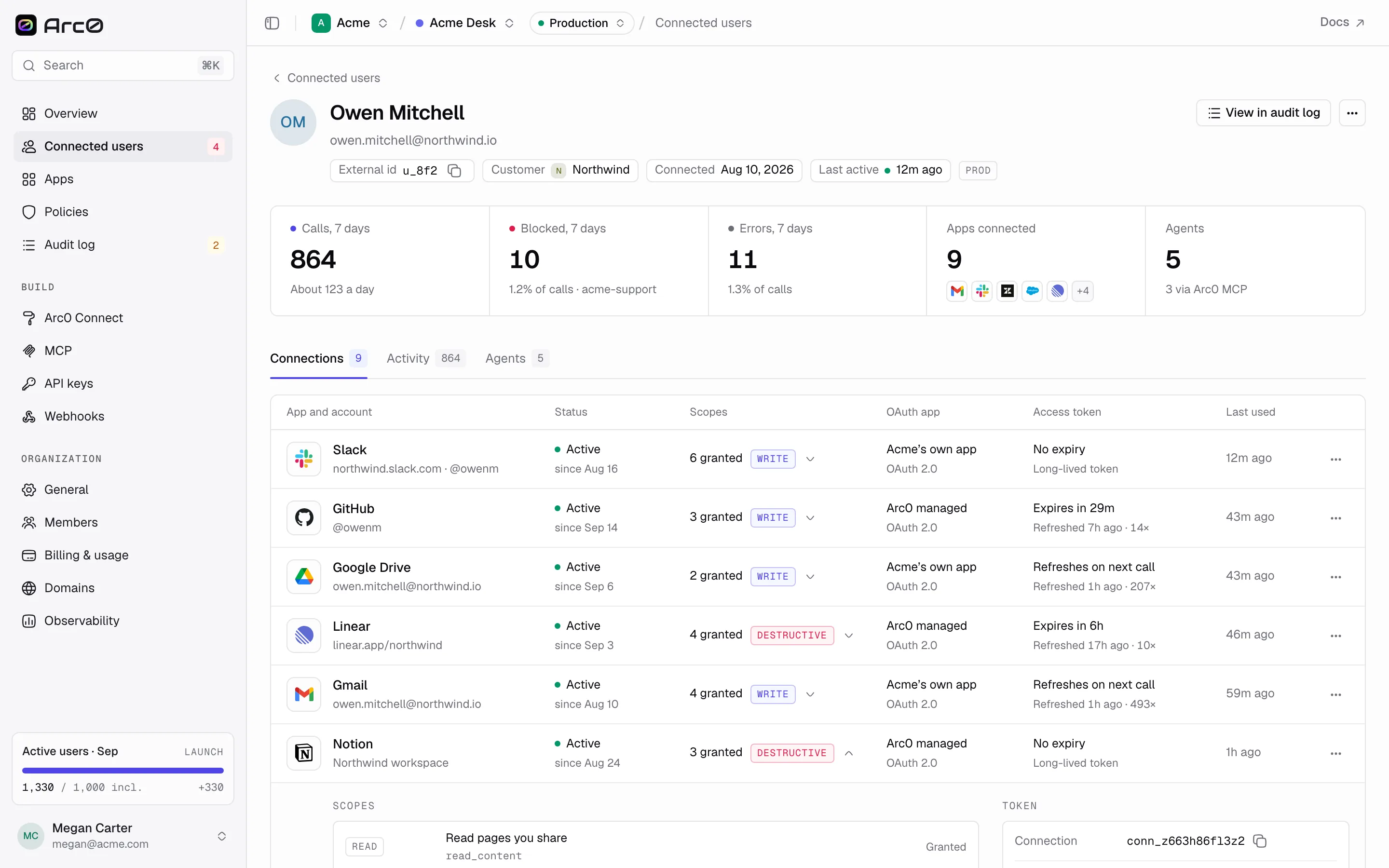
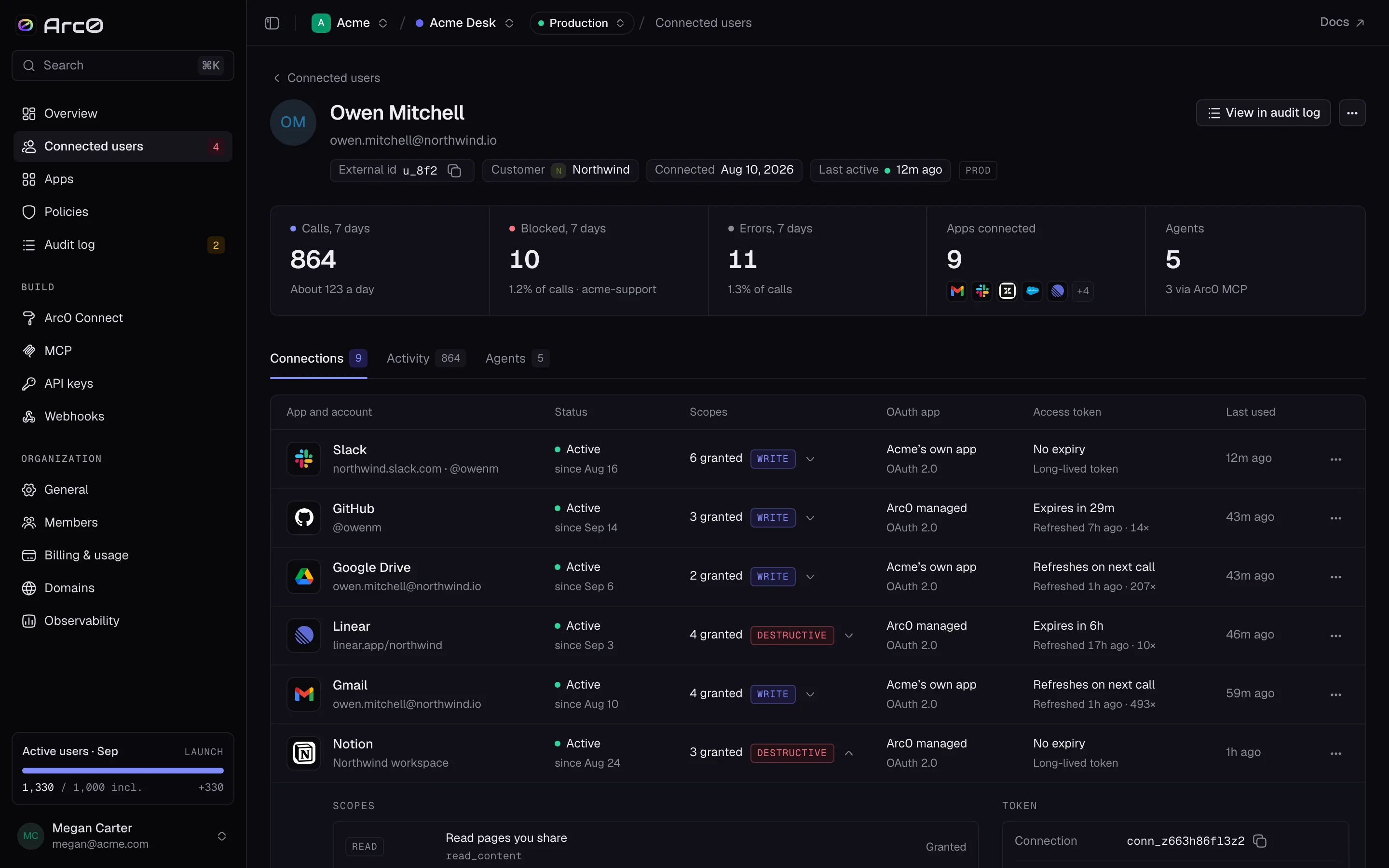
A connection is one user's authorized account in one app — one row on their Connections tab, and one thing that can go stale, get revoked, or need a fresh grant.
Statuses
| Status | Label | Meaning |
|---|---|---|
active | Active | Working normally |
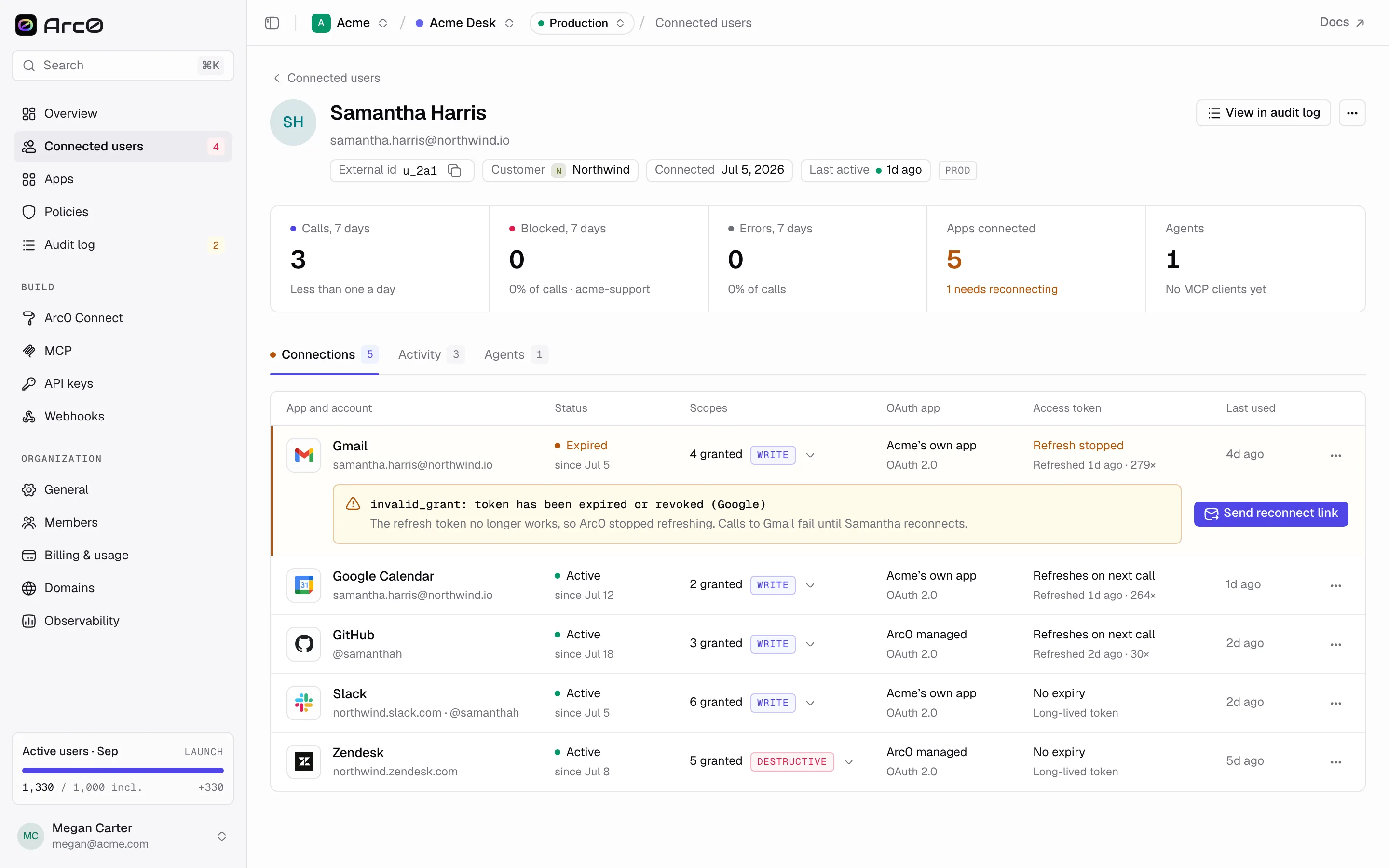
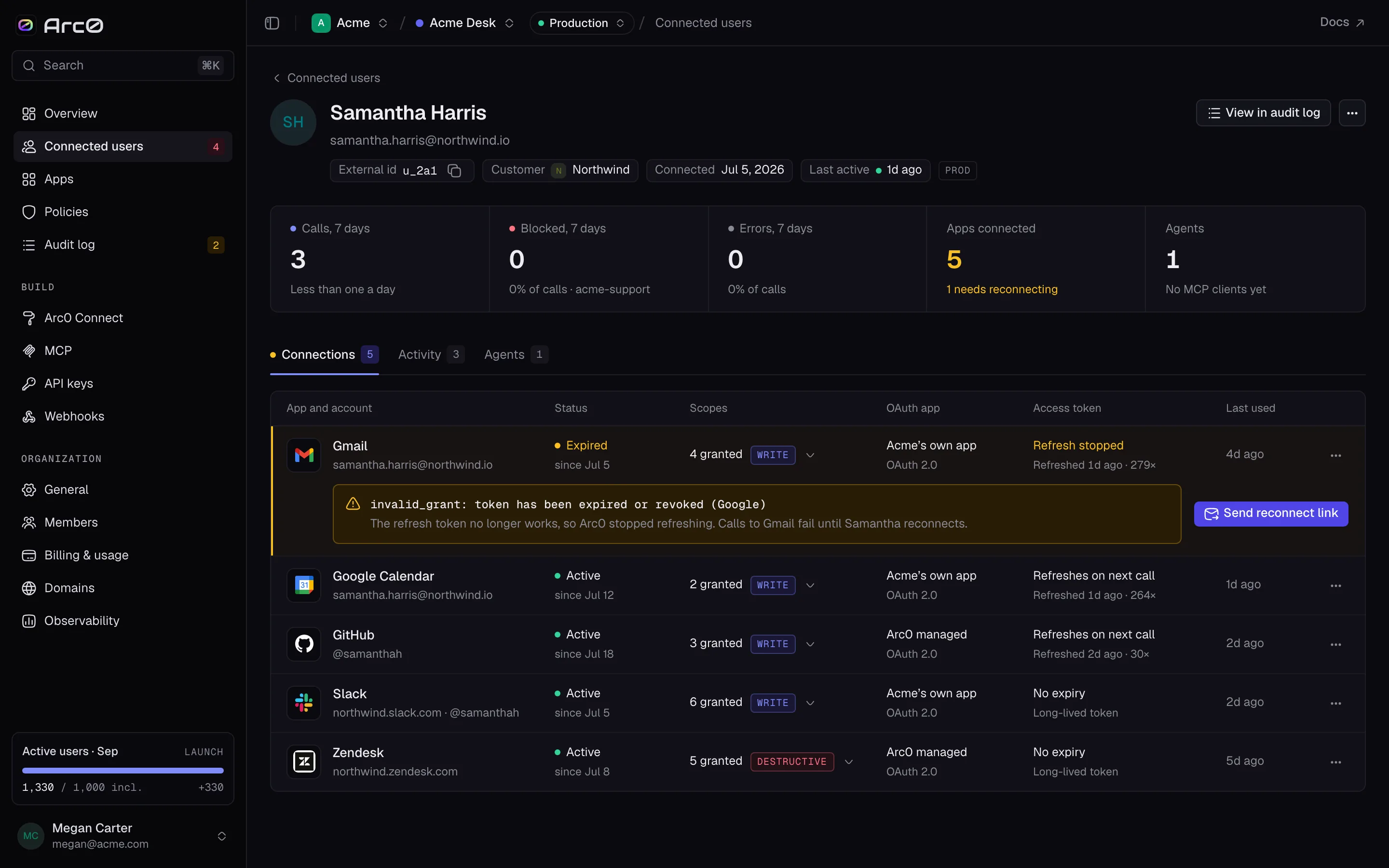
expired | Expired | The refresh token is dead; the user must reconnect |
revoked | Revoked | The user or provider ended the grant |
error | Refresh failing | Arc0 is retrying with backoff |
There's no separate "needs reconnect" status — a connection that needs the user's attention is either expired or error. The reason shown alongside it comes straight from the provider, for example invalid_grant: token has been expired or revoked from Google, or "The user removed the app from Slack."
Token refresh
Arc0 refreshes access tokens on its own before they expire, and tracks when a connection was last refreshed and how many times. Refresh now on the connection's expanded row forces one immediately — useful right after a user changes their password on the provider's side. A connection in error also gets a Retry now button, separate from the reconnect flow, for a refresh that's failing but might just need another attempt.
Over the API: POST /v1/connections/{id}/refresh.
Connection details
Expanding a row shows two panels. Scopes lists every requested scope, each marked Granted, Declined, or Not requested. Token shows Connection, Connected, Access token, Last refreshed, and OAuth client — either "Arc0's verified app" or the client id, depending on whether the project uses its own OAuth app. Refresh now and Revoke sit at the bottom of the panel.
Reconnecting
When a connection is expired or error, its row shows Send reconnect link. That opens a dialog titled Reconnect {App} with a Send to address and the generated Arc0 Connect link, which works once and expires in 7 days. Email link sends it; Cancel closes without sending.
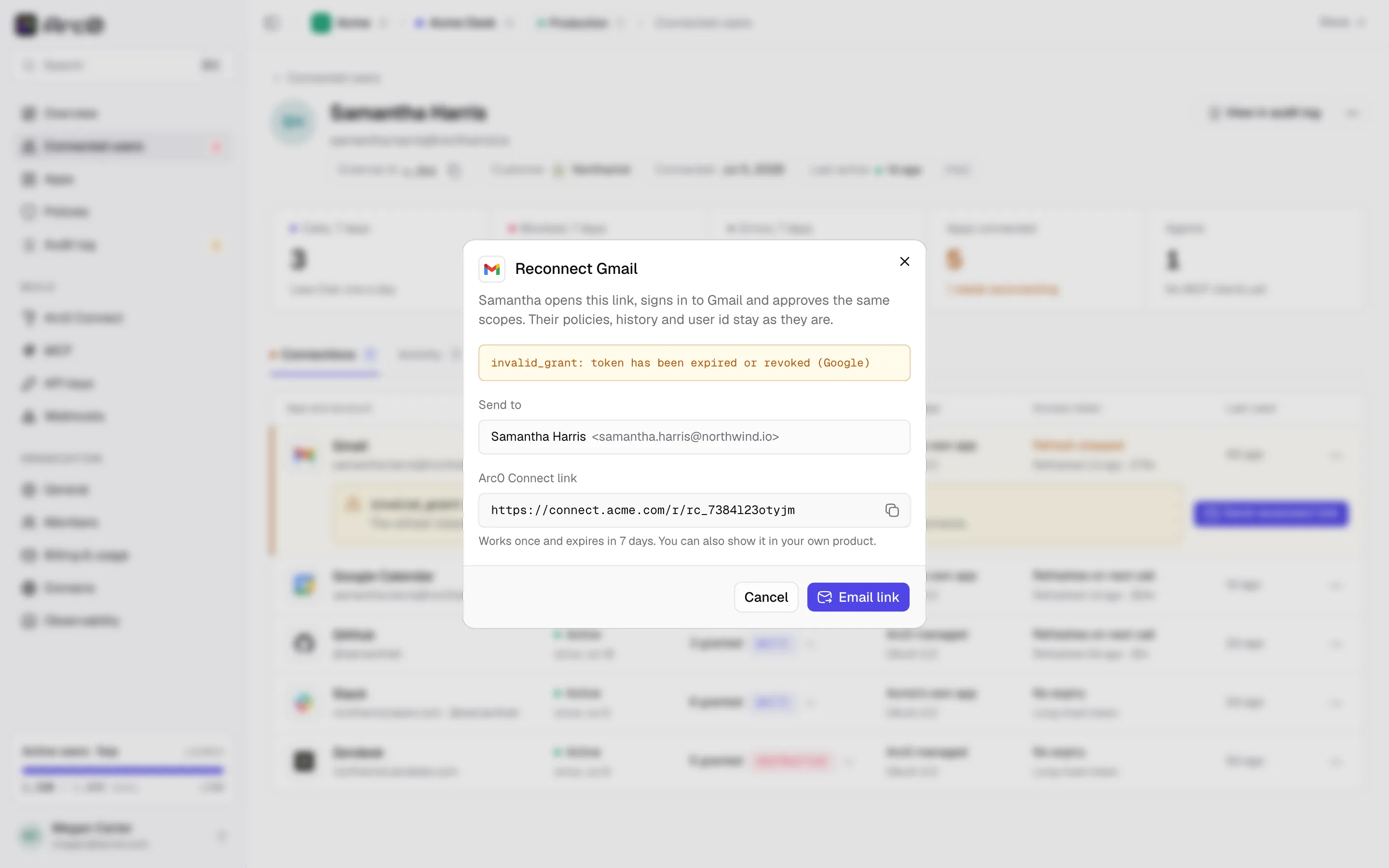
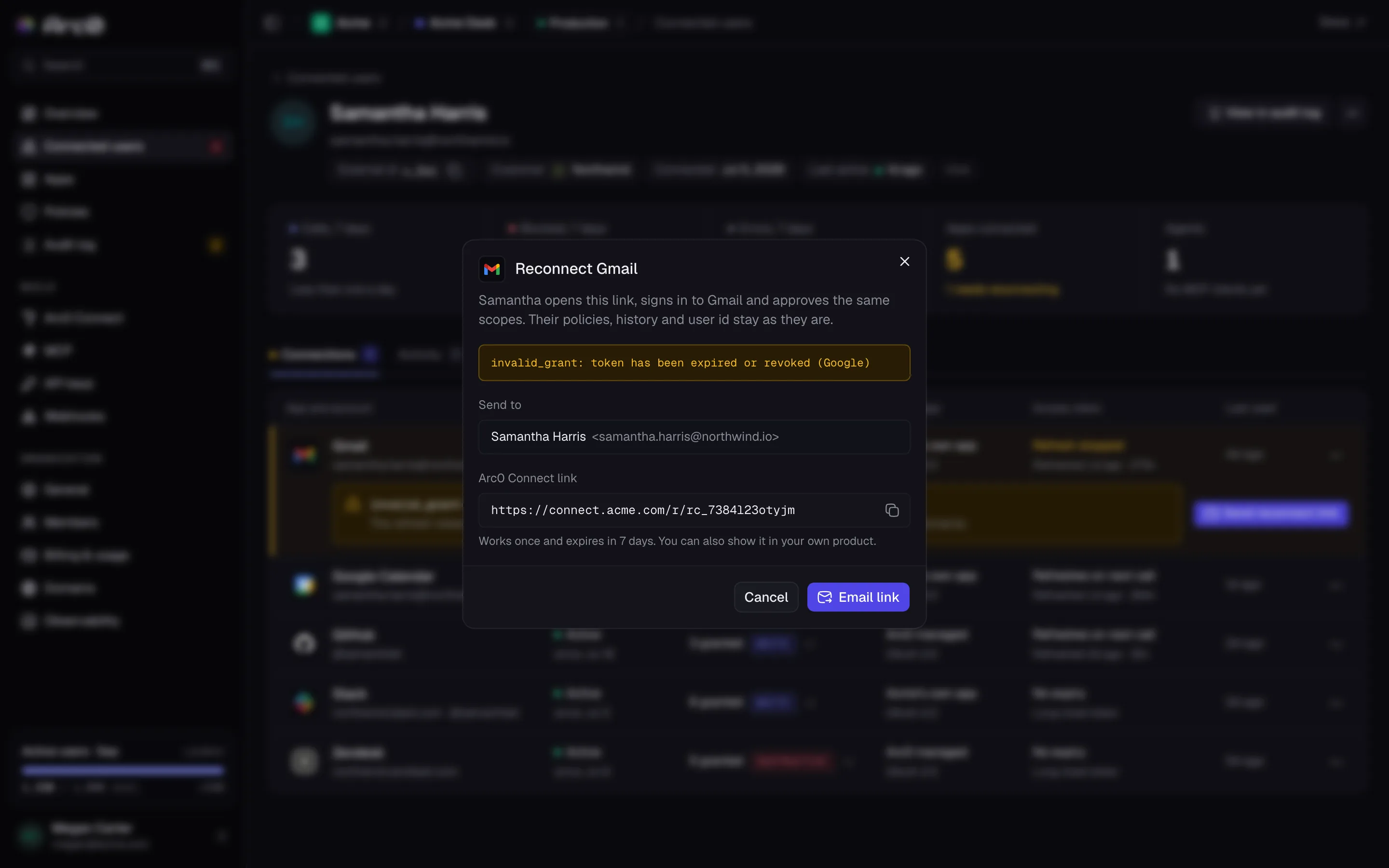
Over the API: POST /v1/connections/{id}/reconnect-link returns { url, expires_at }.
Revoking
Revoke (on the expanded row, or Revoke connection in the row menu) ends the connection immediately — the same as DELETE /v1/connections/{id}. The user's credential is deleted from the vault; any agent calling through it after that gets a connection_expired error until they reconnect. The row menu also has Refresh token now and Copy connection id, for scripting against a specific connection.