Policies
Set allow, ask and deny rules per agent, evaluate them from defaults down to a single action, and test changes before you save them.
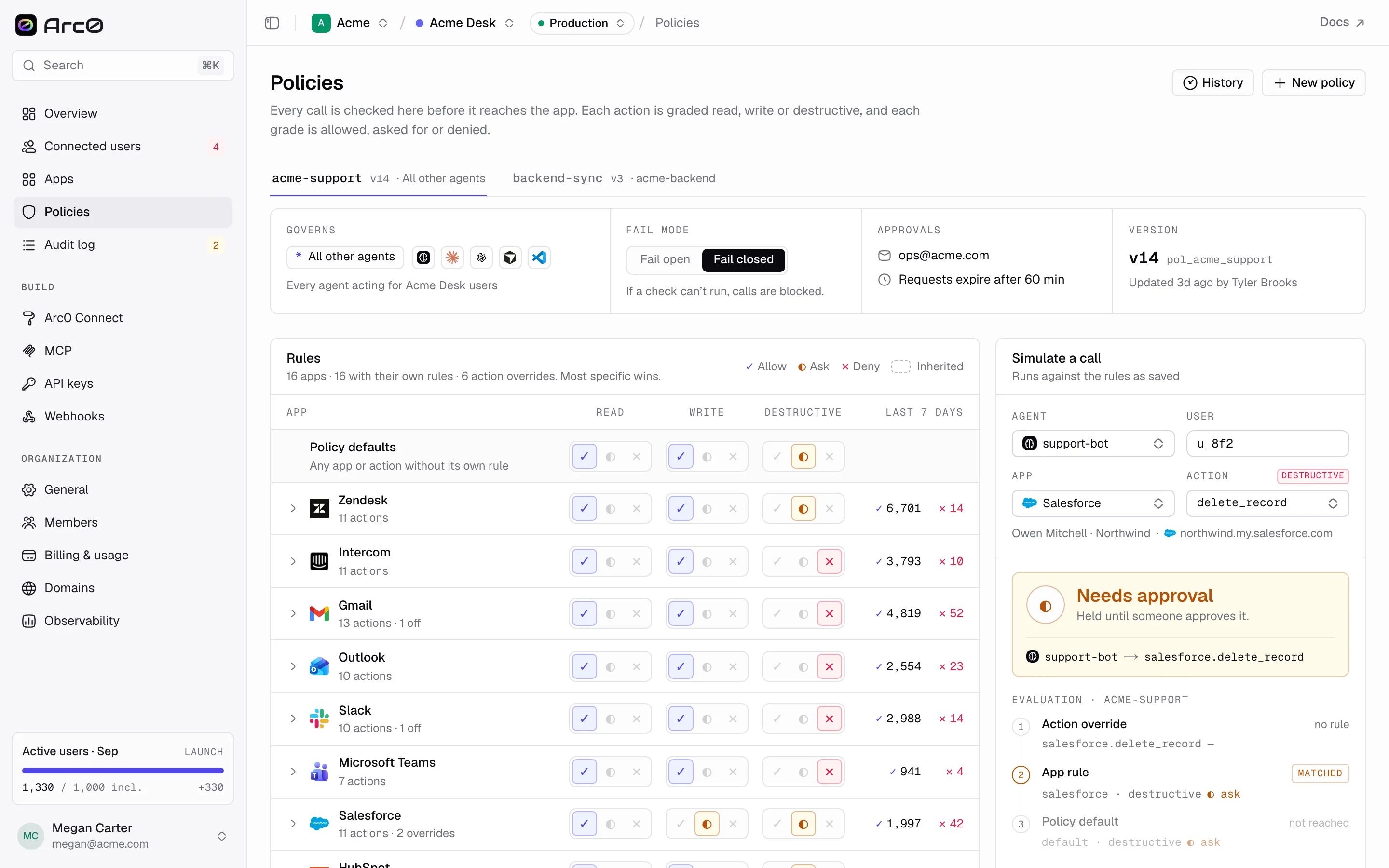
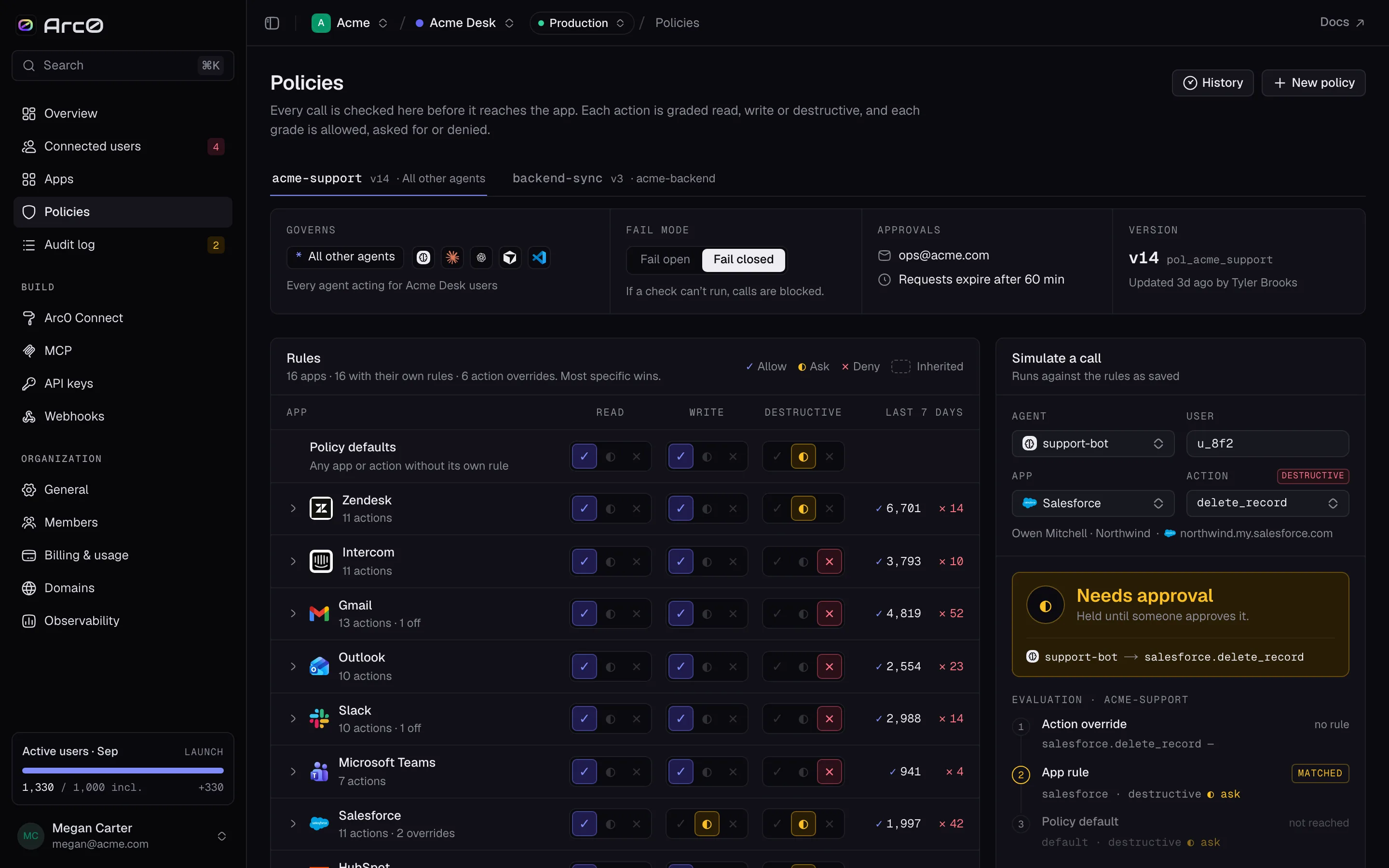
A policy decides whether a call goes through, needs a human, or never reaches the app. It's the same three rules everywhere: Allow, Ask and Deny, shown as ✓, ◐ and ✕.
Defaults, app rules, action overrides
Every policy sets a default rule for each scope — read, write, destructive. You can then
override that default for one app (an app rule, e.g. stripe:write~ask), and override the
app rule for one action (an action override, e.g. stripe.create_refund~allow).
Evaluation checks the most specific rule first: an action override wins over an app rule, which wins over the policy default. The rules matrix shows a "Policy defaults" row and one row per app, tagged override where an app or action departs from the default, and off in project where the app itself is disabled.
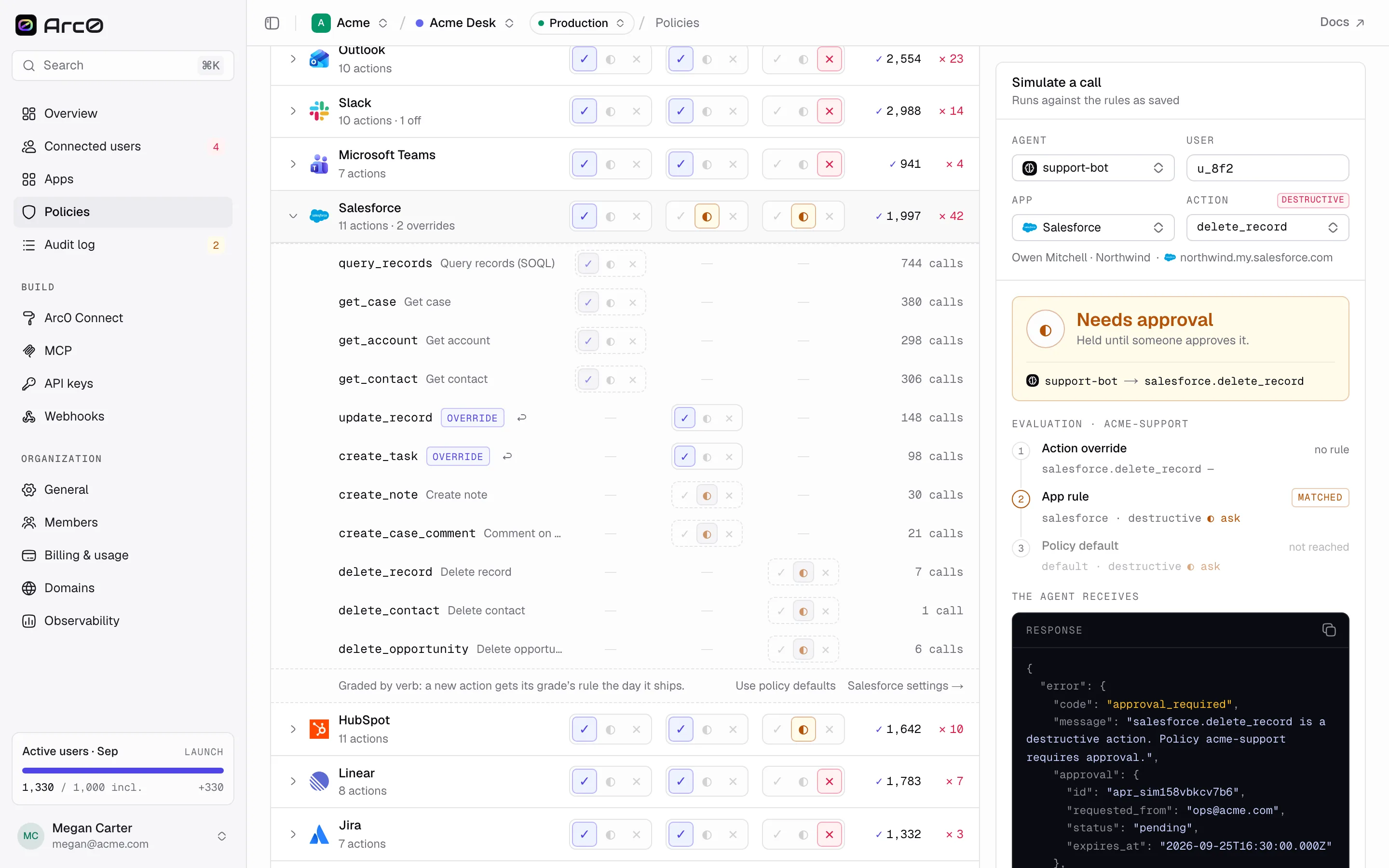
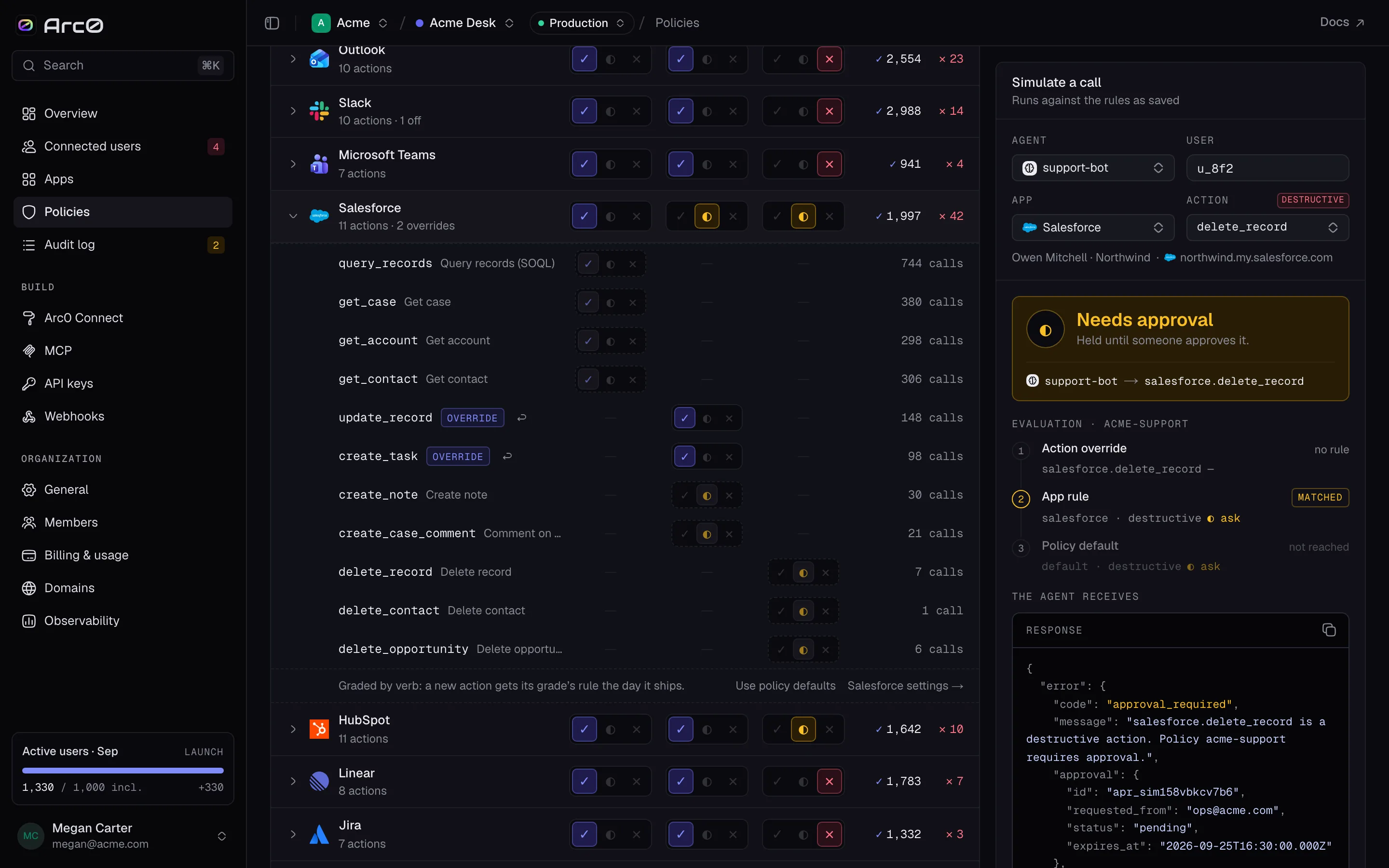
An app rule you no longer need has a Remove override link, which falls back to Use policy defaults.
One policy per agent, or the * fallback
agents on a policy names the agents it governs, e.g. acme-backend. An agent that isn't named
anywhere falls back to the policy whose agents is * — labeled "All other agents". A project
typically has one * policy plus a handful of named ones for agents that need different rules.
| Policy | Governs | Environment | Fail mode | Version |
|---|---|---|---|---|
acme-support | * | Production | Closed | v14 |
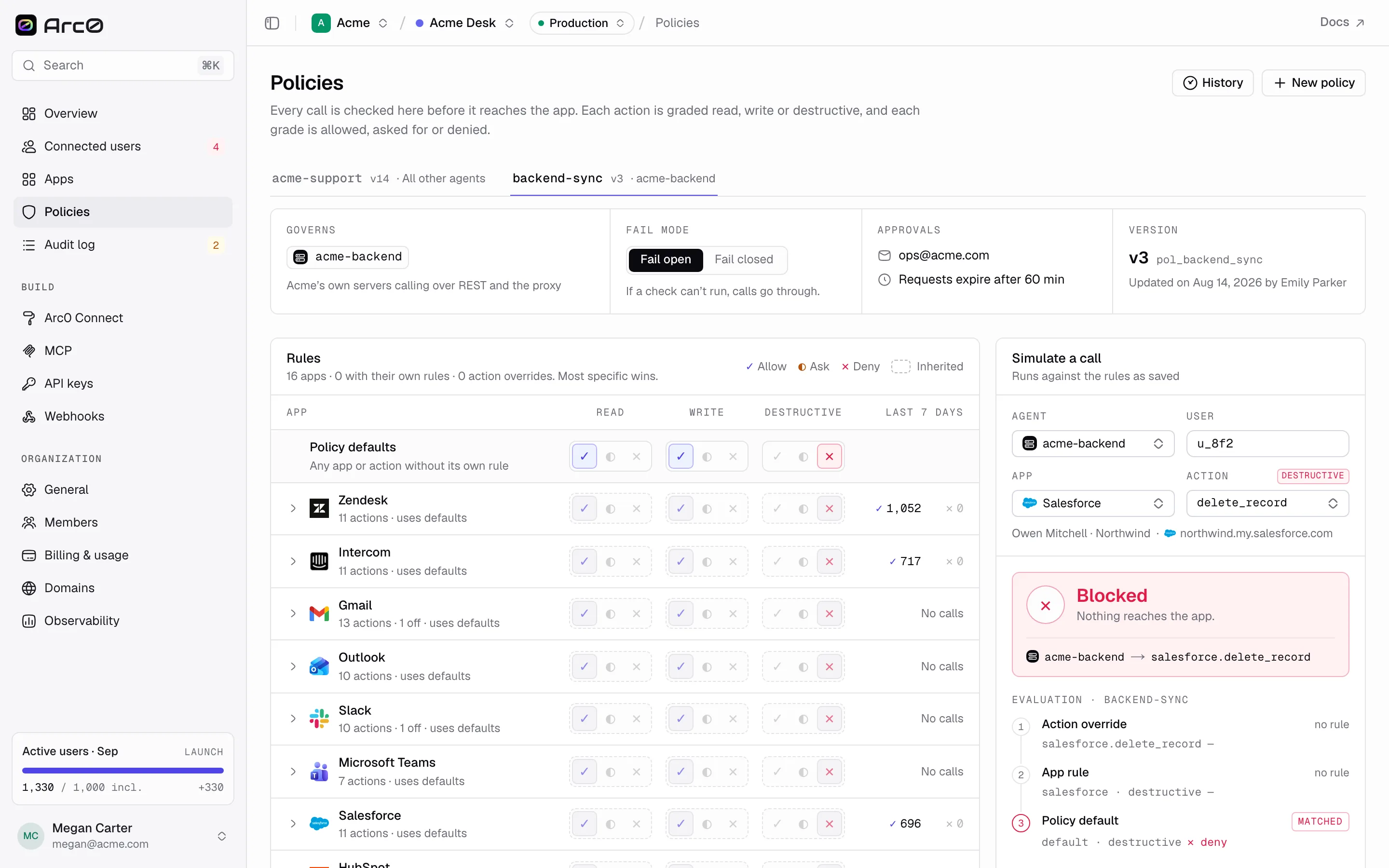
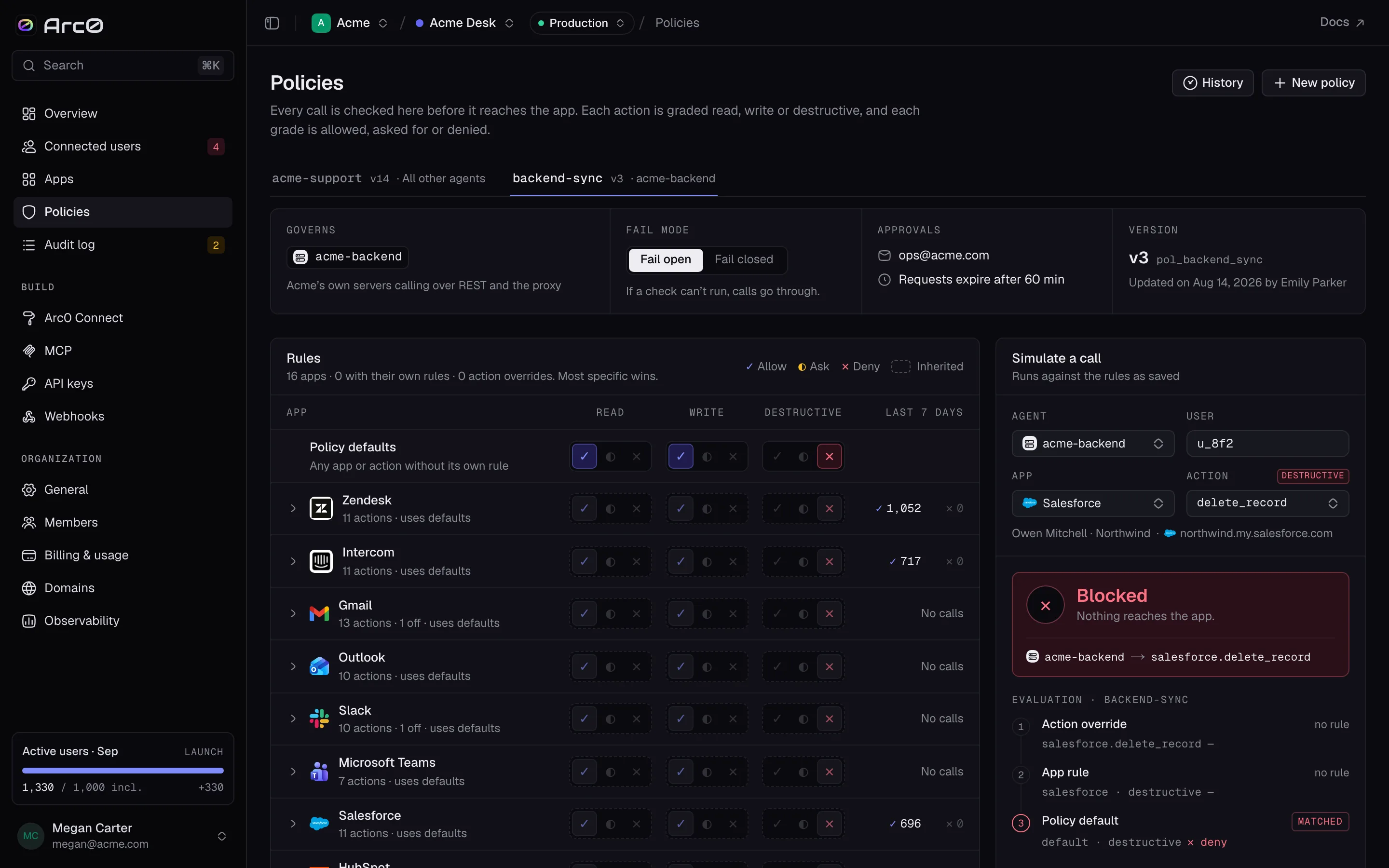
backend-sync | acme-backend | Production | Open | v3 |
acme-support | * | Development | Open | v22 |
backend-sync is a narrow policy: read and write allowed, destructive denied, no app rules at
all — the kind of policy you write for a trusted internal job rather than a support agent.
Fail open, fail closed
If a policy check can't run — Arc0 can't reach its own rule engine, say — fail open lets the
call through, and fail closed blocks it. Fail open is the default. Set the toggle per policy
to match how much you trust the app: acme-support in production runs fail closed, its
development twin runs fail open.
Versions
Every save creates a new version. The header shows the current one (Version), and History lists the rest. There's no way to edit a past version in place — you save forward, and roll back by copying its rules into a new draft.
Drafts and the impact preview
Editing a policy doesn't touch the saved rules until you save. Your changes live in the URL as
?edit=, so a draft is a link you can share before committing to it — ?edit=stripe:write~ask
sets one app rule; add more terms separated by commas.
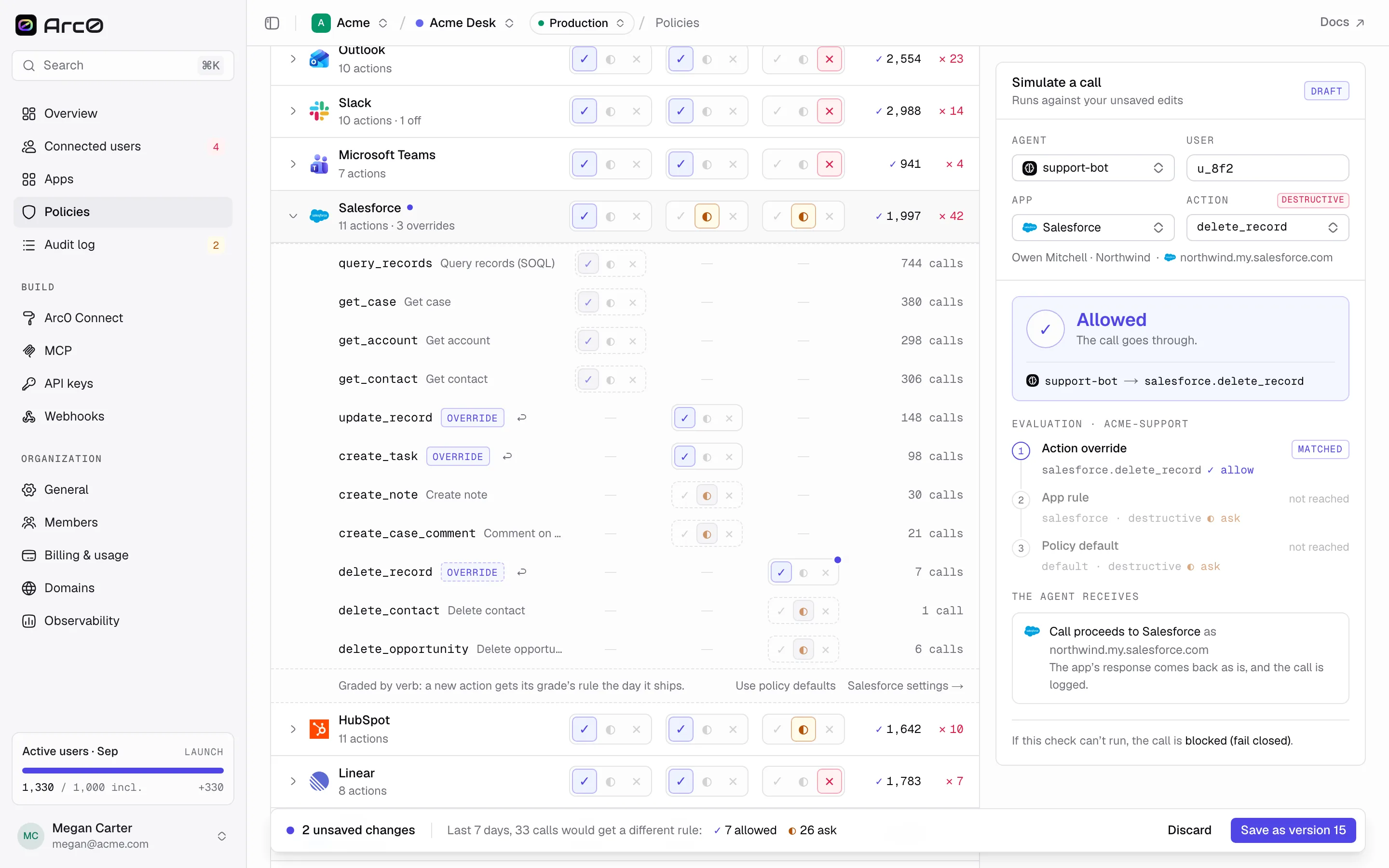
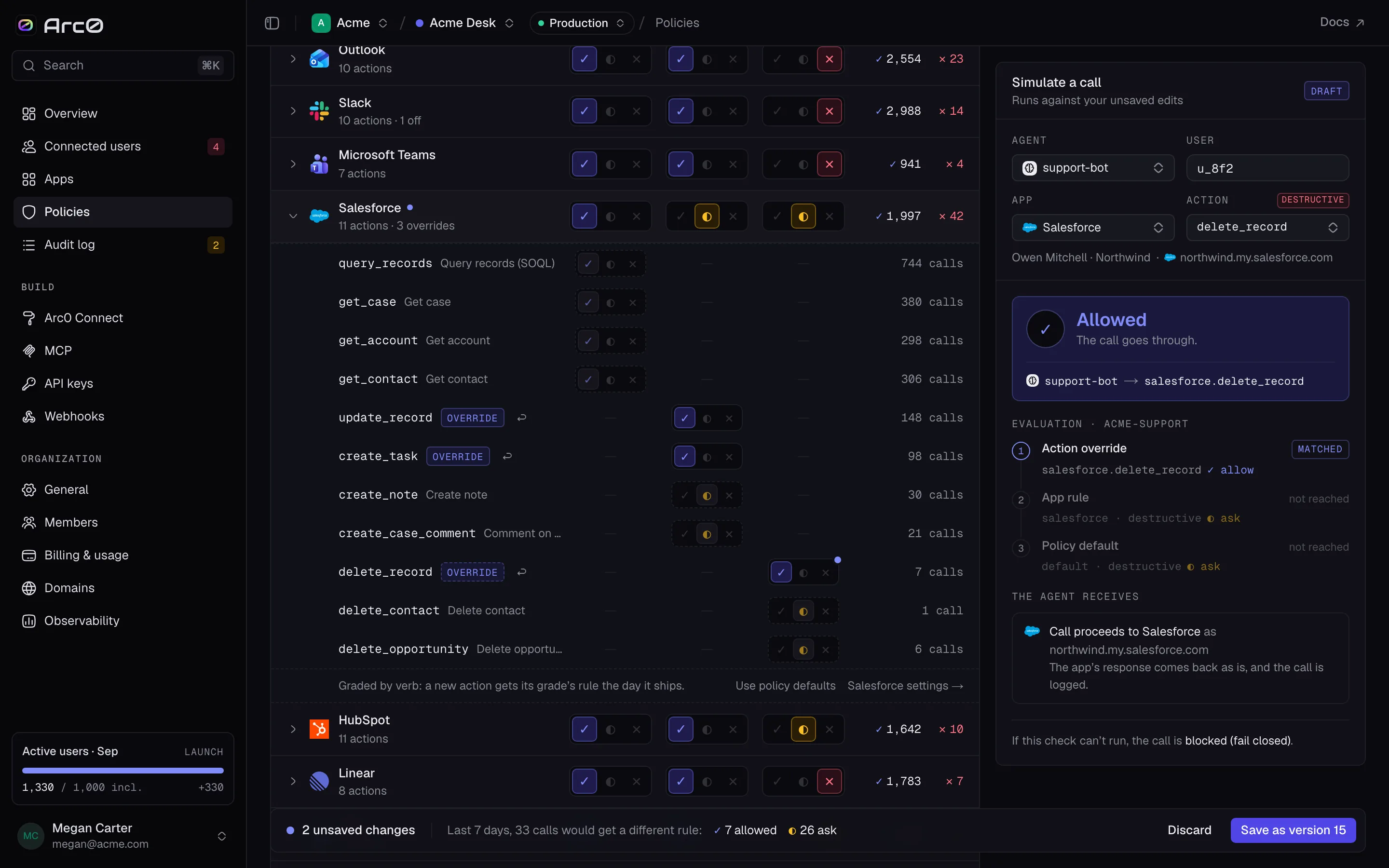
The save bar totals your changes and replays them against the last 7 days: "2 unsaved changes ·
Last 7 days, 340 calls would get a different rule: ✓310 allowed ◐20 ask ✕10 denied." From there
you either Discard or Save as version {n+1}.
The simulator
Before you save, or any time after, Simulate a call runs one hypothetical call — agent, user, app and action — against either your unsaved draft or the saved rules, and returns a verdict: Allowed ("The call goes through"), Needs approval ("Held until someone approves it") or Blocked ("Nothing reaches the app").
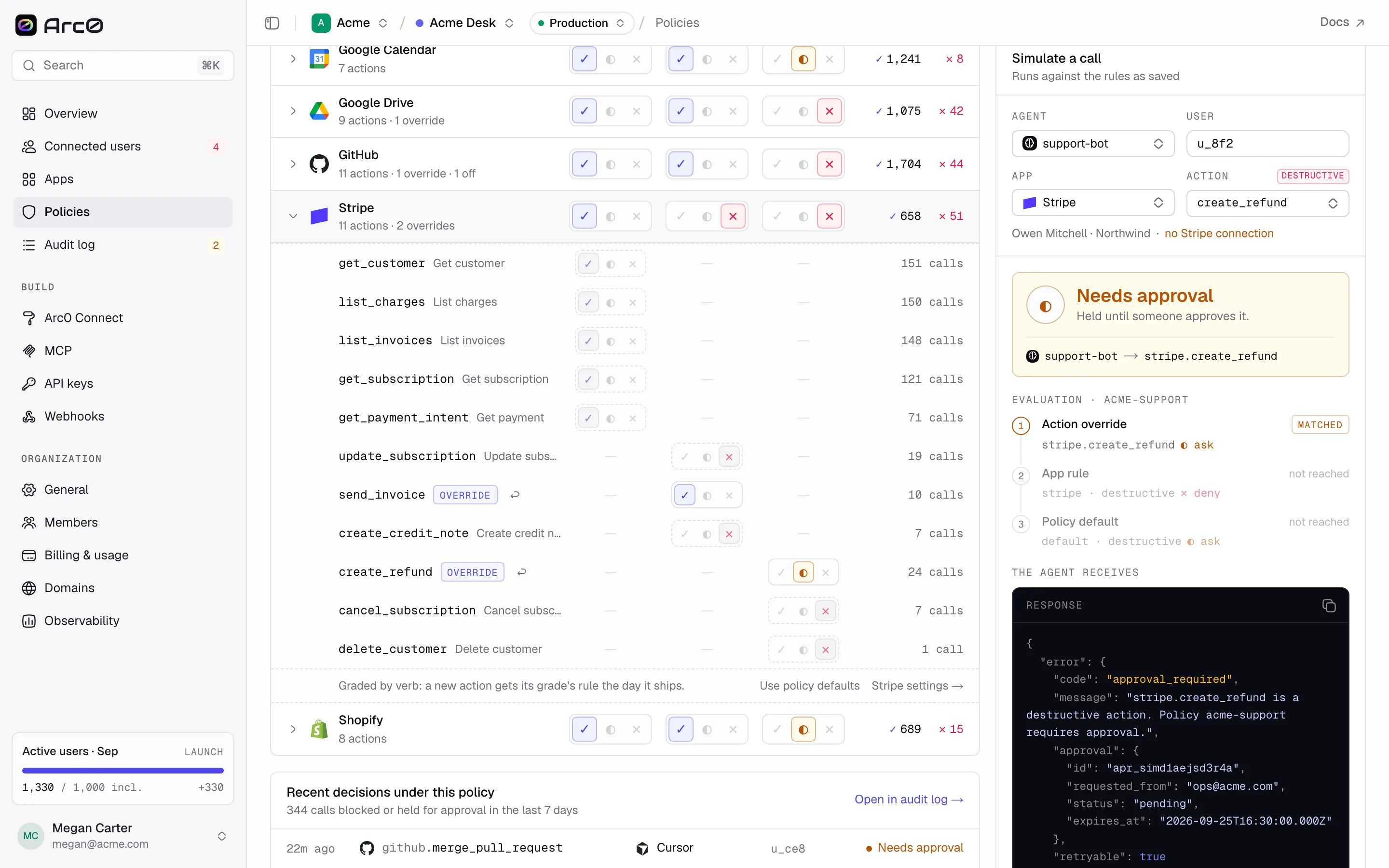
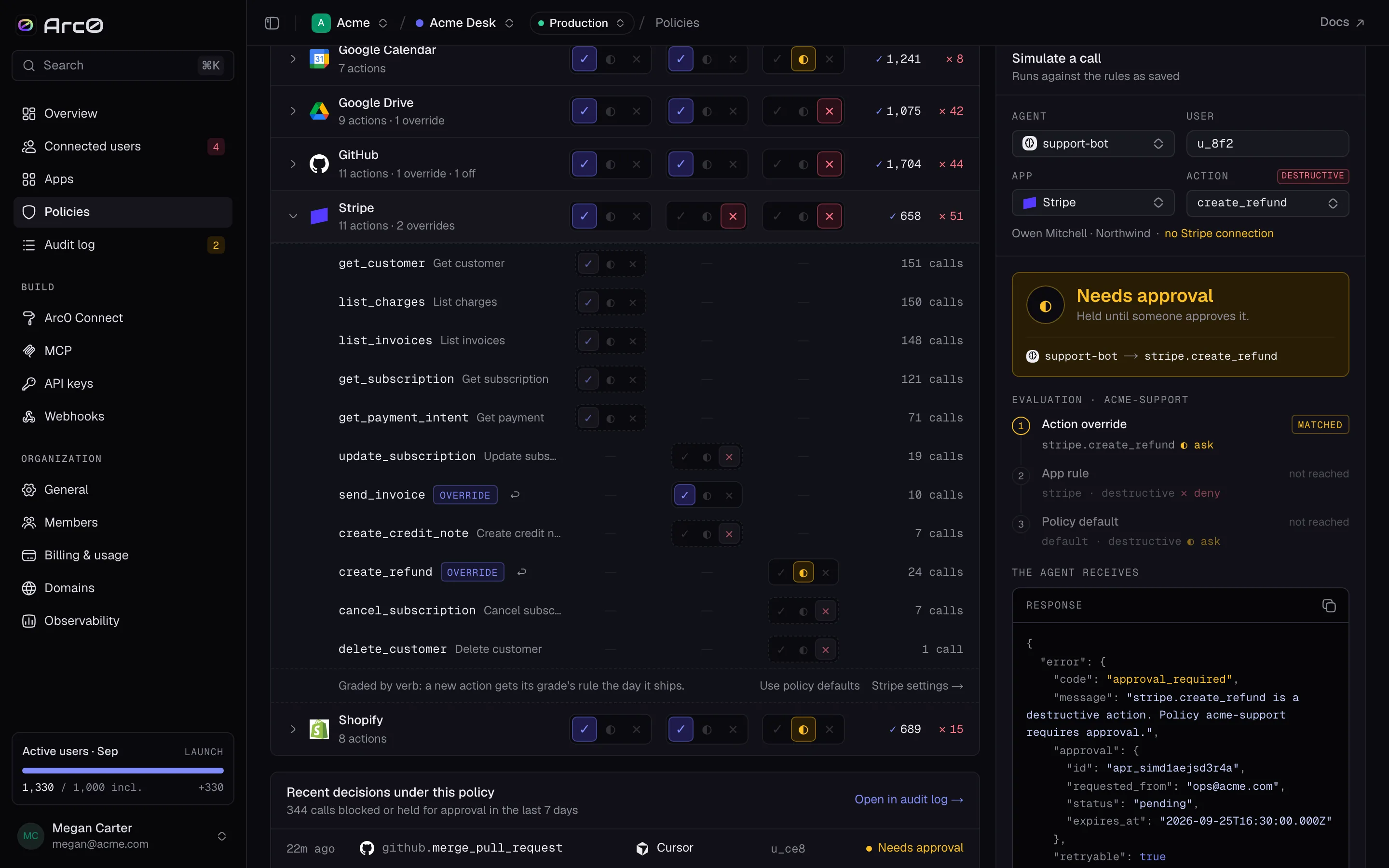
Below the verdict, a three-step trace marks each level "matched", "no rule" or "not reached", and "The agent receives" shows the exact JSON response. If the agent is governed by a different policy, the action is off in the project, or the user has no connection, the simulator says so instead of guessing at a verdict.
Through the API and SDK
curl https://api.arc0.ai/v1/policies \
  -H "Authorization: Bearer $ARC0_API_KEY"
Updating a policy replaces its rules and creates a new version, the same as Save as version in the dashboard:
import { Arc0 } from '@arc0/sdk';

const arc0 = new Arc0({ apiKey: process.env.ARC0_API_KEY });

await arc0.policies.update('pol_backend_sync', {
  defaults: { read: 'allow', write: 'allow', destructive: 'deny' },
});
For one app at a time, the SDK has a shorthand that sets grade rules on the default policy without sending the whole rule set:
await arc0.policies.set('hubspot', { read: 'allow', write: 'ask', destructive: 'deny' });