Apps
Enable an app from the catalog, manage the apps list, turn one off, and how official MCP servers are proxied.
Before any user can connect an app, it needs to be enabled for the project. Arc0 ships with 1,510 apps in the catalog — enabling one just turns it on for your project; it doesn't connect any user yet.
Enabling an app
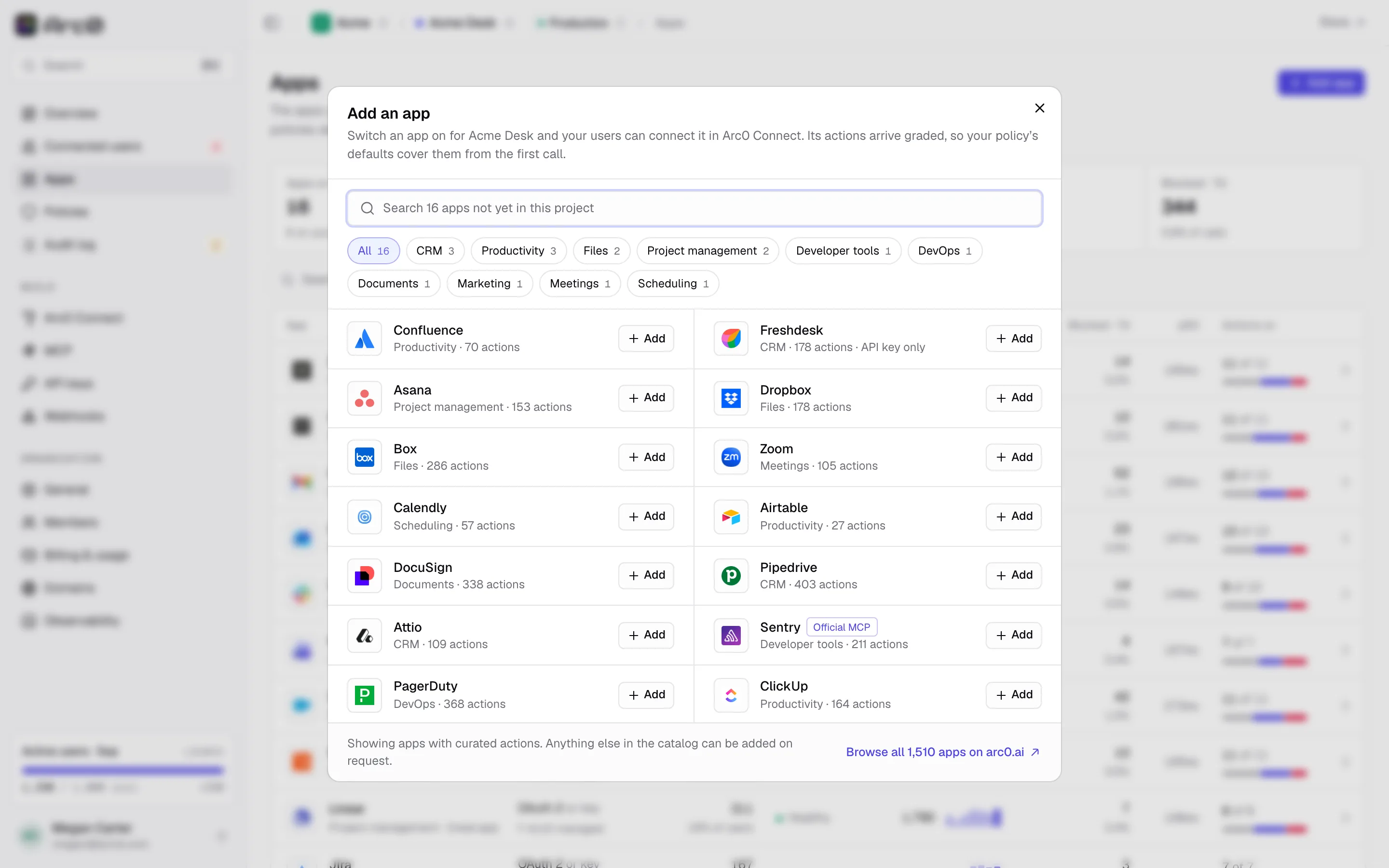
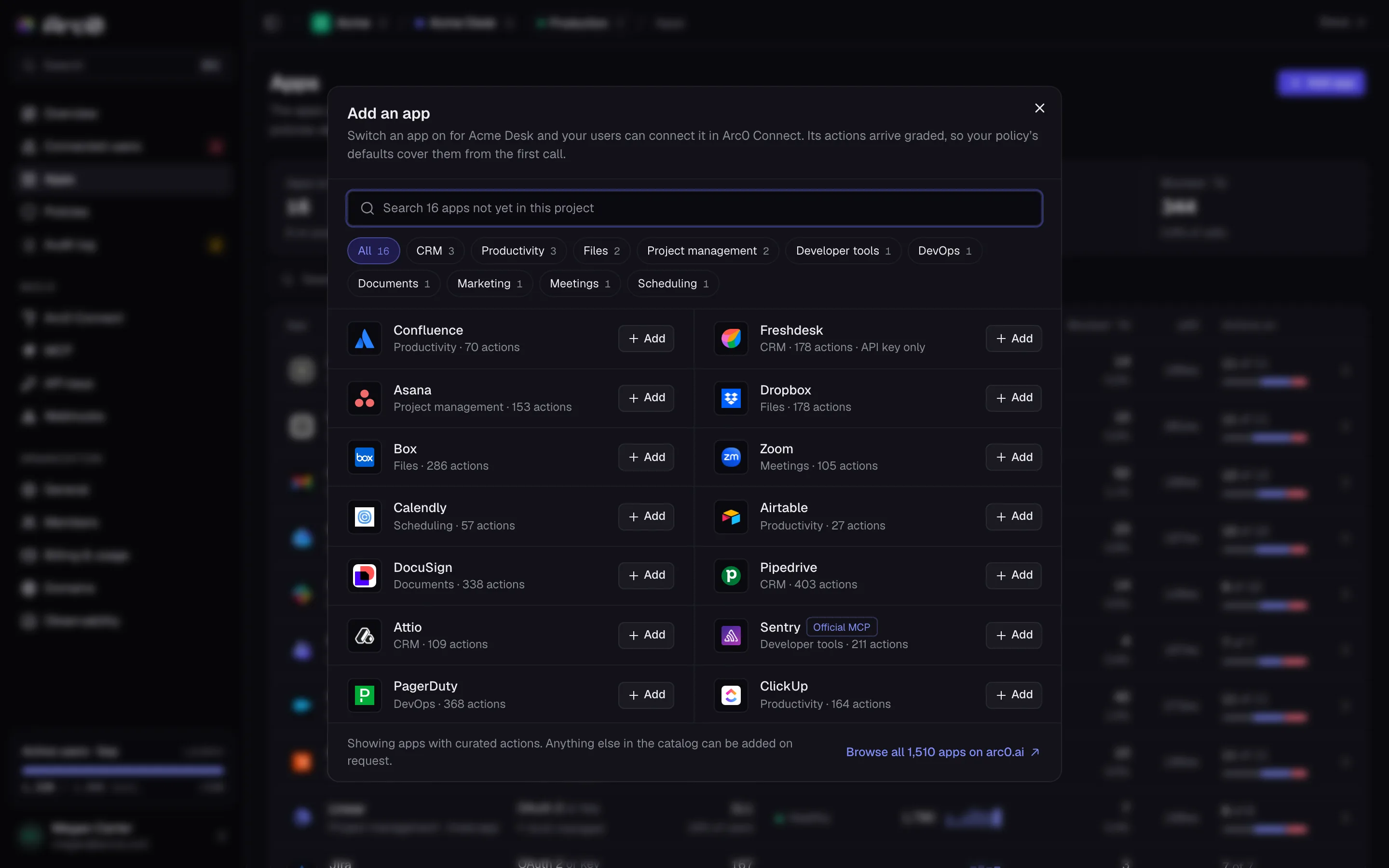
Add app, at the top of the apps list, opens a search dialog whose placeholder counts how many of the 1,510 apps aren't yet in your project. Category chips narrow it, and an "Official MCP" tag marks apps that proxy the vendor's own MCP server. Click Add on any result. If you don't see what you need, "Browse all 1,510 apps on arc0.ai" links out to the full catalog, and the search shows "Nothing here matches "…"" when nothing turns up.
The apps list
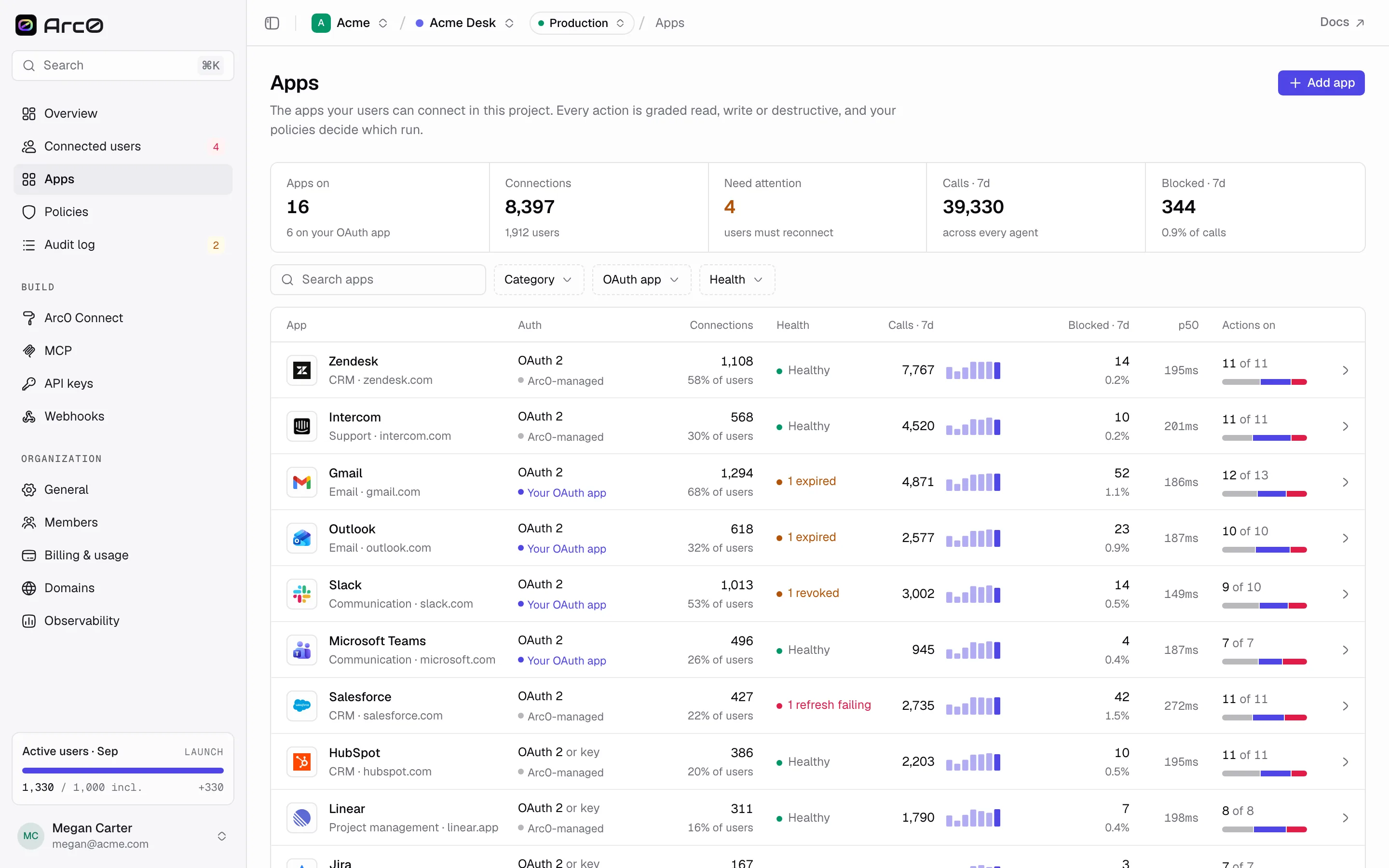
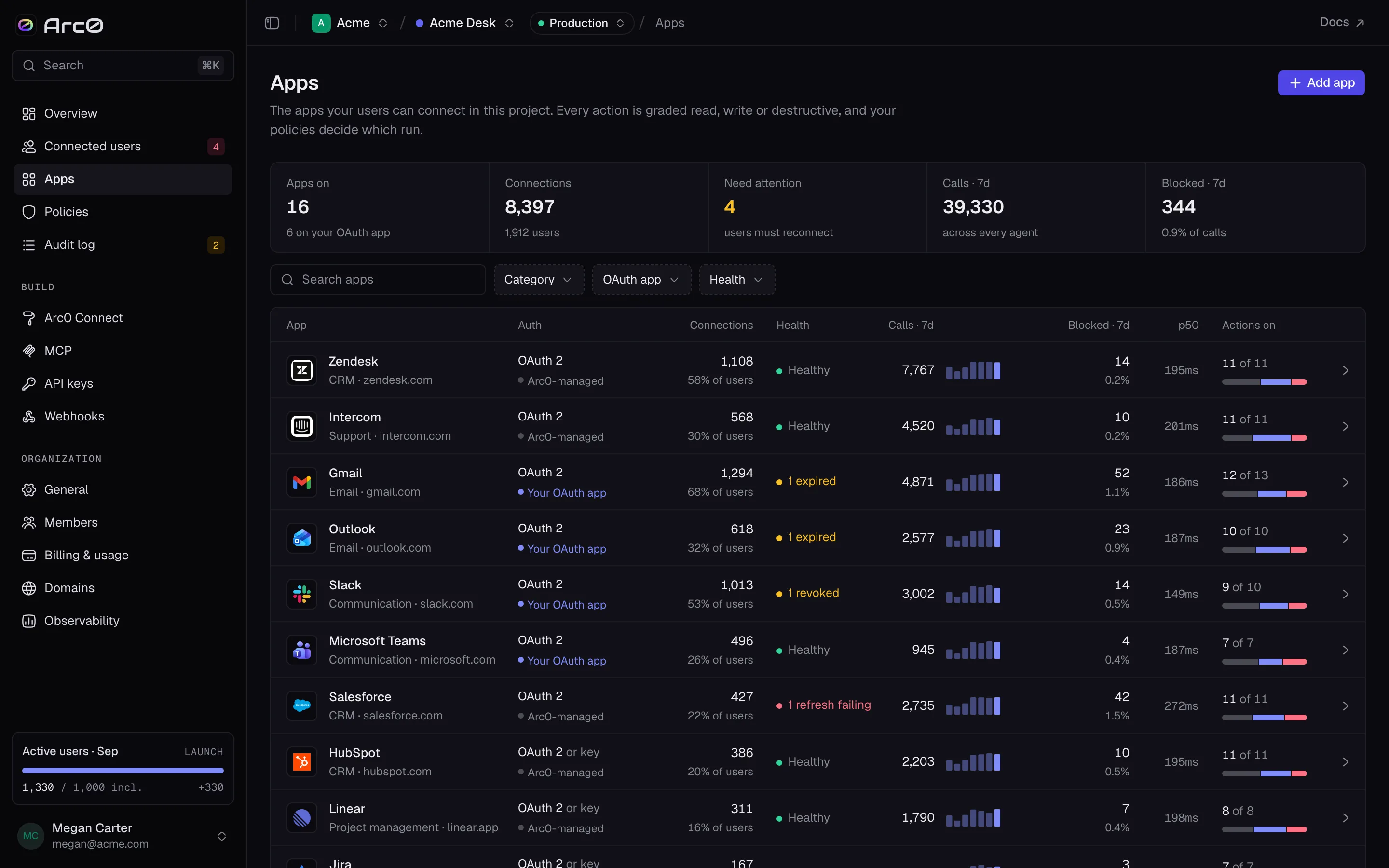
Once you've enabled a few, the list tracks them all: stats for Apps on, Connections, Need attention, Calls · 7d, and Blocked · 7d, with filters for search, Category, OAuth app (Your OAuth app or Arc0-managed), and Health (Needs attention or Healthy). Columns: App, Auth, Connections, Health, Calls · 7d, Blocked · 7d, p50, and Actions on. An empty filtered view says "No apps in this project match these filters."
An app's page
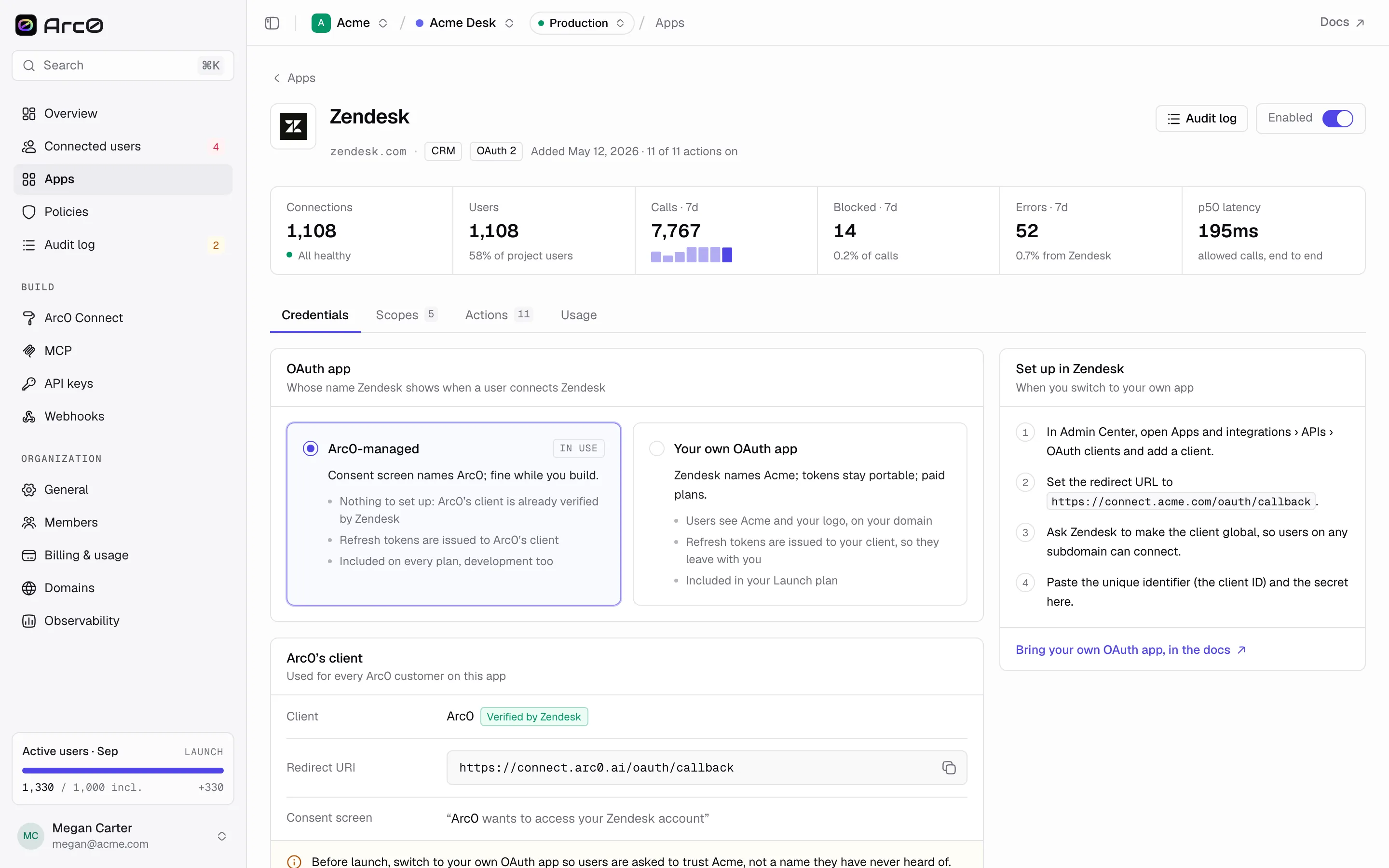
Opening an app gives you an Enabled switch at the top, and four tabs: Credentials (the default), Scopes, Actions, and Usage. See OAuth apps for the Credentials tab, and Scopes and actions for the other two.
Turning an app off
Flipping Enabled off asks first, with a dialog titled Turn off {App}? and two choices: Keep it on, or Turn off {App}. Turning an app off doesn't delete anything — existing connections and their tokens stay in the vault — but no agent can call through that app until you turn it back on, and users can't start a new connection to it either.
Official MCP servers, proxied
Some vendors publish their own MCP server — Zendesk and others in the catalog carry an "Official MCP" tag for exactly this. Arc0 proxies that server behind its own auth, so an agent gets the vendor's actual tools, but every call still goes through your policies and lands in the audit log, the same as any other action.