Audit log
The fields on every recorded call, how to filter and export them, and the request and response JSON behind each one.
Every call Arc0 mediates — allowed, blocked, or failed upstream — is written to the audit log. That's true on every plan, including free.
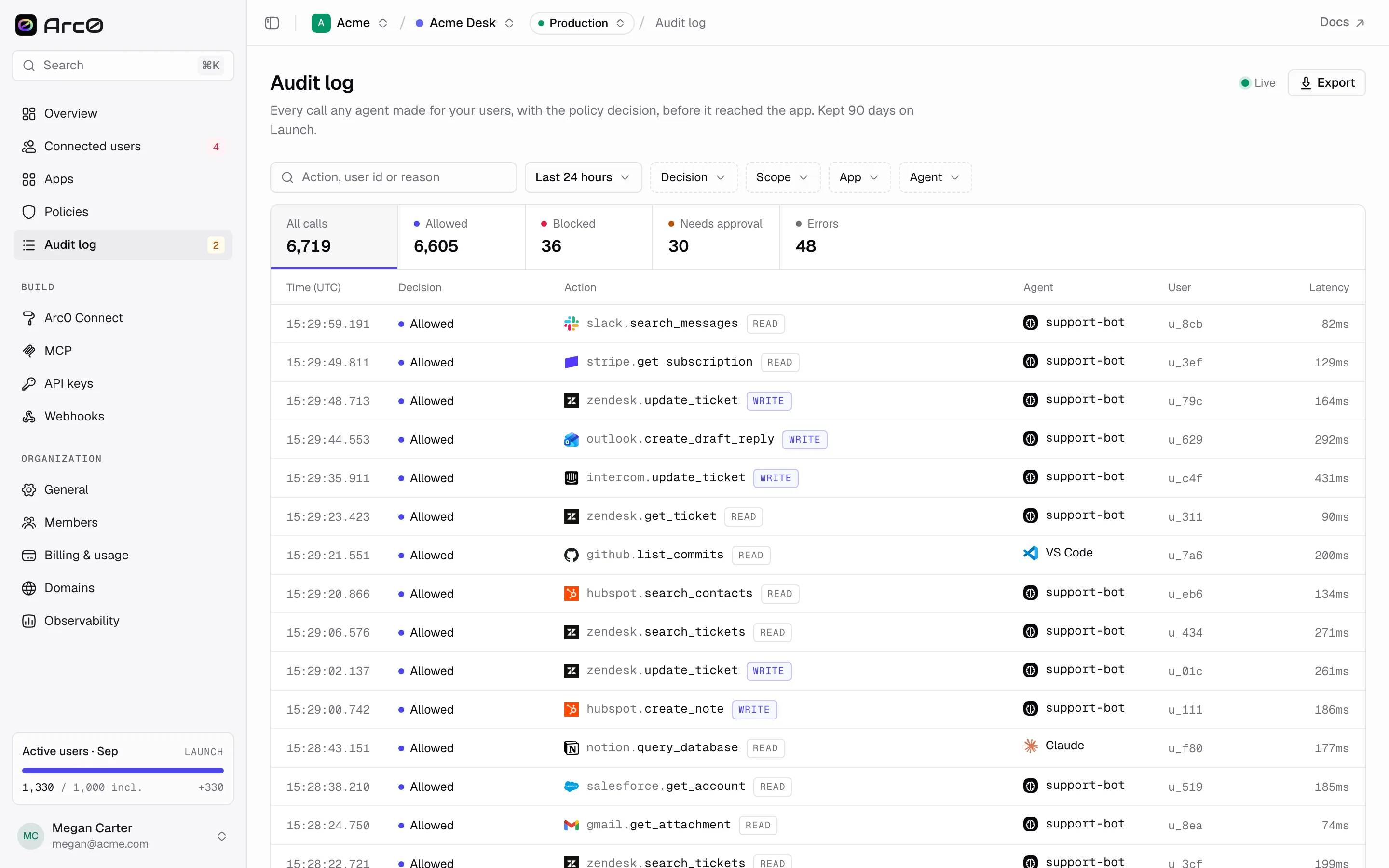
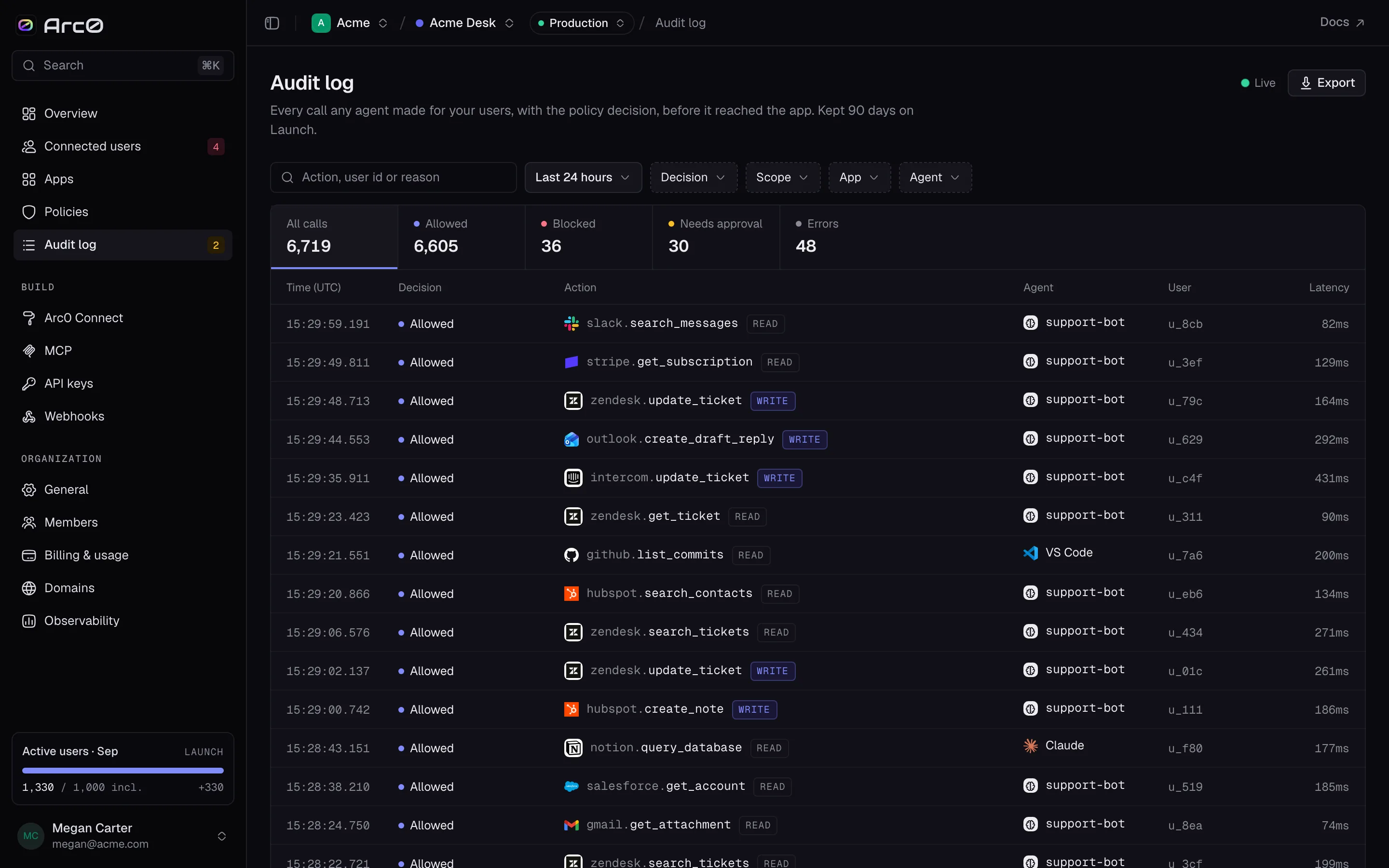
What's on an event
Each row is one call, with fields including the agent (agentId), the connected user
(connectedUserId, externalUserId), the customer, the connection used, the app and action, the
scope, and how the call arrived (via: mcp, sdk, rest or proxy, shown as "Arc0 MCP",
"SDK", "REST API" or "Authenticated proxy"). It also carries which policy and rule decided it, the
reason, the upstream status if the call reached the app, and latency.
Opening one event adds a traceId plus the full request and response bodies.
Decisions
A call's decision is one of allowed, blocked or error — "approval" isn't a fourth stored
value. It's what the UI calls a blocked call that has an approval attached, filtered and labeled
Needs approval. The four labels you'll see are Allowed, Blocked, Needs approval and Error,
with its HTTP status appended.
Filters and URL params
Every filter is a URL param, so a filtered view is a link you can save or send:
| Param | Values |
|---|---|
q | Free text — action, user id or reason |
range | 1h, 24h (default), 7d |
decision | allowed, blocked, approval, error |
scope | read, write, destructive |
app, agent | App id, agent id |
user, policy | URL-only, not exposed as filter controls |
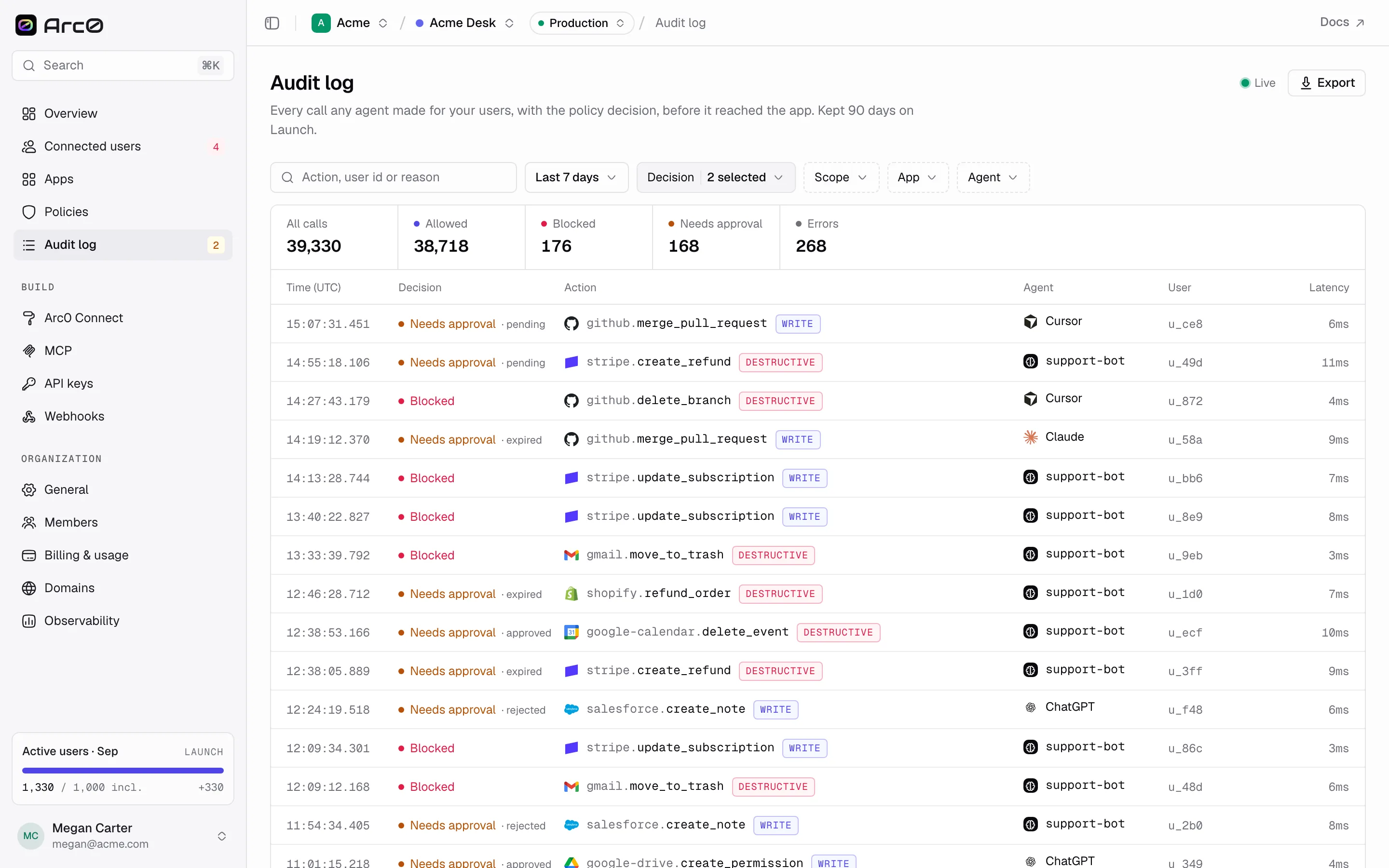
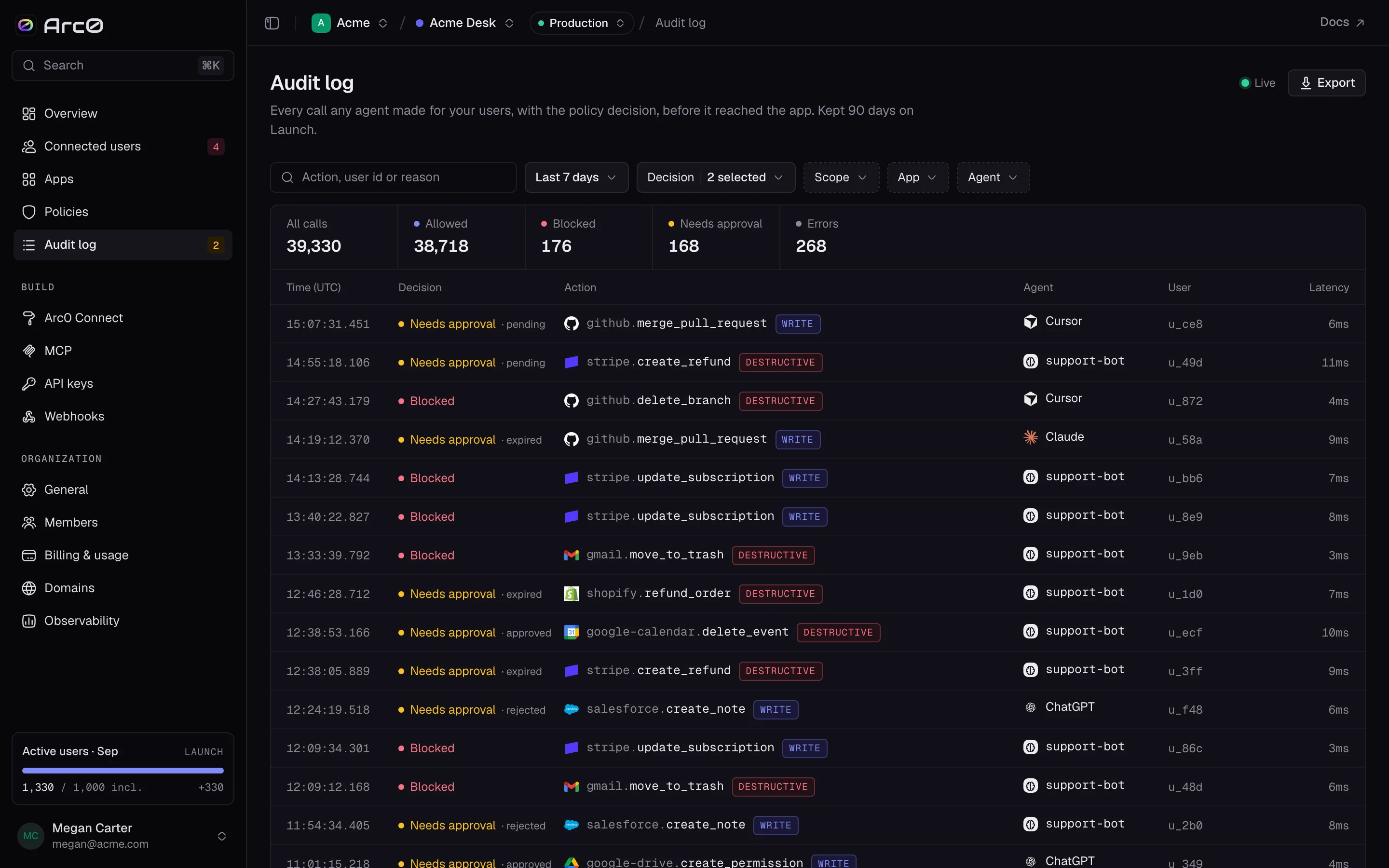
A Live indicator shows the log is streaming, with an Export button next to it for pulling the current filter to a file.
The event drawer
Opening a row (?event=evt_…) shows app.action, the decision and scope badges, and the
timestamp in UTC. Below that, a reason box, and — if the call was held — an Approval line with who
it was requested from and its status, e.g. "Rejected by Priya at 14:02."
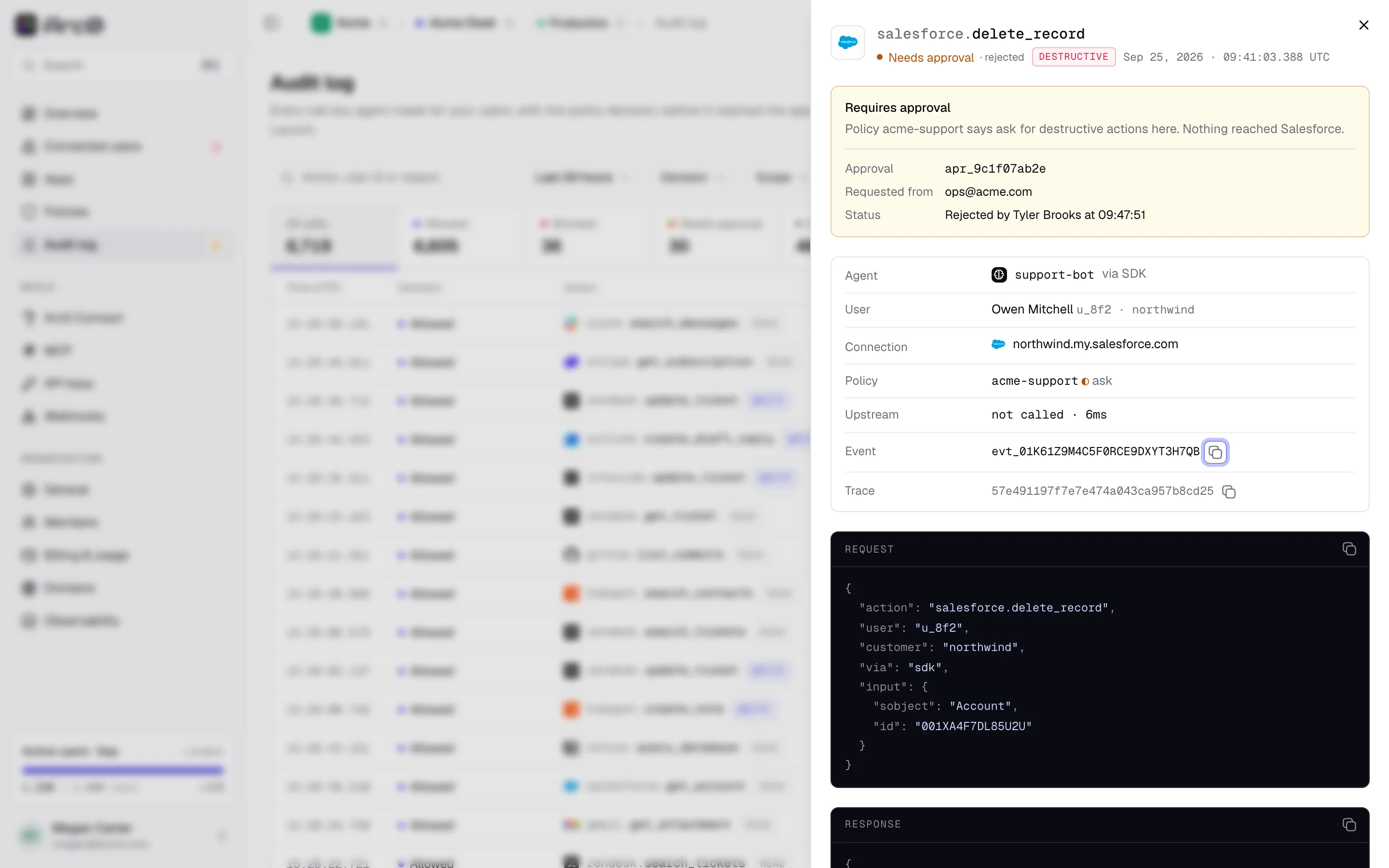
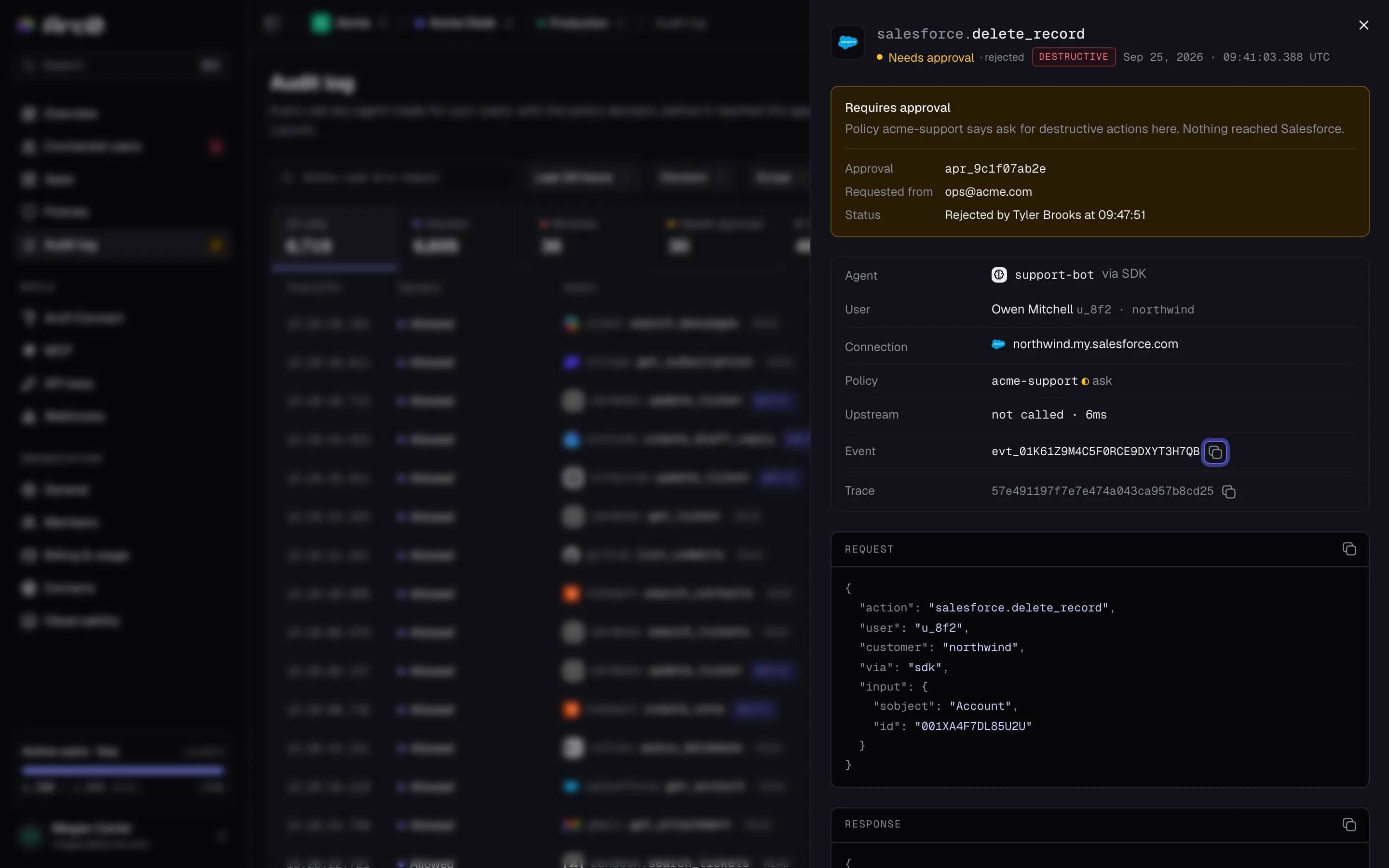
Further down: Agent (e.g. "via SDK"), User, Connection, Policy, Upstream (status or "not called," plus latency), and the raw Event and Trace ids. The Request block shows exactly what was sent; the Response block shows what came back.
The request and response JSON
{
  "action": "gmail.send_email",
  "user": "u_8f2",
  "customer": "northwind",
  "via": "sdk",
  "input": { "to": "priya@northwind.com", "subject": "Invoice #4412" }
}
The response shape depends on the outcome:
- Allowed:
{"ok": true, "data": {...}} - Denied:
{"error": {"code": "denied_by_policy", "message": "...", "retryable": false}} - Needs approval: the
approval_requiredshape — see Approvals. - Upstream error:
connection_expired(with areconnect_url),upstream_rate_limited,upstream_invalid_request,upstream_timeoutorupstream_unavailable, each carryingupstream_statusandretryable.
Retention
Audit events are kept for 7 days on Personal, 30 on Build, 90 on Launch, and 365 on Scale, with custom retention on request. The audit page states its own plan's window directly: "Kept 90 days on Launch."
Through the API
curl "https://api.arc0.ai/v1/audit?user=u_8f2&decision=blocked" \
  -H "Authorization: Bearer $ARC0_API_KEY"
GET /v1/audit takes user, app, agent, decision, from, to and cursor.
GET /v1/audit/{event_id} returns one event with its full request and response. In the SDK,
that's arc0.audit.list({ user, app, decision }).